How to Choose the Perfect Necklace Song for a Soundwave Pendant
Learn how to select, edit, and engrave a custom necklace song onto a soundwave pendant. Step-by-step guide covering audio trimming, metals, and chains.
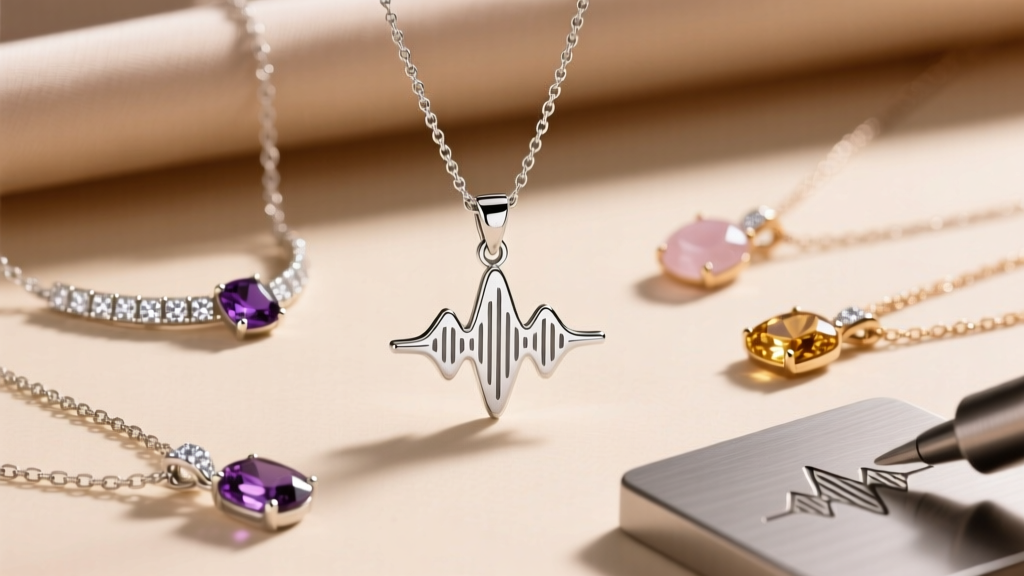
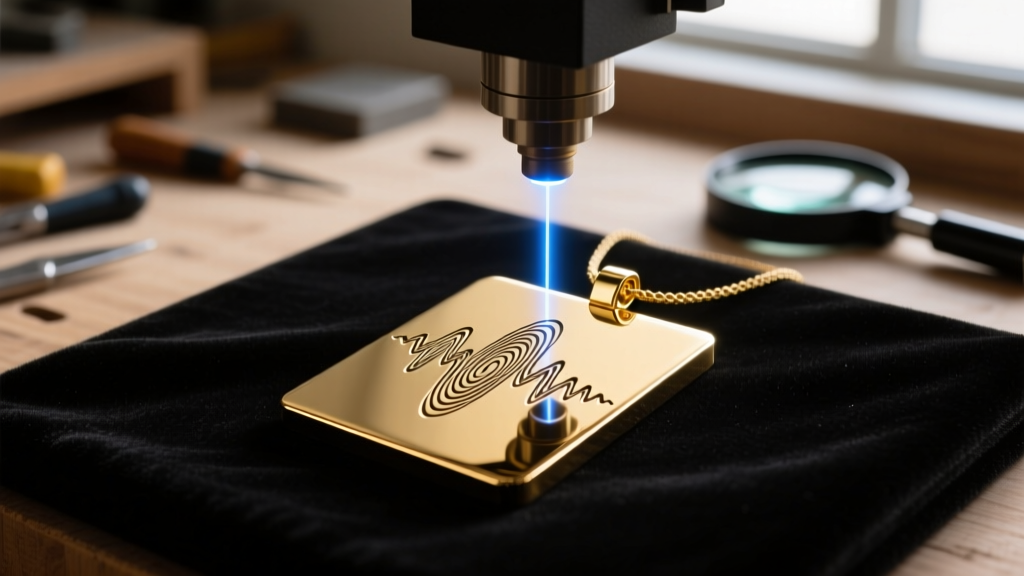
Translating an auditory memory into a physical artifact is one of the most profound trends in modern bespoke jewelry. The concept of a 'necklace song'—where the visual waveform of a specific audio clip is permanently etched into metal—bridges the gap between sentimental value and minimalist aesthetics. However, creating a high-quality soundwave pendant requires more than just uploading an MP3 to a generic dropshipping site. It demands an understanding of audio frequencies, laser engraving mechanics, and metallurgical hardness.
In this comprehensive 2026 guide, we will walk you through the exact step-by-step process of selecting, editing, and manufacturing a custom necklace song pendant that will last a lifetime without the engraving fading or the chain snapping.
Understanding the Necklace Song Concept
A necklace song pendant relies on amplitude visualization. When you speak into a microphone or play a musical track, the sound creates pressure waves. Software translates these waves into a visual graph where the X-axis represents time and the Y-axis represents volume (amplitude). For jewelry manufacturing, this visual graph is converted into a vector file (SVG or DXF) that a CNC or laser machine can read.
The primary challenge with a necklace song is spatial limitation. A standard soundwave bar pendant measures between 40mm and 50mm in length. If you attempt to engrave a three-minute song into a 45mm space, the visual peaks and valleys will compress into an illegible, solid black line. Therefore, curation and audio trimming are the most critical steps in the entire process.
Step 1: Isolating and Trimming Your Audio Clip
To achieve a visually striking and distinct waveform, you must isolate a highly dynamic 5 to 10-second segment of your chosen track. Static or monotonous audio (like a continuous drone or a whispered sentence) will result in a flat, uninteresting visual pattern.
Audio Editing Specifications
- Software: Use a free, open-source digital audio workstation like Audacity to isolate the clip.
- Selection: Choose a vocal hook, a distinct guitar riff, or a spoken phrase with sharp consonants (like 'T', 'K', and 'P' sounds), which create dramatic amplitude spikes.
- Sample Rate: Export the clip at 44.1kHz in a mono WAV format. Stereo files can cause overlapping waveforms that confuse laser software.
- Normalization: Apply a 'Normalize' effect to -3.0 dB. This ensures the highest peaks touch the top of the visual graph without digital clipping, maximizing the contrast of your necklace song.
Pro Tip: If you are using a voice memo recorded on a smartphone, apply a high-pass filter at 100Hz in your audio editor to remove low-frequency background hums that will muddy the visual waveform.
Step 2: Selecting the Pendant Material and Dimensions
Once your audio is trimmed, you must choose the physical canvas. The material you select dictates the type of laser required, the depth of the engraving, and the long-term wearability of the piece. According to the Gemological Institute of America (GIA), understanding metal hardness is crucial for jewelry that rests against the skin and is subject to daily friction.
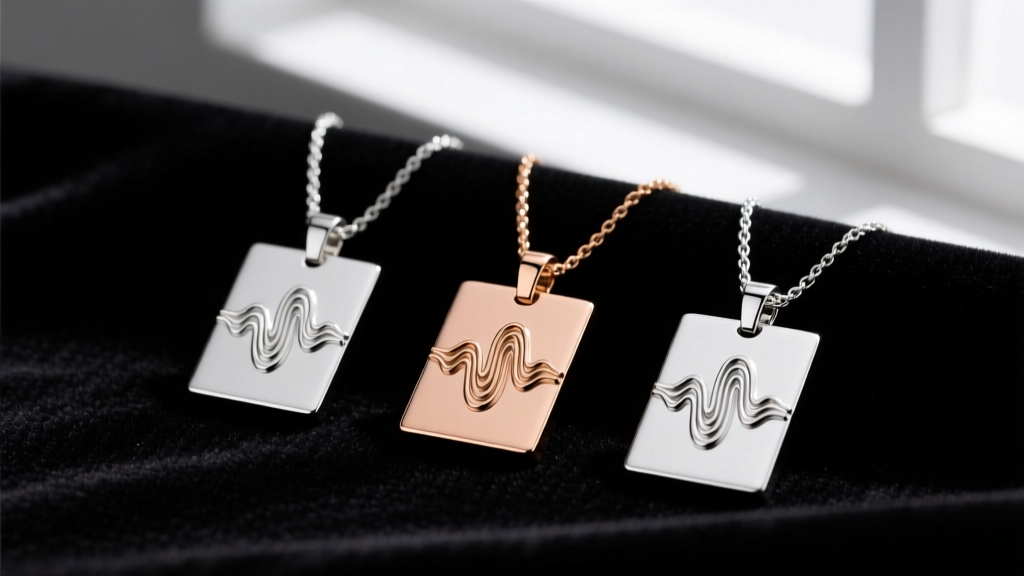
Below is a technical comparison of the three most common metals used for soundwave necklace engraving in 2026:
| Material | Vickers Hardness (HV) | Laser Type Required | Avg. Price Range |
|---|---|---|---|
| 316L Stainless Steel | 150 - 200 HV | 1064nm Fiber Laser (30W+) | $45 - $85 |
| 925 Sterling Silver | 60 - 90 HV | 1064nm Fiber Laser (20W+) | $90 - $150 |
| 14k Solid Gold | 120 - 140 HV | 1064nm Fiber Laser (50W+) | $350 - $600 |
Why Fiber Lasers? CO2 lasers are excellent for wood and acrylic, but they cannot effectively mark bare metals. A 1064nm fiber laser is mandatory for a permanent necklace song engraving. The laser alters the metal's surface at a microscopic level, creating a dark, high-contrast oxidation mark that will not rub off over time.
Step 3: Generating the Visual Waveform Vector
With your audio trimmed and your metal selected, the next step is generating the vector graphic. Most professional jewelers use specialized plugins within Adobe Illustrator or dedicated waveform generation software to map the audio data.
Adjusting the Stroke and Smoothing
Raw audio waveforms are often jagged and chaotic. If sent directly to a laser, the machine will attempt to engrave thousands of microscopic, erratic lines, resulting in a messy, burnt appearance. You must apply a 'smoothing' algorithm to the vector. This reduces the total number of nodes in the SVG file while preserving the overall shape of the necklace song. Aim for a vector file with fewer than 2,000 nodes for a 50mm pendant to ensure clean, continuous laser paths.
Step 4: Pairing the Correct Chain and Bail Hardware
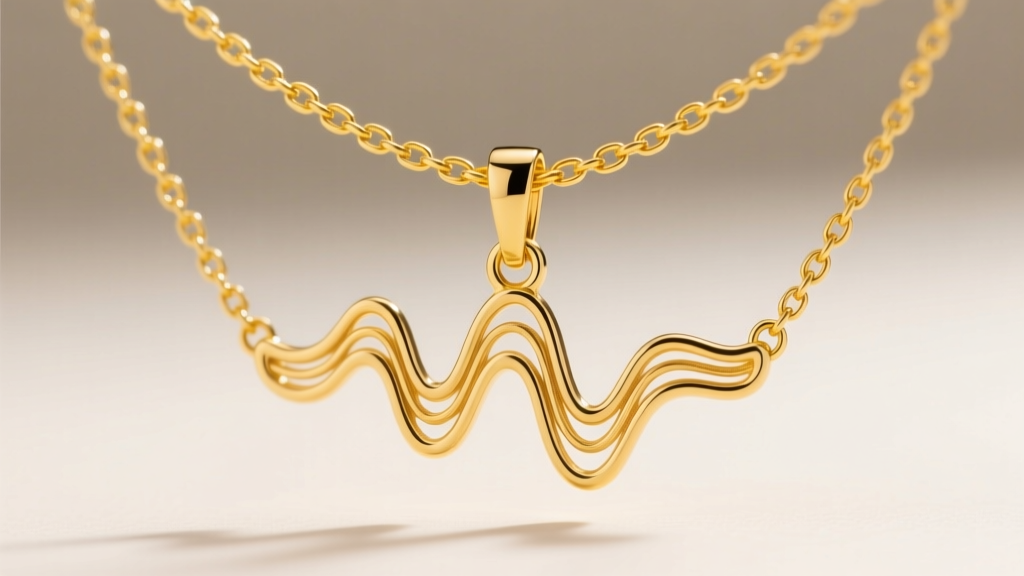
A custom soundwave pendant is only as good as the chain that holds it. The elongated, rectangular shape of a waveform bar creates a unique center of gravity. If the bail (the loop that connects the pendant to the chain) is poorly placed, the pendant will constantly flip backward, hiding your necklace song against your skin.
Hardware Specifications for Waveform Bars
- Bail Placement: Opt for a 'hidden bail' or a 'slide bail' that is soldered horizontally across the back center of the bar. This ensures the pendant hangs perfectly parallel to the floor.
- Chain Thickness: Because soundwave pendants are relatively lightweight (usually 3 to 6 grams), a bulky chain will overpower the design. A 1.0mm to 1.5mm cable chain or box chain provides the ideal visual balance.
- Clasp Mechanics: Avoid standard spring-ring clasps, which are notoriously difficult to operate with one hand and prone to spring failure. Upgrade to a 5mm lobster clasp or a magnetic neodymium clasp for secure, effortless wear.
For further insights on chain durability and clasp mechanics, refer to the manufacturing standards outlined by Jewelers of America, which emphasize the importance of matching chain tensile strength to pendant weight.
Troubleshooting Common Engraving Failures
Even with perfect audio and premium metals, manufacturing errors can occur. Here is how to troubleshoot the most common issues when ordering or creating a necklace song pendant:
- Low Contrast Engraving: If the waveform looks faint or grey instead of dark black, the laser operator likely used insufficient power or too high a speed. On 925 silver, a secondary pass with a lower frequency is often required to achieve deep, dark oxidation.
- The 'Solid Block' Effect: If the engraving looks like a solid barcode rather than distinct peaks and valleys, your audio clip was too long. Return to Step 1 and trim the audio to a maximum of 8 seconds.
- Pendant Warping: If you chose a very thin gauge metal (under 1.2mm) and the laser applied too much heat, the pendant may warp or bow. Always ensure your metal blank is at least 1.5mm thick to dissipate the thermal energy of a 30W fiber laser.
By treating the creation of a necklace song as a precise intersection of audio engineering and metallurgy, you elevate a simple trinket into a masterclass of bespoke jewelry design. Take the time to curate your audio, verify your vector nodes, and insist on proper fiber laser specifications to ensure your wearable memory remains pristine for decades.