Troubleshooting a Necklace with Pictures: Locket & Photo Fixes
Is your favorite necklace with pictures broken, tarnished, or foggy? Learn expert troubleshooting for locket hinges, photo fading, and projection lenses.
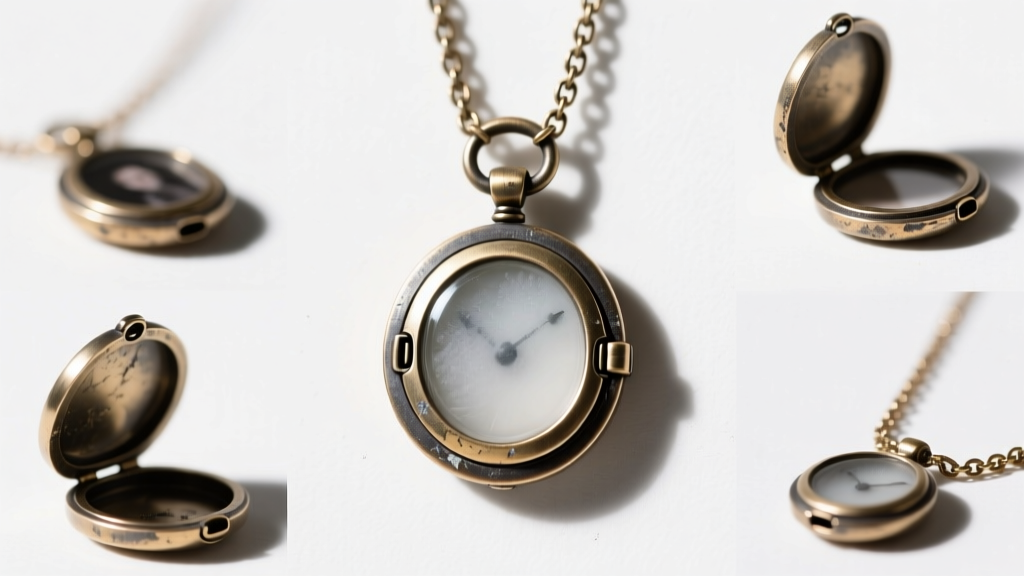
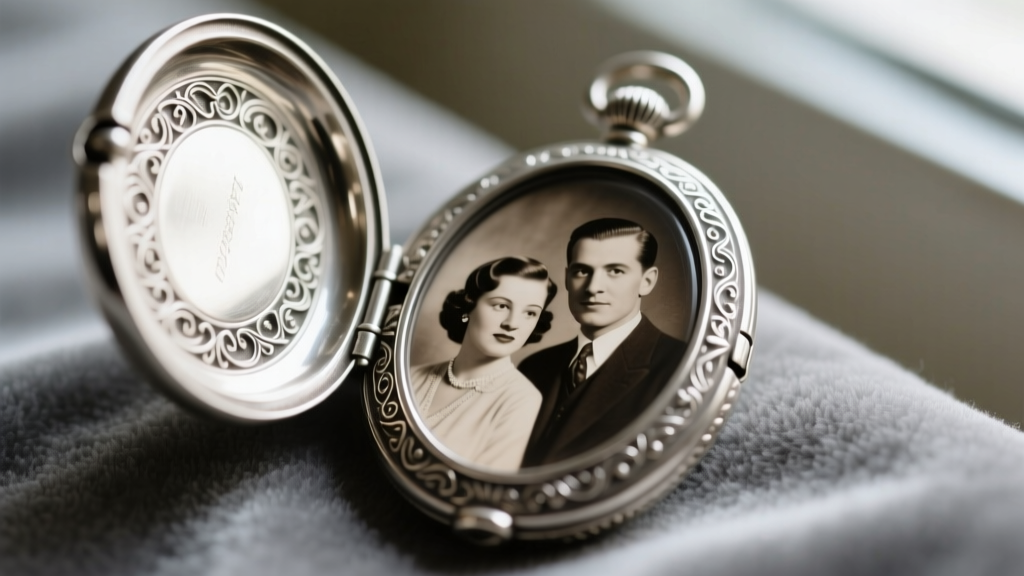
A necklace with pictures is more than just an accessory; it is a wearable archive of personal history. Whether you are wearing a vintage Victorian mourning locket, a modern custom-stamped photo pendant, or a high-tech projection necklace, these pieces endure unique physical and environmental stressors. Because they house delicate paper, optical glass, or intricate micro-hinges, standard jewelry maintenance often falls short. When a cherished photo warps, a hinge snaps, or a projection lens fogs, the emotional toll can be high. This comprehensive troubleshooting guide addresses the most common mechanical, chemical, and material failures associated with picture necklaces, providing actionable, expert-level solutions to restore and protect your keepsakes.
Mechanical Failures: Hinges, Bails, and Jump Rings
The most frequent point of failure on any hinged necklace with pictures is the mechanical hardware. Lockets are typically opened multiple times a day, placing repetitive stress on micro-components that were never designed for heavy-duty use.
Stiff or Seized Locket Hinges
If your locket refuses to open or requires excessive force, the hinge pin is likely seized by oxidized skin oils, polishing compound residue, or microscopic debris. Do not force it open with your fingernails, as this will bend the delicate 0.6mm to 0.8mm brass or steel hinge pin, permanently misaligning the bezel.
- The Fix: Apply a microscopic drop of synthetic watch oil (like Moebius 9010) directly to the hinge knuckle using a 0.25mm oiler pin. Let it capillary into the joint for ten minutes, then gently work the locket open and closed. Avoid WD-40 or standard household lubricants, which contain solvents that will degrade the adhesive holding the interior photos.
Broken Jump Rings and Bails
The bail (the loop connecting the locket to the chain) and the jump ring are constant friction points. If your necklace with pictures frequently slips off or the pendant hangs crookedly, the jump ring has likely fatigued and snapped.
- The Fix: Replace the worn ring with an 18-gauge or 20-gauge sterling silver or 14k gold-filled split ring. Split rings (which resemble tiny keychains) are vastly superior to standard open jump rings for heavy lockets, as they prevent the chain from slipping through the gap. Use nylon-jaw pliers to open and close the rings to avoid marring the soft precious metals.
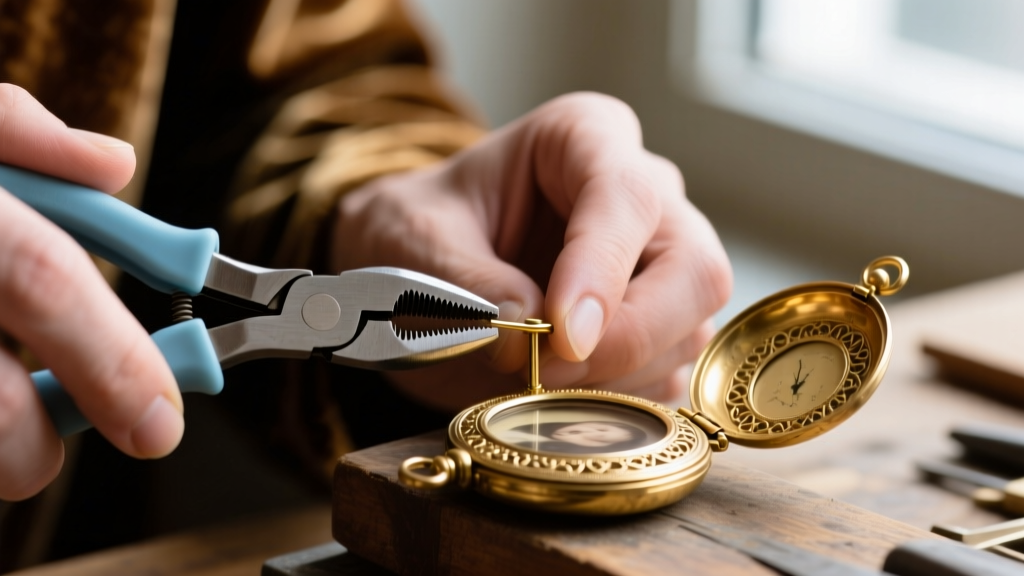
Photo Preservation: Adhesives, Warping, and Fading
The interior environment of a locket is surprisingly hostile to photographic paper. Temperature fluctuations against the skin, combined with trapped humidity, can cause pictures to curl, stick to the glass, or fade entirely. According to preservation guidelines from the Library of Congress, modern color photographs are highly susceptible to silver mirroring and dye fading when exposed to the off-gassing of certain metals and adhesives.
The Adhesive Mistake
The most common mistake consumers make when replacing a picture in a locket is using cyanoacrylate (Super Glue) or standard double-sided tape. Super glue off-gasses as it cures, creating a permanent white, cloudy haze on the interior glass and the metal bezel. Standard office tapes contain acidic adhesives that will turn your photograph yellow and brittle within months.
Archival Mounting Solutions
To secure a picture without damaging it, you must use chemically stable, acid-free materials. Below is a comparison of common mounting methods and their archival viability:
| Mounting Method | Archival Safety | Pros & Cons |
|---|---|---|
| Cyanoacrylate (Super Glue) | Critical Fail | Causes severe off-gassing fog; destroys photo emulsion; impossible to reverse. |
| Standard Office Tape | Poor | Acidic adhesive causes rapid yellowing and paper degradation over 6-12 months. |
| 3M 415 Double-Sided Tape | Excellent | Acid-free, transparent, and easily removable; ideal for direct-to-metal mounting. |
| Lineco Mounting Corners | Museum Grade | Requires no adhesive on the photo itself; relies on tension; completely reversible. |
Pro-Tip for Warped Photos: If your vintage photo has curled due to humidity, do not try to flatten it by wetting it. Place the photograph between two sheets of unbuffered, acid-free tissue paper, and press it under a heavy, flat book for 48 hours in a climate-controlled room (40-50% relative humidity) before re-inserting it into the locket.
Metal Tarnish vs. Picture Safety
Cleaning a necklace with pictures requires a delicate balancing act. You must remove silver sulfide (tarnish) from the exterior metal without allowing chemical dips or abrasive pastes to seep into the bezel and destroy the picture inside.
Why Chemical Dips are Dangerous
Commercial liquid silver cleaners (tarnish dips) rely on thiourea and strong acids to strip tarnish instantly. If even a single drop of this liquid seeps past the locket's glass bezel or hinge seam, it will permanently stain the photograph and corrode the interior brass or copper base metal. Furthermore, the National Archives strongly advises against the use of sulfur-based or harsh chemical cleaners near historical documents and images.
The Safe Cleaning Protocol
- Remove the Photos: Always carefully extract the pictures and the interior glass or acrylic lenses before cleaning the metal housing.
- Use a Polishing Cloth: For sterling silver and gold vermeil, use a treated jeweler's cloth (like a Sunshine Cloth) which contains micro-abrasives and anti-tarnish agents embedded in the fabric. This prevents liquid runoff.
- Detailing the Crevice: To clean the intricate engraving on the locket's face without scratching the high-polish areas, use a wooden toothpick or a soft-bristled makeup brush to gently lift tarnish from the grooves. Never use steel wool or wire brushes, which will leave permanent micro-scratches on gold-filled and vermeil surfaces.

Modern Projection Necklaces: Lens Fog and Focus Issues
In recent years, the traditional locket has been joined by the projection necklace—a pendant featuring a micro-carved optical glass or resin lens that projects a hidden photo when a light source is shined through it. While visually stunning, these pieces present an entirely different set of troubleshooting challenges.
Fixing a Foggy or Blurry Projection
If your projection necklace casts a blurry or dim image, the issue is rarely the internal carving, but rather external contamination or improper focal distance.
- The Focal Distance Error: Most projection lenses (typically 8mm to 10mm in diameter) have a fixed focal length of roughly 5 to 10 inches. If you hold the pendant too close to the wall or the light source, the image will distort. Use your smartphone's flashlight, holding it flush against the flat back of the stone, and project onto a wall exactly 8 inches away for maximum clarity.
- Sebum and Skin Oil Buildup: Because projection pendants rest against the collarbone, the convex front lens quickly accumulates skin oils, which scatter light and ruin the projection. Clean the lens using a microfiber cloth dampened with 99% isopropyl alcohol. Never use ammonia-based glass cleaners (like Windex), as they will strip the delicate anti-reflective coatings applied to high-end optical resin lenses.
- Internal Condensation: If the fog is trapped inside the glass bead, the pendant's waterproof seal has failed due to extreme temperature changes (e.g., wearing it in a hot sauna or jumping into a cold pool). This requires professional jeweler intervention to carefully unseat the bezel, dry the optical element in a desiccant chamber, and reseal it with a UV-cured optical adhesive.
Maintaining a necklace with pictures requires an understanding of both traditional jewelry mechanics and archival preservation science. By utilizing the correct archival adhesives, avoiding harsh chemical dips, and understanding the optical limits of modern projection lenses, you can ensure that your wearable memories remain vibrant, functional, and structurally sound for generations to come.