Technical Guide to Earrings Clip Art and CAD Manufacturing
Discover how professional earrings clip art and 2D vectors translate into physical CAD manufacturing, covering gauge limits, weight, and casting specs.
The Evolution of Earrings Clip Art in Jewelry Manufacturing
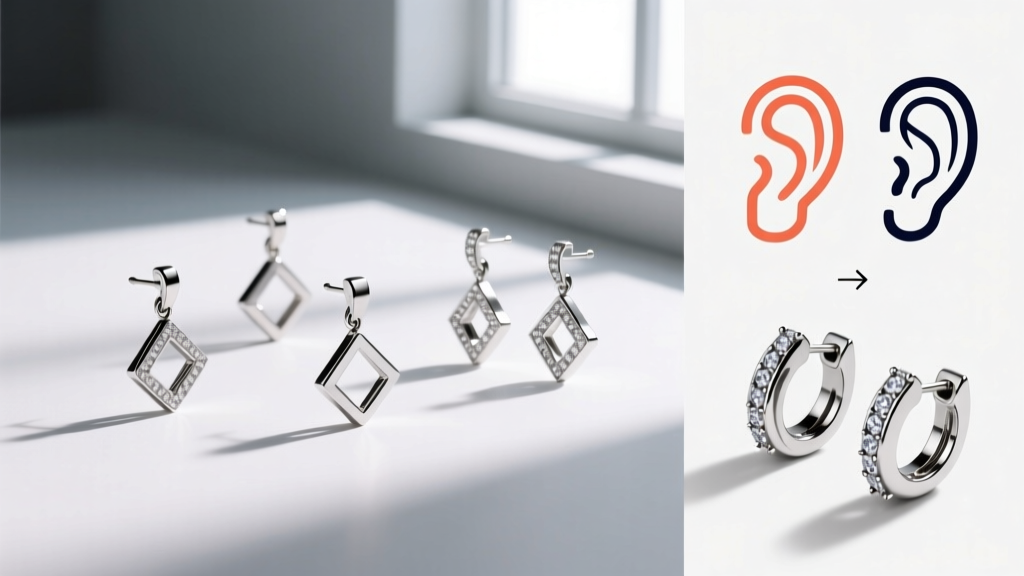
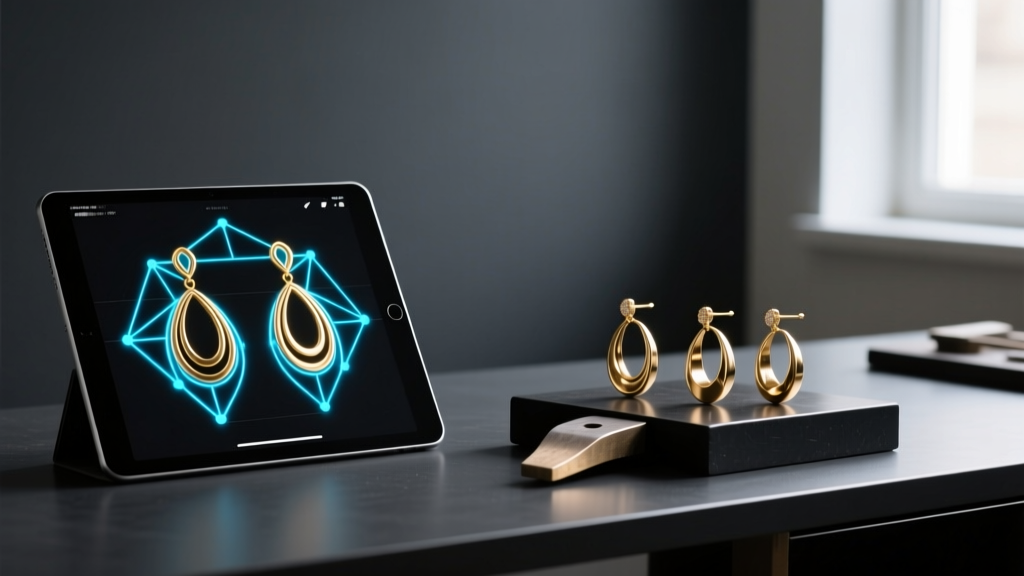
In the modern jewelry industry of 2026, the term "earrings clip art" has transcended its origins as low-resolution digital scrapbooking assets. Today, high-fidelity earrings clip art—specifically precision 2D vectors in SVG, DXF, and AI formats—serves as the foundational blueprint for Computer-Aided Manufacturing (CAM), laser cutting, and 3D extrusion. For independent jewelry designers and large-scale manufacturing houses alike, mastering the technical translation from 2D digital art to physical metal is a critical skill that bridges aesthetic vision with metallurgical reality.
Unlike generic graphic design, production-ready earrings clip art must account for physical constraints: metal shrinkage rates, minimum gauge thicknesses, solder joint surface areas, and weight distribution. A visually stunning vector file that ignores these parameters will result in failed casts, warped laser cuts, or earrings that are too heavy for the earlobe. This deep dive explores the technical specifications required to turn digital vectors into wearable, structurally sound ear jewelry.
Translating 2D Vectors to 3D Manufacturing Constraints
When importing earrings clip art into CAD environments like Rhino 8 or MatrixGold, the 2D footprint is typically extruded into a 3D solid. However, the math of the vector must align with the physics of the metal. The most common failure point in digital-to-physical earring design is ignoring the minimum structural thickness required for specific alloys.
Minimum Gauge and Thickness Limits
Different metals possess varying tensile strengths and malleability. A vector line thickness that works for 14k yellow gold may snap instantly if cut from sterling silver or titanium. Below is a technical matrix mapping standard vector line weights to physical metal constraints.
| Material | Minimum Vector Thickness (mm) | Equivalent Wire Gauge | Structural Notes |
|---|---|---|---|
| Sterling Silver (925) | 0.90mm | 19G | Prone to work-hardening; requires thicker vectors for filigree. |
| 14k Yellow Gold | 0.70mm | 20G | Excellent tensile strength; allows for finer, intricate clip art details. |
| Brass (Jeweler's) | 1.00mm | 18G | Softer alloy; requires wider vector footprints to prevent bending. |
| Grade 5 Titanium | 1.20mm | 16G | Extremely hard; laser cutting requires wider kerf compensation. |
Furthermore, the area designated for the earring post solder joint must be explicitly defined in the clip art. A standard 20G (0.81mm) earring post requires a minimum flat solder pad of 1.5mm in diameter. If your vector design features a tapering edge that narrows to 0.5mm at the intended post location, the solder will not adhere properly, leading to high return rates due to detached posts.
Optimizing Vectors for Laser Cutting vs. Lost-Wax Casting
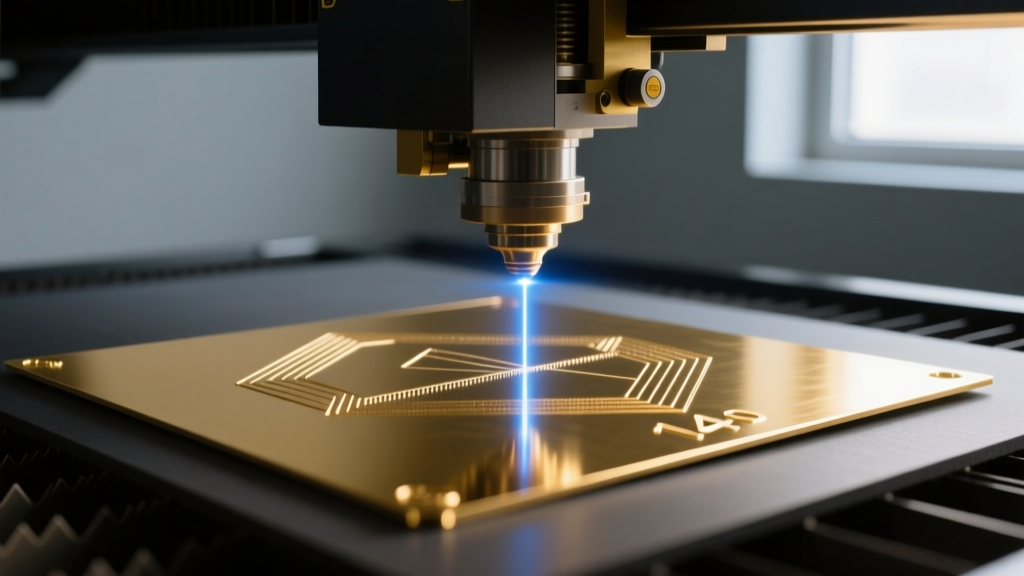
The manufacturing method dictates how the earrings clip art must be pre-processed. A vector file optimized for direct metal laser sintering (DMLS) or fiber laser cutting requires fundamentally different node management than a file intended for 3D printing a wax model for lost-wax casting.
Kerf Compensation and Node Reduction
When utilizing fiber lasers to cut earrings directly from sheet metal, the laser beam vaporizes a microscopic amount of material known as the "kerf." For precious metals like 14k gold or platinum, the kerf width typically ranges between 0.08mm and 0.15mm. If your earrings clip art features interlocking negative spaces (such as a geometric lattice huggie hoop), failing to offset your vector paths inward by half the kerf width will result in pieces that are slightly too large and lack structural integrity.
Additionally, CAM software struggles with messy vector nodes. Auto-traced clip art often contains thousands of redundant Bezier anchors. Before extrusion or laser profiling, you must optimize the paths:
- Node Simplification: Use tools like Illustrator's "Simplify" or Rhino's "RebuildCrv" to reduce node count by at least 60% while maintaining a tolerance of 0.01mm.
- Path Directionality: Ensure all outer boundaries are drawn clockwise and inner cutouts (holes) are drawn counter-clockwise. This boolean logic is strictly required by most CAM nesting software to correctly identify negative space.
- Corner Radii: Lasers cannot cut a perfect zero-degree internal corner. Add a minimum 0.2mm radius to all internal vector corners to prevent heat pooling and metal warping.
Weight Distribution and Digital Prototyping
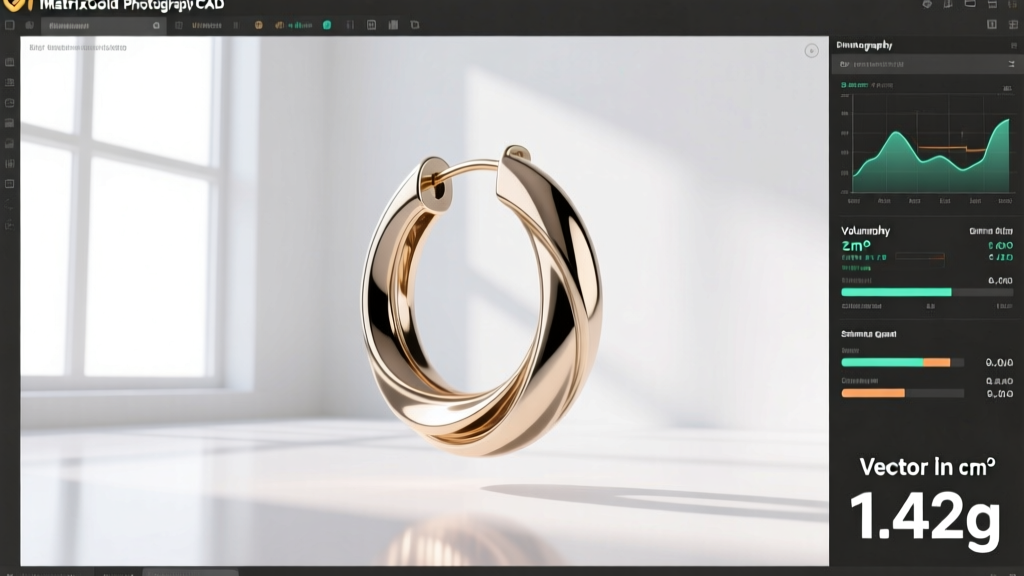
One of the most overlooked aspects of earring design is weight. The human earlobe can comfortably support up to 7 grams per ear for extended wear; cartilage piercings (like the helix or conch) should ideally remain under 4 grams to prevent migration or tissue tearing. High-quality earrings clip art allows designers to calculate volume and estimate weight before a single gram of metal is cast.
By extruding the 2D vector footprint in CAD and applying the specific gravity (SG) of the target material, designers can predict the final weight. For example, sterling silver has an SG of 10.36, while 14k gold sits at approximately 13.5. If your digital clip art outlines a 30mm x 25mm teardrop dangle earring, extruding it to a uniform 1.5mm thickness will yield vastly different weights depending on the material. Expert designers use this digital prototyping phase to introduce strategic "weight-saving pockets"—hollowed-out recesses on the back of the earring face that are invisible to the wearer but reduce the overall metal volume by 20-30%, ensuring the piece remains comfortable and cost-effective to produce.
Sourcing and Creating Production-Ready Assets
Where do professional jewelers source or create these technical assets? While generic stock websites offer thousands of earring illustrations, less than 5% are mathematically viable for manufacturing. True production-ready earrings clip art is typically generated in-house using parametric design tools or sourced from specialized B2B jewelry CAD libraries.
When creating your own vectors, always design on a 1:1 scale grid in millimeters. Avoid working in pixels or inches, as the conversion rounding errors can compound during the STL mesh generation phase. According to Rhino3D's jewelry design guidelines, maintaining absolute precision in the 2D curve phase prevents NURBS surface failures when lofting or extruding complex earring profiles. Furthermore, Stuller's metallurgical standards dictate that designers must account for a 1.5% to 2.5% shrinkage rate during the cooling phase of lost-wax casting, meaning your final vector footprint must be mathematically scaled up by the exact shrinkage factor of your chosen alloy before sending the file to the wax printer.
Conclusion: The Intersection of Art and Engineering
The journey from a digital screen to a physical earlobe is fraught with metallurgical and geometric challenges. Treat your earrings clip art not merely as an illustration, but as an engineering schematic. By respecting minimum gauge limits, compensating for laser kerf, optimizing Bezier nodes, and rigorously calculating volume-based weight, you elevate your designs from fragile concepts to durable, high-end jewelry. As the industry continues to integrate AI-assisted generative design in 2026, the designers who master the underlying physics of their 2D vectors will be the ones setting the standard for the next generation of ear styling.