Apple Watch Necklace Buying Guide: Pendants & Chains
Discover how to choose the perfect Apple Watch necklace conversion kit. Learn about chain gauges, lug adapters, and pendant cases for your wearable tech.
The Intersection of Wearable Tech and Fine Jewelry
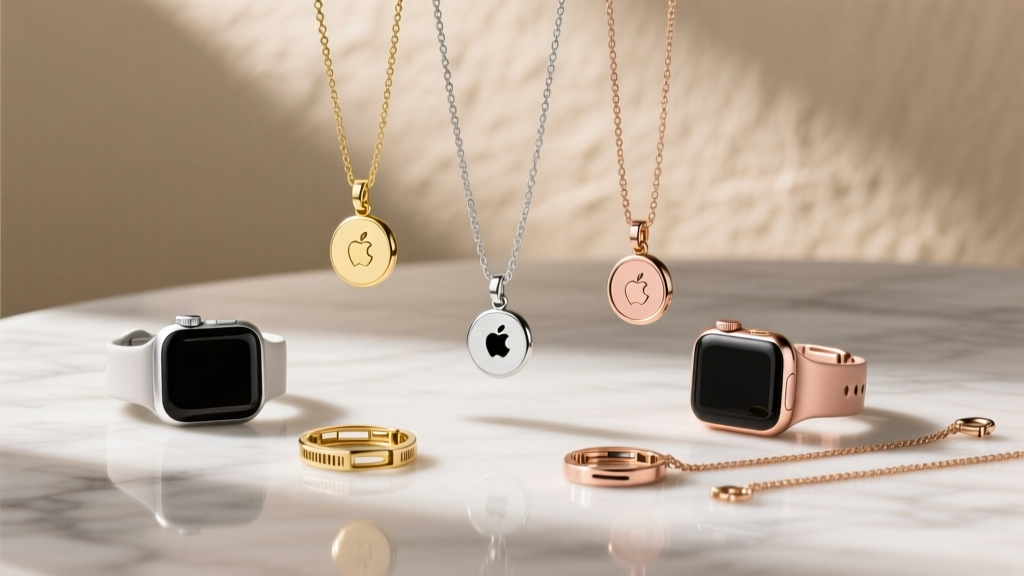
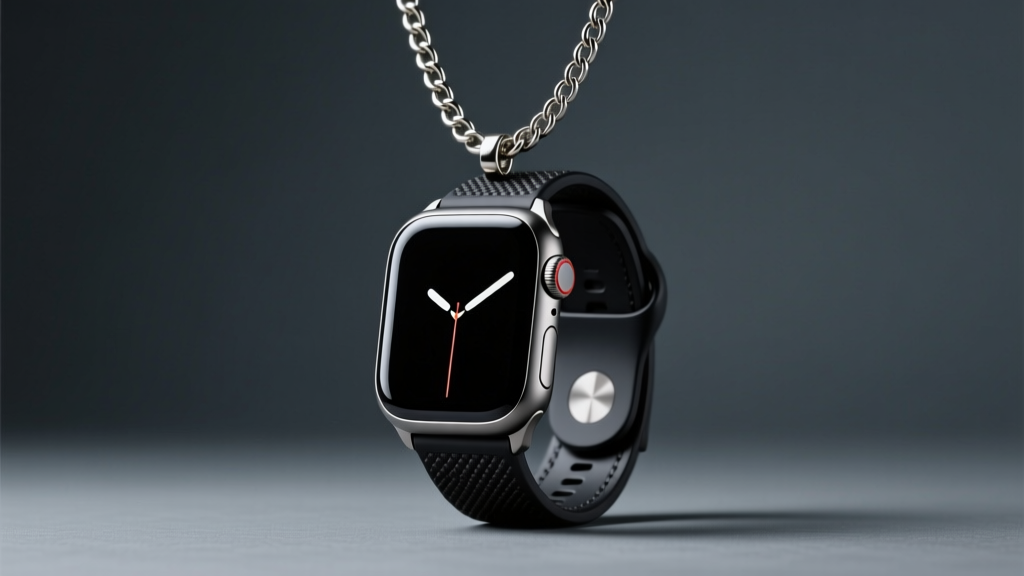
The concept of an apple watch necklace bridges the gap between utilitarian consumer electronics and personal adornment. Whether you are upcycling an older Series 4 with a cracked screen but a functional logic board, or you want to transform a heavy-duty Apple Watch Ultra 2 into a bold, cyberpunk-inspired statement pendant, the trend of wearable tech conversions has exploded. However, treating a smartwatch like a standard gemstone pendant is a recipe for broken chains, scratched screens, and damaged internal sensors. As a jewelry specialist, I have evaluated dozens of conversion methods to bring you this comprehensive buying guide. We will cover the exact metallurgical requirements, chain gauge specifications, and watchOS configurations needed to safely and stylishly wear your Apple Watch around your neck.
Choosing Your Conversion Method
The first step in building your apple watch necklace is selecting how the watch body will interface with the chain. There are two primary hardware solutions available on the market, each serving a different aesthetic and functional purpose.
Lug Adapter Kits
Lug adapters slide directly into the proprietary band slots of the Apple Watch casing. These adapters feature a standard spring-bar hole or a fixed loop that allows you to attach a jump ring and, subsequently, a necklace chain. When purchasing a lug adapter kit, you must match the exact case size of your watch. The 38mm, 40mm, and 41mm models require 20mm adapters, while the 42mm, 44mm, 45mm, and 49mm (Ultra) models require 22mm adapters. Look for adapters CNC-machined from 316L stainless steel or Grade 5 titanium to ensure the tolerances are tight enough to prevent the watch from slipping out during movement.
Enclosed Pendant Bezels (Pocket Watch Style)
For a more traditional jewelry aesthetic, enclosed pendant bezels act as a protective housing. These cases wrap around the perimeter of the Apple Watch, often featuring a hinged bail at the top. Some high-end enclosures include a sapphire crystal or hardened glass cover to protect the watch face from swinging into hard surfaces. This method is highly recommended for aluminum Apple Watch models, which feature Ion-X glass that is highly susceptible to scratching compared to the sapphire crystal found on stainless steel and Ultra models.
Chain Gauge, Clasps, and Dynamic Load
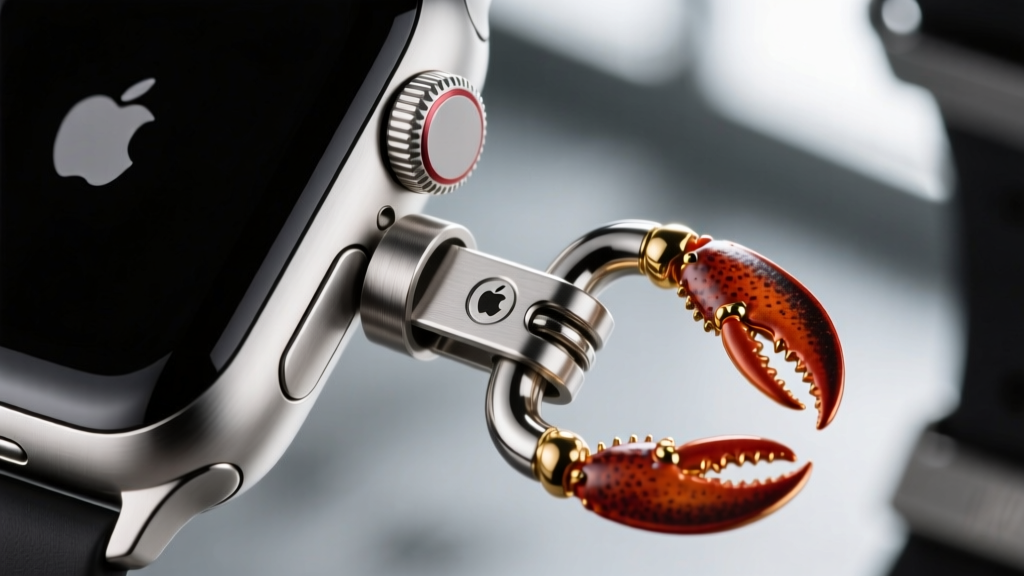
The most critical failure point in any tech-pendant conversion is the chain. An Apple Watch is significantly heavier than a standard gold or silver pendant. A stainless steel Series 10 weighs approximately 36 grams, while the titanium Apple Watch Ultra 2 weighs a massive 61.4 grams. When a 60-gram object swings and suddenly stops, the dynamic shock load can easily exceed 150 grams of force. Standard 1.5mm jewelry chains will snap under this kinetic stress.
Below is a structural guide to selecting the correct chain thickness based on your specific Apple Watch model:
| Watch Model | Static Weight | Estimated Shock Load | Minimum Chain Gauge | Recommended Clasp Type |
|---|---|---|---|---|
| Aluminum (41mm) | ~26g | ~75g | 2.5mm - 3.0mm | Standard Lobster (12mm) |
| Stainless Steel (45mm) | ~36g | ~110g | 3.5mm - 4.0mm | Heavy-Duty Lobster (15mm) |
| Ultra 2 (49mm Ti) | ~61g | ~180g+ | 4.5mm - 6.0mm | Toggle or Magnetic Lock |
According to Rio Grande Jewelry Supplies, the tensile strength of a chain is only as strong as its weakest soldered link. For heavy pendants like the Apple Watch Ultra, opt for solderless curb chains, solid box chains, or woven wheat chains, which distribute kinetic energy more evenly across multiple interlocking planes. Always avoid hollow-core chains, as they will crush under the clasp's tension.
Metallurgy and Galvanic Corrosion
When wearing an apple watch necklace, the metal of your chain will constantly interact with the metal of the watch case, often mediated by sweat and skin oils. This creates an electrolyte bath that can trigger galvanic corrosion if dissimilar metals are paired incorrectly.
- Aluminum Watches: Aluminum is highly reactive. Do not pair it with raw copper, brass, or low-grade silver alloys. Stick to anodized aluminum chains, lightweight titanium, or rhodium-plated sterling silver.
- Stainless Steel Watches: Apple uses 316L surgical-grade stainless steel. You should exclusively pair this with 316L steel chains. Using a lower-grade steel (like 304) will result in the chain rusting and staining your skin.
- Titanium Watches (Ultra): Titanium is biocompatible and highly corrosion-resistant. To maintain the matte aesthetic and prevent micro-abrasions, invest in a Grade 5 (Ti-6Al-4V) titanium chain. While expensive, it will last a lifetime without tarnishing.
WatchOS Configuration for Vertical Wear
Wearing a smartwatch as a necklace requires rethinking how the device interacts with your body. By default, the Apple Watch is designed to sit horizontally on a wrist, with the Digital Crown facing outward. When suspended from a chain, the watch hangs vertically, rendering the default UI upside down or sideways.
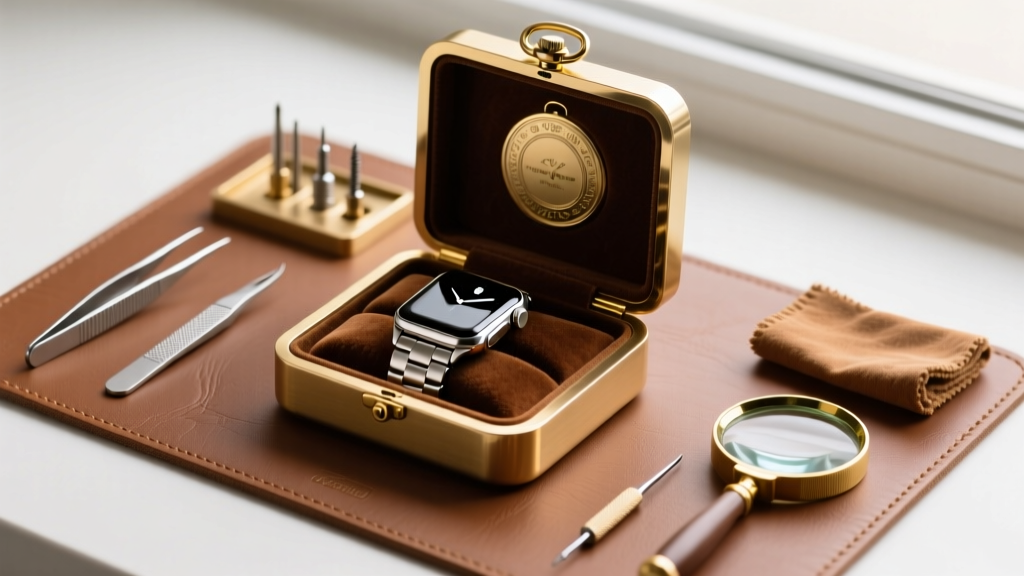
To fix this, you must adjust the orientation settings in watchOS. As outlined by Apple Support, you can digitally rotate the screen to accommodate vertical wear. Navigate to Settings > General > Orientation on your watch. Select the wrist option that flips the screen 180 degrees so that the top of the watch face points toward the chain bail. This ensures that notifications, time, and complications are readable at a glance while the pendant rests on your chest.
Furthermore, because the optical heart rate sensor on the back of the watch will be facing outward or resting against clothing rather than skin, it will continuously attempt to read a pulse, draining your battery. Disable continuous heart rate monitoring and blood oxygen tracking in the Privacy & Security settings to extend your battery life by up to 30% while worn as a necklace.
Styling Your Apple Watch Necklace
An apple watch necklace is a bold, avant-garde accessory that requires deliberate styling. The length of your chain dictates the visual impact and practicality of the piece.
Pro-Tip: A 24-inch chain places the watch squarely on the sternum, making it highly visible and easy to tap for notifications. A 30-inch chain drops the watch to the solar plexus, creating a dramatic, layered look that works exceptionally well over heavy winter knits or turtlenecks.
For streetwear and tech-wear aesthetics, pair a thick, 5mm stainless steel curb chain with an Apple Watch Ultra featuring a rugged topographical watch face. For a more refined, high-fashion approach, use a 3.5mm black-oxidized silver rope chain with a Space Black stainless steel Series 10, allowing the dark metals to blend seamlessly into a monochromatic outfit. By understanding the structural limits of jewelry findings and the digital quirks of wearable tech, you can successfully transform your Apple Watch into a functional, head-turning pendant that defies traditional category boundaries.