What Is an InvisaWear Necklace? Care, Cleaning & Maintenance Guide
Learn what is an InvisaWear necklace and how to properly clean, charge, and maintain your smart safety pendant and chain for long-lasting use.
Understanding Smart Safety Jewelry
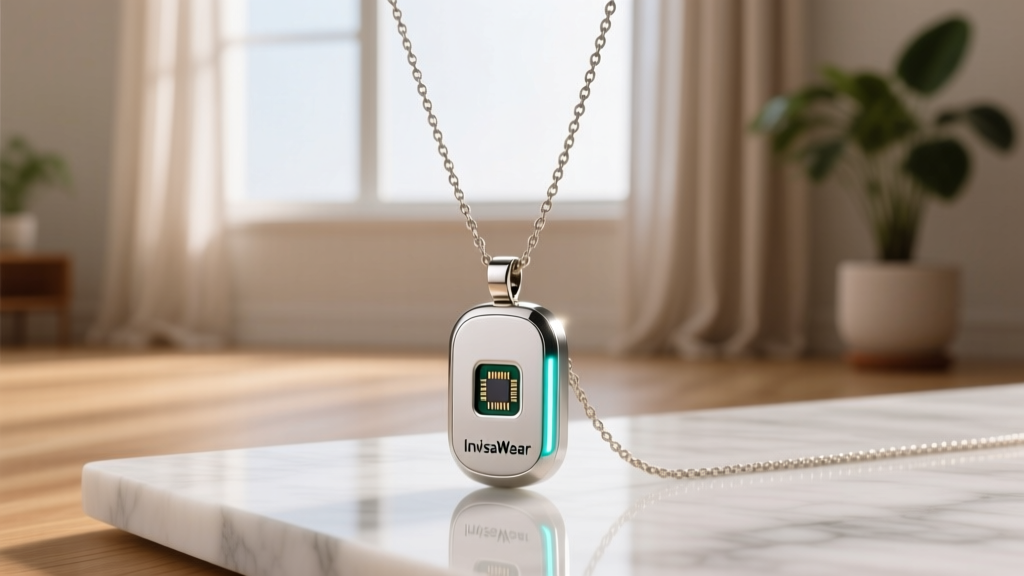
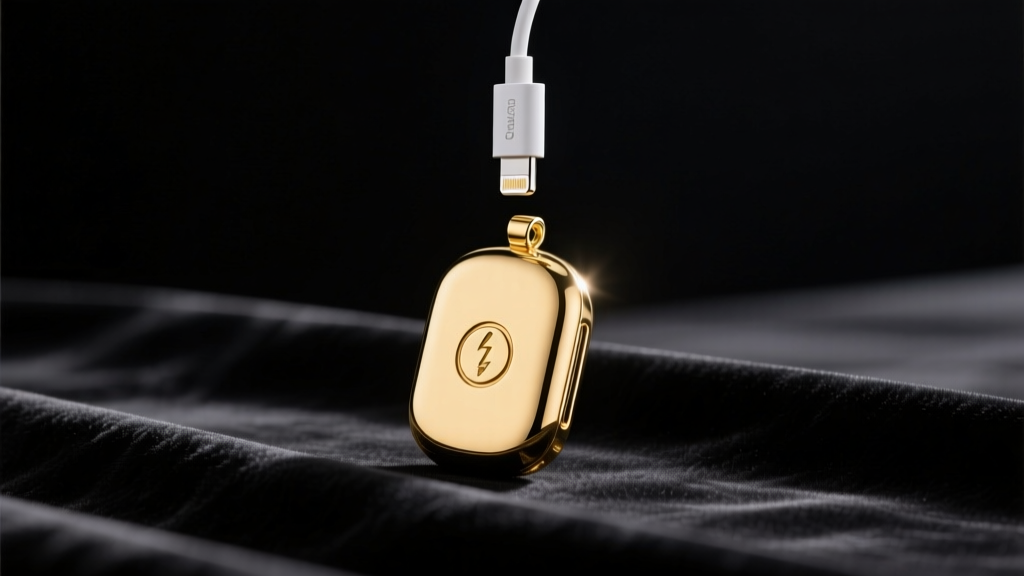
The intersection of personal safety and fine jewelry has created a completely new category of wearable technology. When consumers ask, 'what is an invisawear necklace?', they are usually trying to understand how a seemingly delicate piece of jewelry can function as a lifeline. Fundamentally, an InvisaWear necklace is a smart safety device disguised as a stylish pendant. It features a discreet, tactile button that, when pressed in a specific sequence, connects via Bluetooth to your smartphone to instantly alert your emergency contacts or local authorities with your precise GPS coordinates.
Searcher Query: 'what is an invisawear necklace'
Expert Answer: It is a piece of connected smart jewelry featuring a panic-button pendant. Unlike traditional necklaces, it houses a printed circuit board (PCB), a Bluetooth antenna, and a rechargeable lithium-ion battery, requiring a highly specialized approach to daily care and maintenance.
Because this pendant bridges the gap between consumer electronics and fashion accessories, standard jewelry cleaning methods can easily destroy its internal components. This comprehensive 2026 care guide will walk you through the exact protocols needed to maintain both the aesthetic brilliance and the electronic reliability of your InvisaWear device.
The Anatomy of Your Pendant: Why Traditional Cleaners Fail
To properly care for your necklace, you must first understand its construction. The outer casing of the InvisaWear pendant is typically crafted from 316L surgical-grade stainless steel or brass with a PVD (Physical Vapor Deposition) gold or silver plating. While these metals are highly durable, the internal architecture is incredibly sensitive.
Traditional jewelry cleaners often rely on harsh chemicals like ammonia, bleach, or abrasive polishing compounds. Furthermore, many jewelry enthusiasts swear by ultrasonic cleaners for removing deep-seated dirt. Never place your InvisaWear pendant in an ultrasonic cleaner. The high-frequency acoustic cavitation bubbles generated by these machines will easily fracture the microscopic solder joints connecting the Bluetooth antenna to the main PCB, effectively bricking the device.
Water Resistance vs. Waterproofing
A common point of confusion is the device's relationship with water. According to the InvisaWear Official FAQ, the pendant is designed to be sweat-proof and splash-proof. It can easily withstand a sudden downpour or an intense workout. However, it is not fully waterproof for submersion. You must remove the pendant before swimming, bathing, or entering a sauna, as prolonged exposure to pressurized water or extreme heat can compromise the adhesive seals protecting the internal battery.
The Step-by-Step Cleaning Protocol
Maintaining the luster of your smart pendant requires a gentle, methodical approach. Follow this routine every two to three weeks, or more frequently if you wear the necklace during exercise.
1. Surface Wiping
Use a clean, dry, lint-free microfiber cloth to gently buff the surface of the pendant. This removes daily accumulations of skin oils, lotions, and environmental dust without scratching the PVD plating. Avoid using paper towels or tissues, as the wood fibers can leave micro-scratches on the metallic finish.
2. Sanitizing the Button Crevices
The perimeter of the activation button is a magnet for trapped debris, which can eventually cause the button to stick or fail to register a press. Dip a cotton swab in 70% isopropyl alcohol (do not use higher concentrations, as they evaporate too quickly and can leave residue). Gently trace the seam around the button. The alcohol will dissolve trapped sebum and evaporate cleanly without seeping into the electronic housing.
3. Polishing the Plating
If the gold or silver plating begins to look dull, use a jewelry polishing cloth specifically treated for plated metals. Apply zero pressure; let the chemical treatment on the cloth do the work. Aggressive rubbing will strip the PVD coating down to the base metal.
Cleaning Agents: What to Use and What to Avoid
To help you make quick decisions at home, refer to this safety matrix before applying any substance to your smart jewelry.
| Cleaning Agent | Safety Status | Expert Notes |
|---|---|---|
| Microfiber Cloth | Highly Recommended | Best for daily oil and dust removal. |
| 70% Isopropyl Alcohol | Safe (Targeted Use) | Use only on cotton swabs for button seams. |
| Mild Dish Soap & Water | Safe (Chain Only) | Never submerge the electronic pendant. |
| Ultrasonic Cleaners | Dangerous | Vibrations will destroy internal soldering. |
| Ammonia / Bleach | Dangerous | Will permanently strip PVD metal plating. |
| Commercial Silver Dip | Dangerous | Chemicals will corrode the charging contacts. |
Chain Maintenance vs. Pendant Care
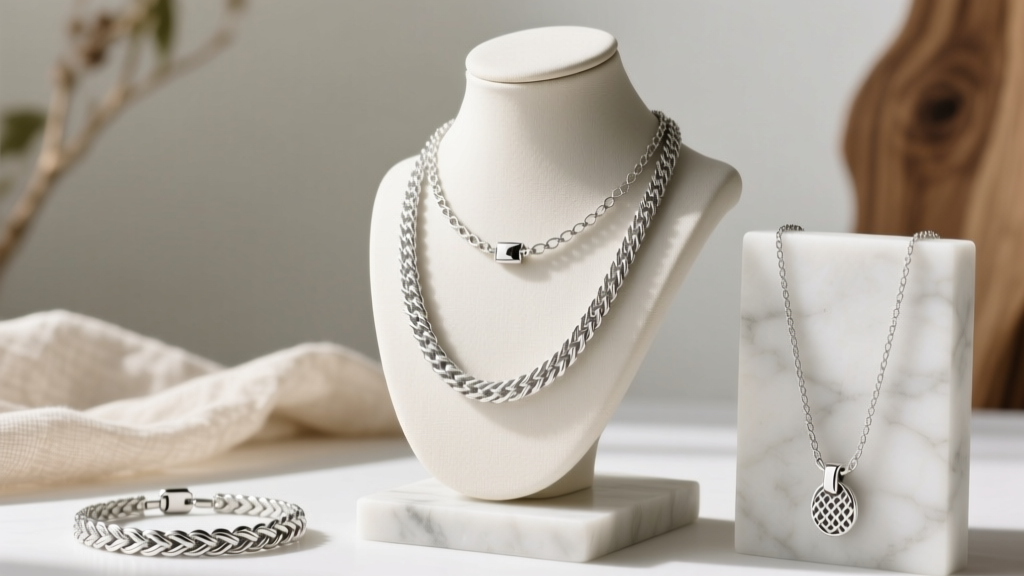
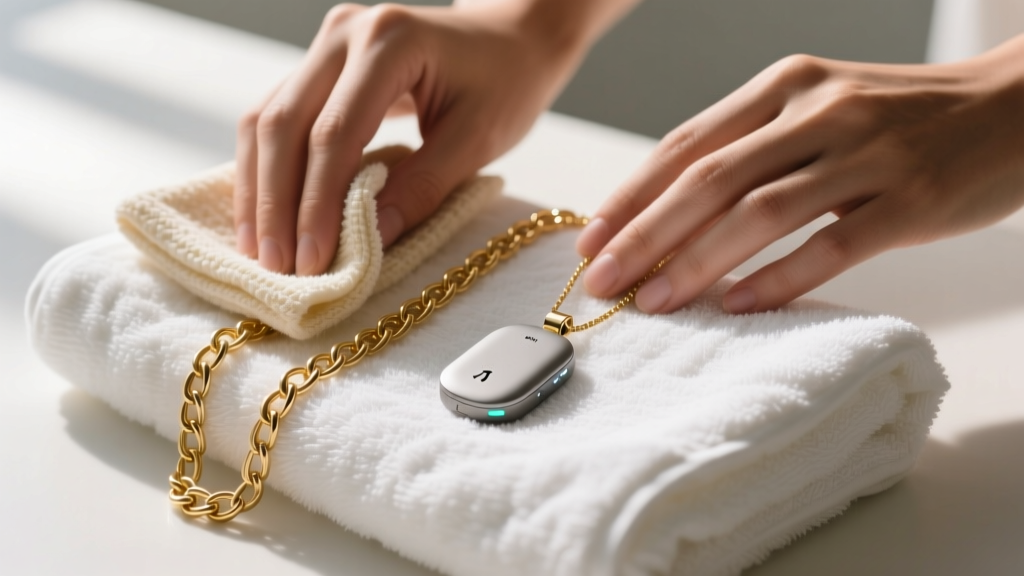
One of the greatest advantages of the InvisaWear system is that the smart pendant is detachable from the necklace chain. This allows you to clean the chain using traditional methods recommended by the Gemological Institute of America (GIA), provided you separate the two components first.
Deep Cleaning the Chain
Once the pendant is safely removed and set aside on a dry towel, you can wash the stainless steel or plated chain. Mix a few drops of mild, phosphate-free dish soap into a bowl of lukewarm water. Let the chain soak for three to five minutes to loosen stubborn grime. Use a soft-bristled baby toothbrush to gently scrub between the links. Rinse thoroughly under lukewarm running water and pat completely dry with a microfiber cloth before reattaching the smart pendant. Ensuring the chain is 100% dry prevents moisture from transferring to the pendant's jump ring.
Battery Health, Charging, and Firmware Upkeep
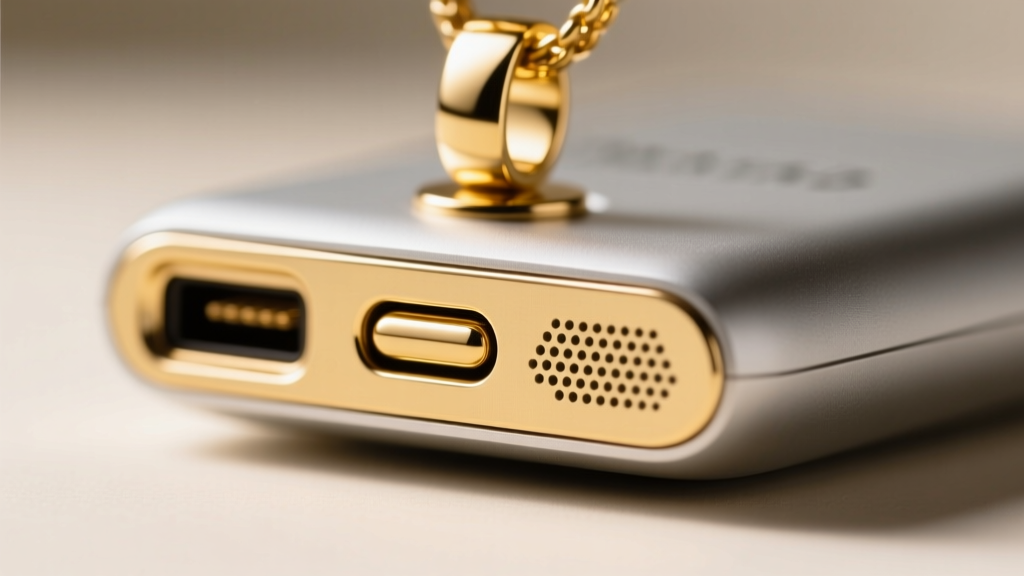
Care for an InvisaWear necklace extends far beyond physical cleaning; it also encompasses electronic maintenance. The device relies on a proprietary magnetic charging cable with exposed pogo pins. Over time, these pins can accumulate oxidation or skin oils, leading to charging failures.
Maintaining the Charging Contacts
Inspect the back of your pendant and the pins on your charging cable monthly. If you notice a dark film or green oxidation (common with copper alloys reacting to sweat), gently wipe the contacts with a dry microfiber cloth. For stubborn oxidation, lightly dampen a cotton swab with 70% isopropyl alcohol, clean the contacts, and allow them to air dry completely before connecting the charger.
Firmware and App Maintenance
A clean pendant is useless if the software is outdated. Ensure your smartphone's InvisaWear app is set to auto-update. Firmware updates frequently patch Bluetooth connectivity bugs, optimize battery drain, and refine the GPS location accuracy. Make it a habit to open the app once a week to verify that the pendant shows a full battery icon and a stable connection status.
Troubleshooting Common Care Issues
Even with meticulous care, smart jewelry can occasionally experience hiccups. Here is how to troubleshoot the most common maintenance-related issues:
- The Button Feels 'Mushy' or Stuck: This is almost always caused by dried sweat or lotion trapped in the seam. Perform the 70% isopropyl alcohol cotton swab cleaning method outlined above. Press the button repeatedly while the alcohol is wet to work out the debris.
- The Pendant Won't Charge: First, clean the magnetic contacts. Second, ensure you are using the original InvisaWear charging cable and a standard 5V/1A wall adapter. High-wattage 'fast chargers' can sometimes trigger the pendant's over-voltage protection, preventing it from drawing power.
- The Plating is Flaking: If the PVD coating begins to peel, it is usually the result of prolonged exposure to acidic sweat or harsh chemicals like chlorine. While the device will still function electronically, you should contact InvisaWear support, as this may be covered under their manufacturing warranty.
Final Thoughts on Smart Jewelry Longevity
Treating your InvisaWear necklace with the dual respect required for both fine jewelry and sophisticated electronics is the key to its longevity. By avoiding ultrasonic cleaners, carefully managing moisture exposure, and keeping the charging contacts pristine, you ensure that your pendant remains both a beautiful accessory and a reliable guardian. Remember that true maintenance is proactive—regular, gentle cleaning will always outperform aggressive, reactive repairs.