Necklace Roblox UGC: Technical 3D Modeling & Texture Guide
Master the technical specs for creating realistic necklace Roblox UGC assets. Dive into polygon limits, PBR texturing, and chain topology for avatars.
The Evolution of Digital Jewelry in the Metaverse
The intersection of traditional jewelry design and digital asset creation has birthed a highly lucrative niche within the User-Generated Content (UGC) marketplace. As avatar customization becomes increasingly granular, the demand for high-fidelity accessories has skyrocketed. Creating a high-fidelity necklace Roblox avatars can wear requires more than just artistic flair; it demands a rigorous understanding of 3D topology, engine-specific rendering pipelines, and strict performance budgets. Unlike physical jewelry, where a heavy gold Cuban link chain relies on the tensile strength of cast metal, a digital necklace must simulate weight, interlocking mechanics, and metallic reflections without exceeding the engine's triangle limits or causing clipping issues with layered clothing.
In this expert deep dive, we will dissect the technical pipeline for designing, modeling, texturing, and rigging premium necklace assets for the Roblox avatar marketplace. Whether you are transitioning from CAD-based jewelry design (like MatrixGold or Rhino) to Blender, or you are a seasoned game artist looking to optimize your accessory workflow, this guide provides the exact specifications and methodologies required to dominate the digital jewelry sector.
Technical Specifications & Polygon Budgets
Before placing a single vertex, you must understand the hard constraints of the Roblox engine. The platform utilizes a unified accessory system that balances visual fidelity with mobile performance. While desktop clients can handle dense meshes, your UGC items must be optimized for cross-platform compatibility. According to the official Roblox UGC Publishing Guidelines, accessories are subject to strict geometric and textural limits to prevent memory leaks and frame-rate drops in crowded servers.
| Specification | Physical Jewelry (CAD/3D Print) | Roblox UGC Accessory Standard |
|---|---|---|
| Polygon Count | 500,000+ (SubD / NURBS) | Max 10,000 Triangles (Optimal: 4k-6k) |
| Texture Resolution | N/A (Physical Material Properties) | 1024x1024 (PBR Maps) |
| Bounding Box | Custom to Anatomy | Must fit within 2x2x2 stud limit |
| Material Definition | Metallurgy / Karat Weight | SurfaceAppearance (Albedo, Normal, Roughness, Metalness) |
Exceeding the 10,000 triangle limit will result in automatic rejection during the UGC upload validation process. Therefore, the art of digital jewelry lies in baking high-poly details into low-poly geometry using normal maps and strategic UV unwrapping.
Topology Secrets: Modeling Realistic Chain Links
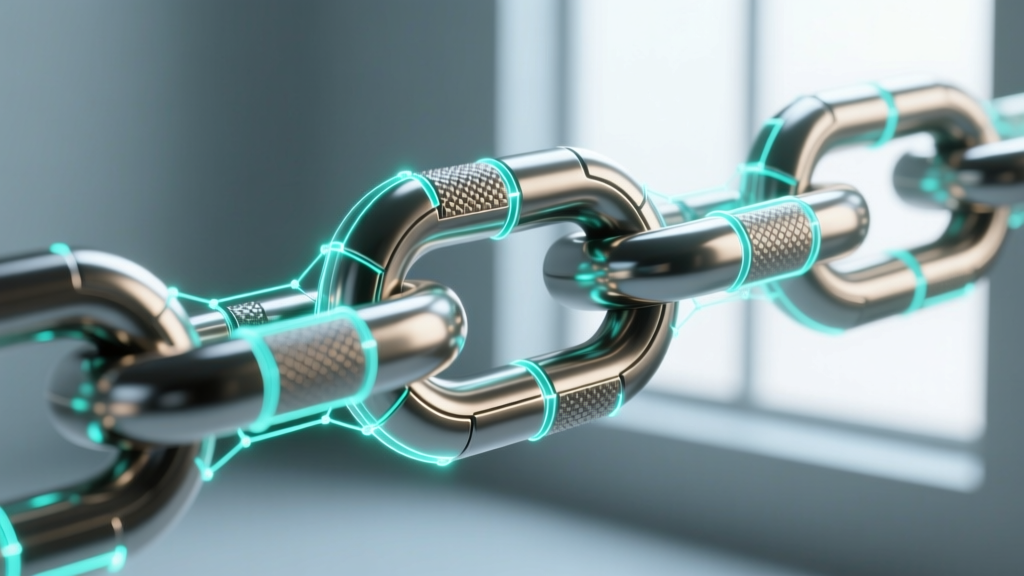
The most common failure point for amateur UGC creators is the modeling of chain links. In physical jewelry, chains are composed of individual interlocking loops. In a real-time game engine, modeling hundreds of individual, intersecting torus primitives is a catastrophic waste of your triangle budget and will cause severe Z-fighting and rendering artifacts.
The Alpha Card vs. Geometry Debate
For simple chains (like rope or box chains), relying on alpha-tested texture cards mapped to a flat plane is a common game-dev trick. However, Roblox's Avatar Accessory System handles transparency and sorting poorly when layered over dynamic clothing. Alpha cards often result in the necklace disappearing behind shirt collars or rendering with harsh, pixelated edges.
The Expert Solution: The Boolean & Remesh Pipeline.
- Blockout: Model a single, high-poly interlocking link using boolean unions to create the exact overlap geometry.
- Array Modifier: Use a curve array to generate the desired length of the chain, ensuring the curve follows the natural drape of a human neck (a parabolic arc, not a perfect circle).
- Voxel Remeshing: Apply a voxel remesh to fuse the intersecting links into a single, continuous manifold mesh. This eliminates internal, hidden geometry that wastes polygons.
- Decimation: Use a decimate modifier to reduce the triangle count to your target budget (e.g., 3,000 triangles for the chain), preserving the silhouette while sacrificing unseen micro-details, which will later be recovered via the normal map.
Pendant Weight & Anchor Points
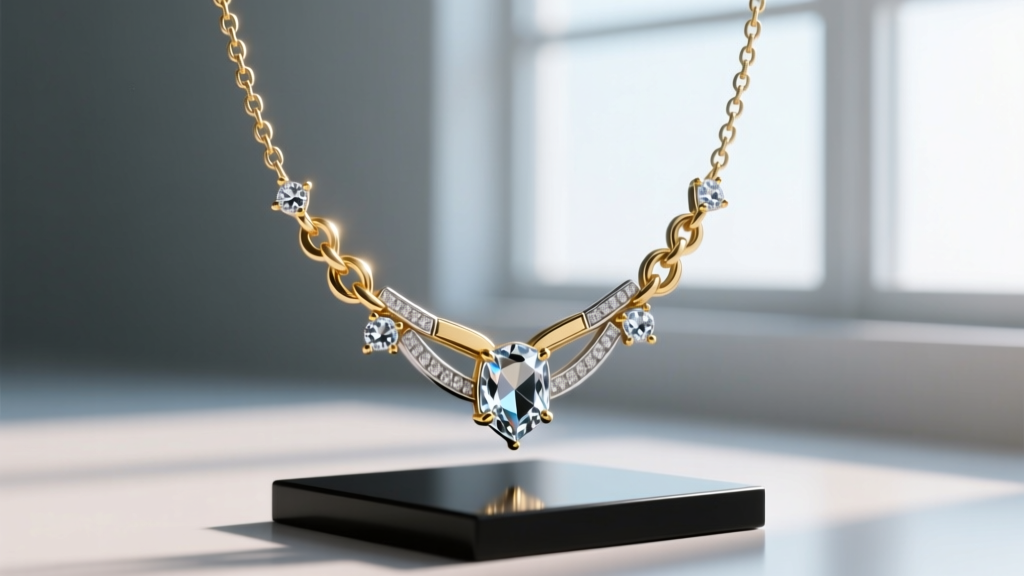
A pendant must visually communicate weight. In physical design, a heavy pendant pulls the chain into a sharp 'V' shape. In 3D space, you must manually sculpt this tension into your curve array before baking the mesh. Furthermore, the pendant itself should be modeled as a separate mesh component within the same Blender collection, allowing you to assign distinct material IDs for gemstones versus metallic settings.
PBR Texturing for Digital Precious Metals
Roblox supports Physically Based Rendering (PBR) through the SurfaceAppearance instance. This allows creators to define how light interacts with the digital metal. To achieve a realistic 14k or 24k gold finish, you cannot simply paint the model yellow. You must understand the Principled BSDF workflow and export four distinct texture maps: Albedo (Color), Normal, Roughness, and Metalness.
Material Values for Digital Jewelry
- 24k Gold: Albedo: Hex #FFD700 (sRGB), Metalness: 1.0, Roughness: 0.15 (Highly polished).
- 14k Rose Gold: Albedo: Hex #B76E79 (sRGB), Metalness: 1.0, Roughness: 0.25 (Slightly more diffuse due to copper alloys).
- Sterling Silver: Albedo: Hex #C0C0C0 (sRGB), Metalness: 1.0, Roughness: 0.10.
- Diamonds/Gemstones: Roblox's current PBR implementation does not support true subsurface scattering or complex index of refraction (IOR) raytracing. To simulate diamonds, use an Albedo map with high-contrast internal facet reflections baked in, a Metalness of 0.0, and a Roughness map that alternates between 0.0 (facets) and 0.4 (edges) to catch dynamic lighting.
Pro-Tip: When baking your normal maps in Blender, ensure you are using 'Tangent Space' and not 'Object Space'. Roblox's engine calculates lighting based on tangent space normals; using object space will result in inverted shadows when the avatar turns its head.
Rigging, Exporting, and the Attachment System
A beautifully modeled and textured necklace will fail in the marketplace if it clips through the avatar's torso or floats awkwardly in space. The Roblox avatar rig is dynamic, meaning the chest and neck expand and contract based on the user's chosen body type (R15 scaling).
Selecting the Correct Attachment Node
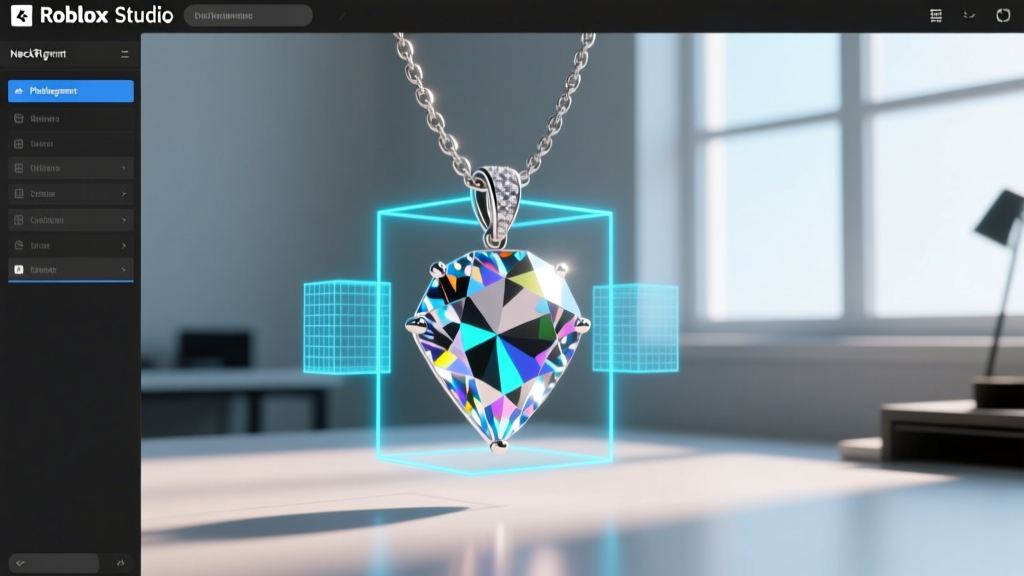
When importing your FBX into Roblox Studio, you must wrap the mesh in an Accessory object and define an Attachment. For necklaces, you have two primary options:
- NeckRigAttachment: Best for chokers and tight-fitting chains. This node moves directly with the head and upper neck bones. However, if the necklace is long, it will stretch unnaturally when the avatar looks up or down.
- BodyFrontAttachment: Best for long pendants and layered chains. This node is anchored to the upper torso. It remains relatively stable during head movement, allowing the pendant to rest naturally on the chest.
To prevent clipping with 3D layered clothing, you must define a precise Bounding Box and enable CollisionFidelity set to 'Box' in the MeshPart properties. This creates an invisible physical barrier that forces layered shirts and jackets to drape over or around the pendant, rather than intersecting the geometry.
Marketplace Optimization & Final Thoughts
Designing a premium necklace Roblox players are willing to purchase with real currency requires treating digital assets with the same respect as physical metallurgy. By strictly adhering to polygon budgets, utilizing advanced boolean-remeshing topologies for chains, and mastering PBR texture baking, you elevate your UGC portfolio above the sea of low-effort, alpha-card accessories. As the metaverse continues to mature, the creators who master the technical constraints of the engine will be the ones defining the future of digital fashion.