How to pdf the necklace design: CAD tech pack troubleshooting guide
Exporting custom jewelry designs? Learn how to troubleshoot scale, tolerance, and hidden line errors when you pdf the necklace tech pack.

The Crucial Role of the Tech Pack in Custom Necklace Manufacturing
In the modern jewelry manufacturing pipeline, the transition from a 3D CAD model to a physical cast piece relies entirely on the accuracy of your technical documentation. For independent designers and CAD technicians, creating a comprehensive tech pack is non-negotiable. However, the most common point of failure occurs during the 2D export phase. When you sit down to pdf the necklace layout for an overseas casting house or a local bench jeweler, minor translation errors in scale, line weight, or geometric dimensioning can result in catastrophic manufacturing failures, ruined precious metals, and delayed production runs.
A tech pack is not merely a screenshot of your Rhino 8 Make2D output. It is a legally binding manufacturing blueprint. In 2026, with the rise of automated AI-driven casting analysis and direct-to-manufacturer cloud pipelines, the precision of your 2D PDF schematics is scrutinized by both human master casters and automated pre-flight software. This guide will walk you through the exact troubleshooting steps required to eliminate errors before you finalize your custom pendant and chain necklace tech packs.
Common Errors When You PDF the Necklace Design
Even seasoned MatrixGold 2026 users frequently encounter structural and visual bugs when exporting complex necklace assemblies. These errors usually stem from improper layer management or misunderstood printer driver scaling.
Scale and Dimension Discrepancies
The most devastating error in jewelry CAD documentation is an incorrect print scale. If your 2D cross-section of a pendant bail is scaled to 'Fit to Page' rather than a strict 1:1 ratio, the manufacturer will machine the wax master at the wrong dimensions. A 12mm x 8mm oval locket might be cast at 14mm x 9.3mm, completely misaligning the internal hinge mechanisms and stone seats. Always verify your print dialog box settings, ensuring the DPI is locked to 600 or higher, and the scale is explicitly set to 1:1.
Hidden Line and Mesh Artifacts
When generating 2D silhouettes from a 3D NURBS model, intersecting curves often create chaotic 'spaghetti' lines. If you do not properly separate your hidden lines (internal geometry like stone seats and gallery wire) from your silhouette lines (the outer profile), the resulting PDF will be unreadable. Hidden lines must be mapped to a dashed linetype with a 0.05mm line weight, while the primary silhouette should be a solid 0.15mm line weight. This visual hierarchy allows the stone setter to instantly read the internal geometry without the PDF looking like a chaotic wireframe.
Material Tolerances and Shrinkage Matrices
Different precious metal alloys shrink at varying rates during the cooling phase of the investment casting process. If your tech pack does not explicitly state the target alloy and the corresponding CAD compensation factor, the caster will use default settings that may ruin the necklace's structural integrity. According to Stuller's Casting Alloys & Shrinkage Data, failing to account for these variables leads to poorly fitting clasps and cracked gemstone settings.
| Target Alloy | Average Shrinkage Rate | CAD Compensation Factor | Recommended Sprue Thickness |
|---|---|---|---|
| Sterling Silver (Continuum) | 1.8% - 2.2% | 1.020 | 1.5mm - 2.0mm |
| 14k Yellow Gold | 1.25% - 1.5% | 1.015 | 1.2mm - 1.8mm |
| 14k Palladium White Gold | 1.3% - 1.6% | 1.016 | 1.5mm - 2.0mm |
| Platinum (950/50 Ru) | 1.5% - 2.0% | 1.018 | 2.0mm - 2.5mm |
When designing a multi-part necklace, such as a hinged locket or a puzzle pendant, tolerance stacking becomes a critical factor. A standard 0.8mm hinge pin requires a 0.05mm radial clearance in the male knuckle and a 0.02mm interference fit in the female knuckles. If your 2D PDF cross-section doesn't explicitly call out these geometric dimensioning and tolerancing (GD&T) notes, the caster will assume standard casting tolerances (±0.10mm), resulting in a fused, immovable hinge.
Step-by-Step Troubleshooting Workflow in Rhino 8
To ensure your tech pack is flawless before you pdf the necklace files, follow this exact workflow in Rhino 8 or MatrixGold 2026. This methodology is widely recommended by the Ganoksin Jewelry CAD/CAM Guide for professional manufacturing documentation.
- Step 1: Isolate the Assembly. Hide all unrelated chain links and focus solely on the pendant body and bail. Create a dedicated 'TechPack_2D' layer.
- Step 2: Execute Make2D. Select your orthogonal views (Top, Front, Right, and Isometric). In the Make2D dialog, ensure 'Maintain source layers' is checked, and 'Show hidden lines' is enabled but assigned to a specific 'Hidden' layer.
- Step 3: Clean Up Intersections. Use the
IntersectandTrimcommands to clean up overlapping curves that the automated Make2D command missed, particularly around complex filigree or pavé settings. - Step 4: Add GD&T Callouts. Use a standardized architectural font (like Arial or Helvetica) at a minimum 8pt size. Add explicit callouts for stone seat angles (e.g., 45° bearing for round brilliants) and clasp clearances (e.g., 0.15mm gap for lobster clasp jump rings).
- Step 5: Print to PDF. Open the Print dialog. Set the destination to 'Microsoft Print to PDF' or 'Adobe PDF'. Crucially, set the scale to 1:1, disable 'Scale to fit', and ensure the line weight mapping matches your layer settings.
Pre-Flight Checklist Before Sending to the Caster
Before you attach the PDF to your manufacturing email, run through this final pre-flight checklist to guarantee your custom necklace design is interpreted perfectly by the casting house.
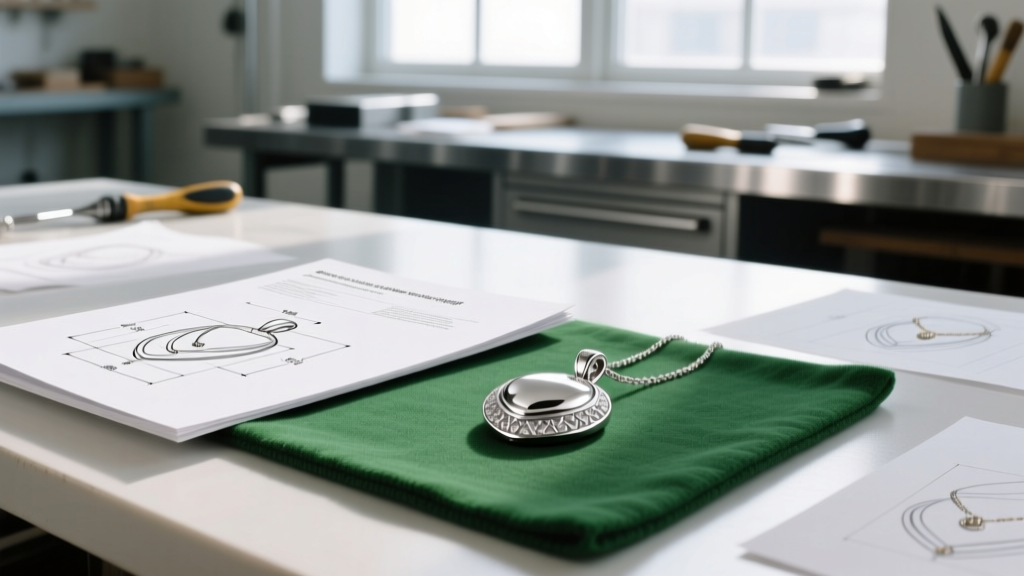
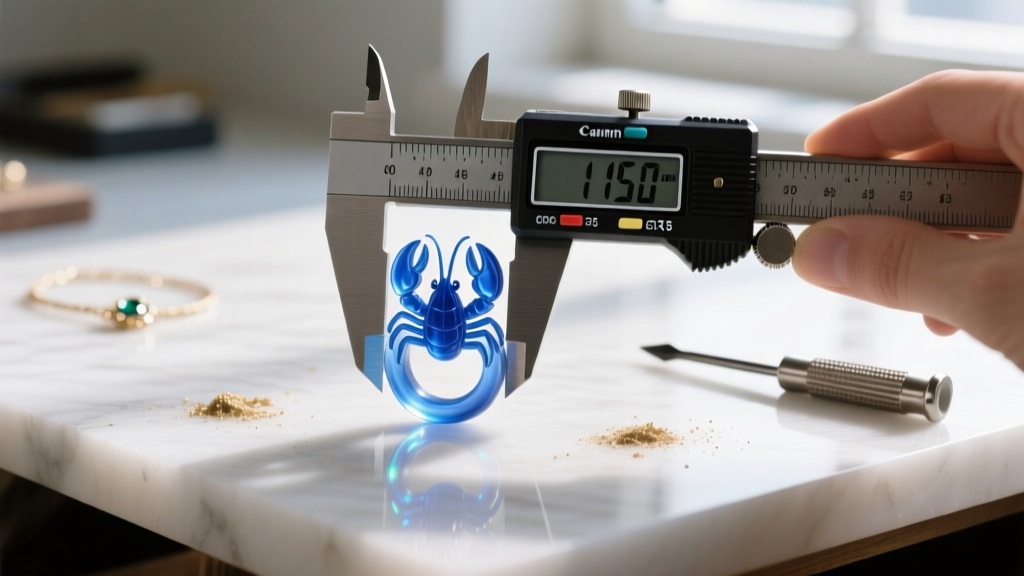
Pro Tip: Never rely solely on the digital PDF. Always print a physical copy on standard letter or A4 paper at 100% scale. Take a digital caliper to the paper and measure the 10mm reference scale bar included in your drawing. If the physical paper measurement reads 9.8mm, your printer driver is compressing the document, and your manufacturer will receive flawed data.
- Reference Scale Bar: Does your drawing include a clearly marked 10mm or 20mm reference line for the manufacturer to verify print scale?
- Font Embedding: Are all text annotations converted to curves or embedded? Missing fonts can cause dimension numbers to default to wingdings or blank spaces.
- Stone Specification Table: Have you included a BOM (Bill of Materials) table detailing the exact millimeter sizes, shapes, and quantities of all gemstones?
- Finish Callouts: Are the surface finish zones clearly marked? (e.g., 'High Polish' vs. '800 Grit Matte Sandblast' on the pendant recesses).
- File Naming Convention: Is the file named logically? (e.g.,
Brand_Pendant_TechPack_v3_Final.pdfrather thandrawing1_print.pdf).
Mastering the technical documentation phase is what separates amateur hobbyists from professional jewelry houses. By rigorously controlling your CAD exports, understanding metallurgical shrinkage, and enforcing strict visual hierarchies in your 2D layouts, you ensure that the physical necklace perfectly mirrors your digital vision. The next time you need to pdf the necklace tech pack, you will do so with absolute confidence, knowing your design is optimized for flawless manufacturing.