Troubleshooting Necklace Microphone Interference & Audio Drops
Fix necklace microphone audio drops, RF interference from metal jewelry, and styling clashes with our expert troubleshooting guide.
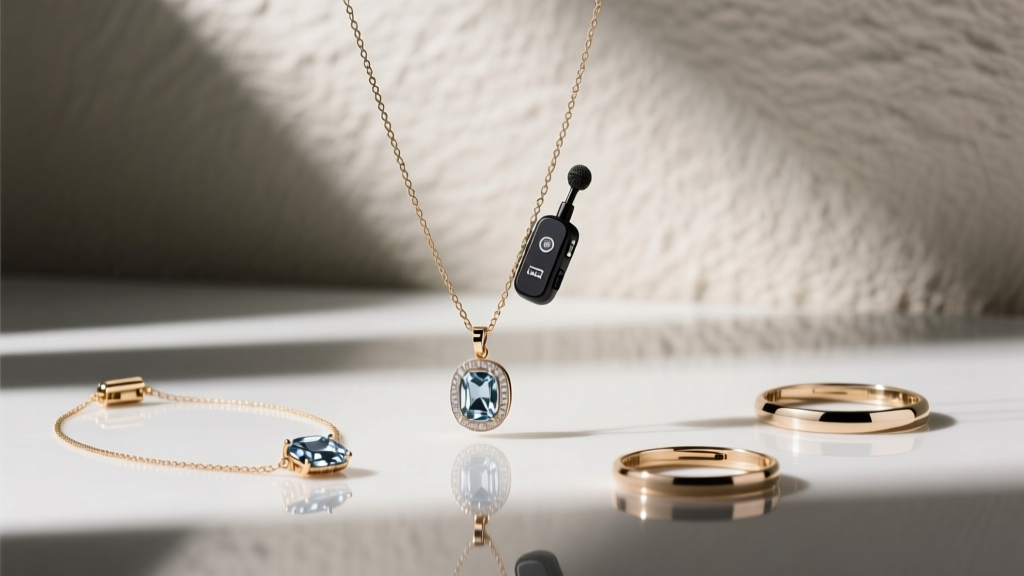
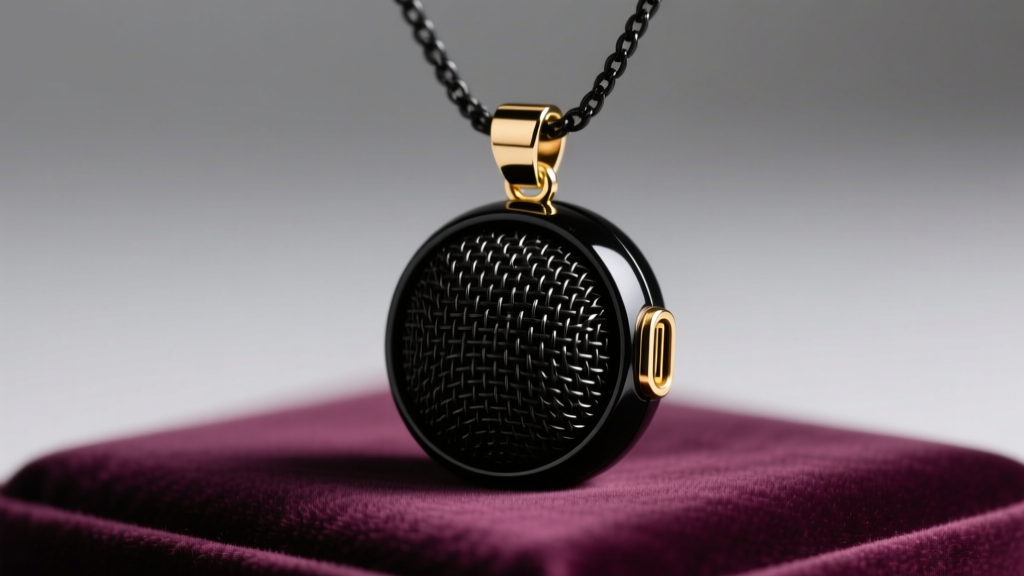
In the rapidly evolving landscape of 2026 wearable tech and creator fashion, the necklace microphone has transcended its utilitarian roots. Whether you are utilizing a smart AI pendant for hands-free recording, streaming with a lavalier disguised as a minimalist pendant, or wearing a high-end wireless mic integrated into a statement piece, audio reliability is paramount. However, blending fine jewelry with sensitive acoustic and RF (radio frequency) technology introduces a unique set of challenges. Audio dropouts, static interference, and microphonic rumble can ruin a perfect take or a live broadcast.
As experts at the intersection of jewelry styling and wearable technology, we have compiled a comprehensive troubleshooting guide to solve the most persistent necklace microphone issues. From understanding how sterling silver detunes your antenna to mastering the art of acoustic layering, here is everything you need to know to keep your audio pristine and your style uncompromised.
Diagnosing Audio Dropouts and Static Interference
The most common complaint among creators and professionals wearing a necklace microphone is sudden audio dropouts or a persistent hiss. This is rarely a defect in the microphone itself; rather, it is usually a byproduct of RF interference caused by the jewelry surrounding the capsule or the transmitter.
The Metal Detuning Effect
When a wireless necklace microphone operates on the 2.4 GHz spectrum (common for compact, Wi-Fi-enabled smart pendants and modern digital lavaliers), it relies on a tiny internal antenna. Highly conductive metals—such as sterling silver, copper, and high-karat gold—can act as parasitic elements when placed within 5 to 10 millimeters of the transmitter. This phenomenon, known as antenna detuning, absorbs the RF energy and drastically reduces the operating range, leading to static or complete signal loss.
According to RF engineering principles outlined by Shure's wireless microphone interference guides, keeping conductive masses away from the antenna housing is critical. If your necklace microphone is suspended on a heavy sterling silver chain, the chain itself may be choking the signal.
The Fix: Swap the upper portion of your chain (the part resting against the back of your neck and collarbones) for a non-conductive material. Braided silk cords, PTFE (Teflon) coated wires, or aerospace-grade titanium chains are excellent alternatives. Titanium is highly prized in jewelry for its hypoallergenic properties and, crucially, its low RF conductivity, making it the ultimate pairing for 2.4 GHz wearable tech.
Navigating Crowded RF Environments
If you are filming in an environment saturated with Wi-Fi routers, Bluetooth devices, and LED lighting arrays, your necklace microphone may struggle to find a clean channel. While UHF systems offer better penetration, most pendant-style mics are locked to 2.4 GHz. To mitigate this, ensure your transmitter is positioned at the sternum rather than tucked under layers of dense clothing or metallic garments, which act as a Faraday cage.
Solving Cable Rub and Microphonic Noise
For wired lavaliers disguised as necklace pendants, or hybrid systems with a cable routing down the shirt, microphonics is a persistent enemy. Microphonic noise occurs when the physical friction of the cable rubbing against a metal pendant or a stiff collar translates into low-frequency rumbles in the audio track.

Strain Relief and Acoustic Dampening
The weight of a decorative pendant pulling on a sensitive microphone cable creates tension that amplifies every minor body movement. To solve this, you must decouple the capsule from the mechanical stress of the jewelry.
- The Moleskin Trick: Apply a small piece of adhesive moleskin (commonly used for blister prevention) to the back of the pendant housing where it rests against your skin or clothing. This dampens high-frequency friction and prevents the "scraping" sound on the audio track.
- Silicone Strain Reliefs: Use a micro-silicone sleeve over the cable junction. This absorbs kinetic energy before it reaches the piezoelectric components of the mic capsule.
- The Vampire Clip Alternative: If your necklace microphone allows, route the cable *under* your top layer and use a discreet magnetic or vampire clip near the collarbone, allowing the decorative pendant to hang freely without bearing the cable's weight.
Audio experts at Sweetwater's lavalier microphone guide emphasize that proper cable routing is just as important as the capsule quality when dealing with wearable, jewelry-integrated audio gear.
Material & Styling Conflicts: A Compatibility Guide
Not all jewelry materials play nicely with embedded audio technology. Below is a breakdown of common necklace materials and their impact on microphone performance.
| Material | RF Interference Risk | Acoustic Reflection | Best Use Case |
|---|---|---|---|
| Sterling Silver (925) | High | High (causes reverb) | Keep >2 inches from the capsule |
| Aerospace Titanium | Very Low | Low | Ideal chain for 2.4GHz smart pendants |
| Acrylic / Resin | None | None | Perfect spacer beads for layering |
| 18k Yellow Gold | Moderate to High | High | Use only on the lower drape, away from mic |
| Braided Leather | None | Absorbs friction noise | Excellent for casual, noise-free setups |
Styling and Layering Without Compromising Sound
The biggest stylistic challenge in 2026 is how to layer a necklace microphone within a curated "neck mess" (the trendy, multi-layered necklace stack) without the chains clinking against the microphone grille. Metal-on-metal clinking will instantly peak your audio input and cause digital distortion.
The Spacer Bead Technique
To safely layer chains around a central microphone pendant, utilize acoustic buffer beads. Incorporate matte onyx, polished wood, or high-grade silicone beads into the chains that sit adjacent to the mic. These materials act as physical bumpers. If a gold chain swings and hits the microphone housing, a silicone spacer bead will absorb the kinetic impact silently, whereas a metal bead will create a sharp, un-editable transient spike in your audio recording.
Magnetic Clasp Positioning
Many modern necklace microphones use neodymium magnets to secure the pendant to the backing plate through the fabric. Be highly cautious when layering other magnetic clasps (like those used on modern pearl necklaces or quick-release chains). Competing magnetic fields can weaken the pendant's grip, causing the mic to droop or detach entirely mid-recording, altering the polar pattern pickup and ruining the audio consistency.
Battery and Charging Troubleshooting
Smart necklace microphones and wireless pendants rely on microscopic lithium-polymer batteries and pogo-pin charging contacts. Because these devices rest directly against the décolletage—a zone prone to perspiration, perfume, and body oils—the charging contacts are highly susceptible to corrosion and grime buildup.
Fixing "Not Charging" Errors
If your necklace microphone fails to charge or randomly powers down at 20% battery, the issue is almost always contact oxidation. Skin oils mixed with the sulfur in ambient air create a microscopic, non-conductive film over the gold-plated pogo pins.
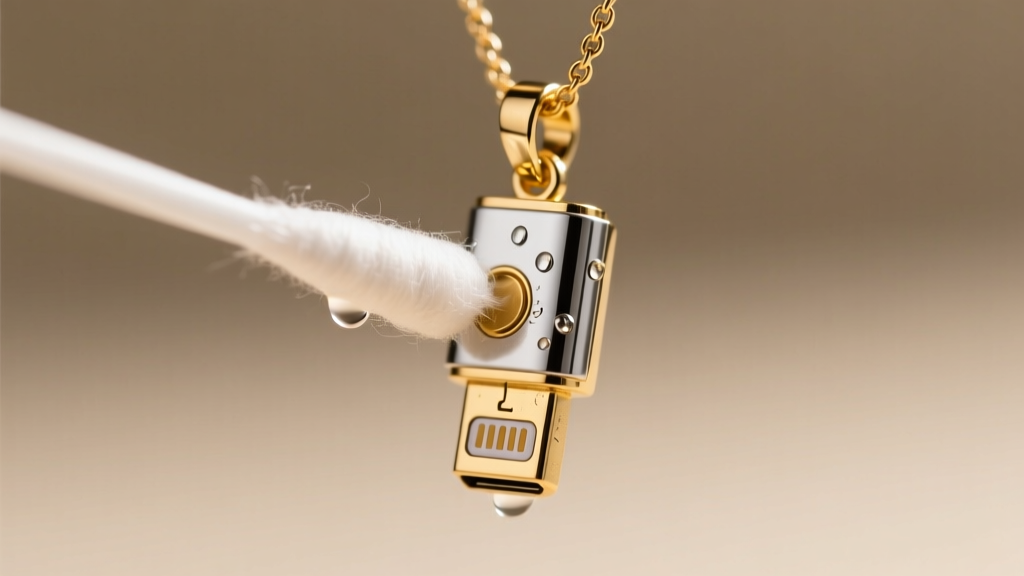
- Do NOT use water or standard jewelry cleaners. Liquid jewelry dips contain harsh chemicals that will strip the gold plating off the micro-pins and destroy the internal circuitry if seepage occurs.
- Use 99% Isopropyl Alcohol. Dip a cotton swab or a microfiber precision stick in 99% isopropyl alcohol. Gently scrub the charging contacts on both the pendant and the charging case.
- The Eraser Method. For stubborn oxidation, gently rub a clean, white pencil eraser over the metal contacts. This mechanically removes the oxidized layer without scratching the gold plating, restoring a perfect electrical connection.
Final Thoughts on Wearable Audio Care
Treating your necklace microphone with the same care as fine jewelry—but with the technical respect due to professional audio equipment—is the key to seamless content creation. By understanding the physics of RF interference, utilizing non-conductive materials like titanium and silk for your upper chains, and meticulously maintaining your charging contacts, you can ensure your audio is as flawless as your styling. Whether you are delivering a keynote, streaming a podcast, or capturing a vlog, mastering these troubleshooting techniques guarantees your voice is always heard loud and clear.