Decoding Earring Images: A Beginner's Guide to Online Shopping
Learn how to analyze earring images when shopping online. Discover expert tips on spotting true sizes, metal grades, and backing types from photos.
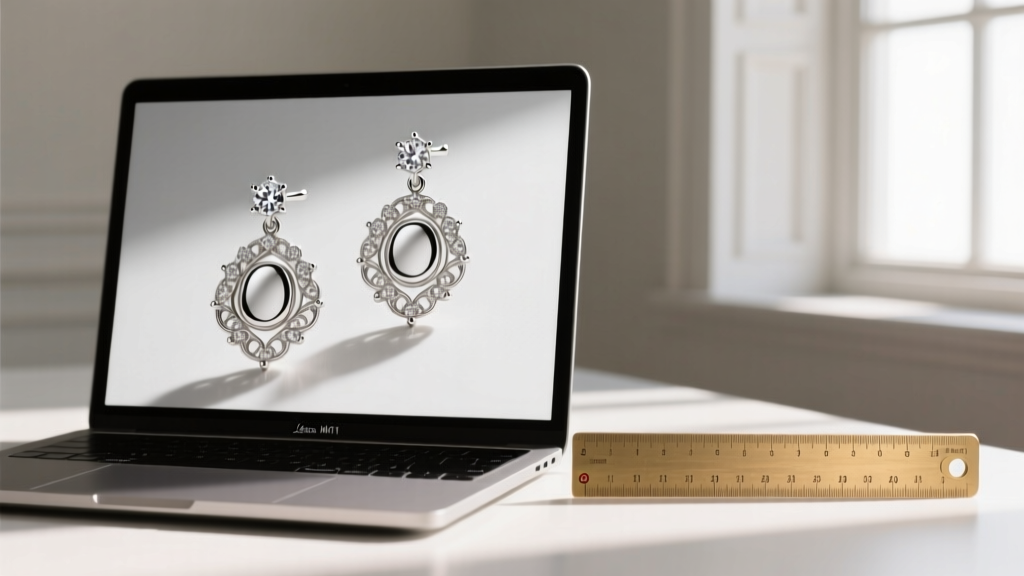
In 2026, with AI-enhanced product photography and ultra-high-definition macro lenses becoming the e-commerce standard, earring images are more beautiful—and more deceptive—than ever. For beginners stepping into the world of online jewelry shopping, a stunning photograph can easily mask poor craftsmanship, misleading proportions, or unsuitable materials. Learning how to critically analyze earring images is the most valuable skill you can develop before clicking 'Add to Cart'.
This beginner-friendly explainer will teach you how to look past the glamour of professional studio lighting and decode the visual data hidden in product photos. From identifying true scale to spotting metal grades and backing mechanisms, here is your ultimate guide to reading earring images like a seasoned gemologist.
Why Earring Images Can Be Misleading Online
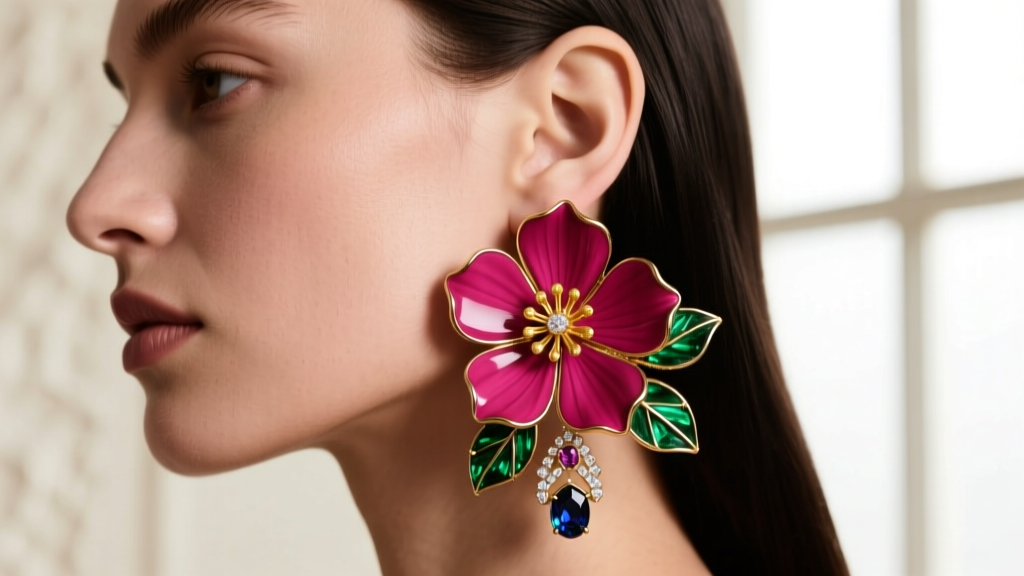
The primary culprit behind online jewelry disappointment is scale distortion. Professional jewelers frequently use 100mm macro lenses to capture the intricate details of a gemstone's pavilion or the texture of a gold bezel. While this highlights craftsmanship, it completely destroys the viewer's perception of size.
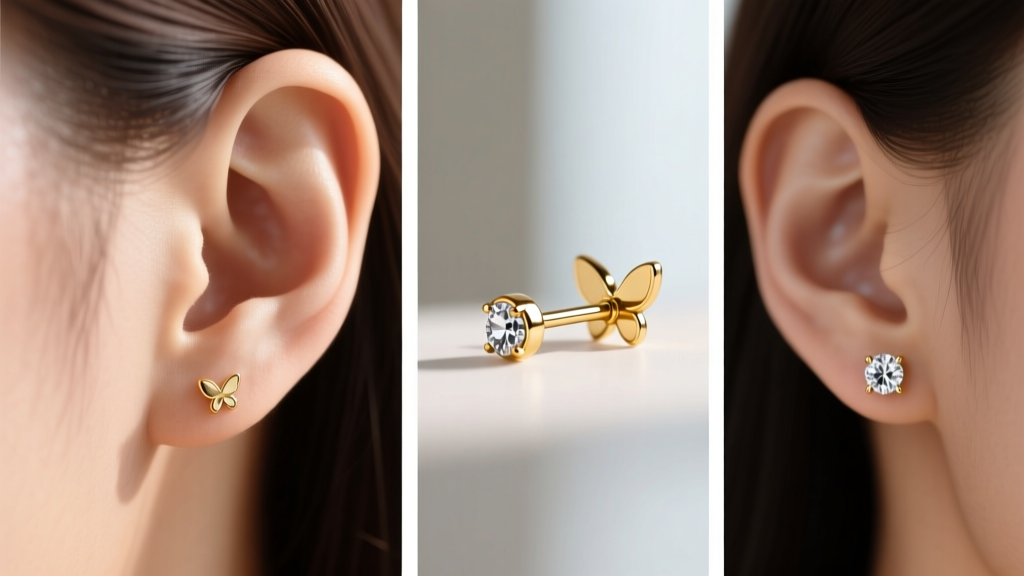
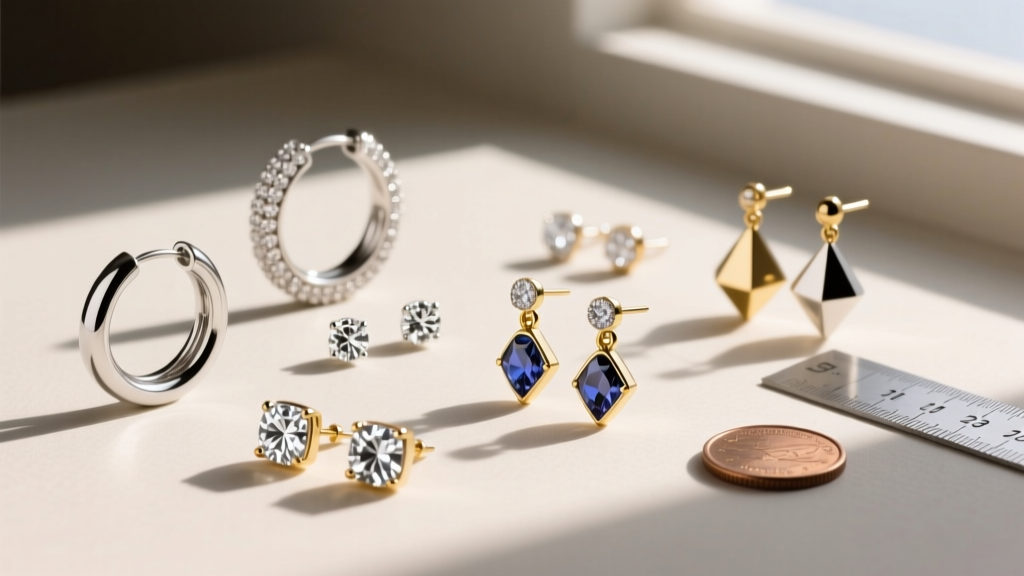
A 4mm cubic zirconia stud photographed in extreme macro can easily look like a 12mm diamond on your screen. To counteract this visual trickery, never rely on the image alone for sizing. Instead, use the image to assess the proportions of the piece, and always cross-reference it with the millimeter (mm) dimensions listed in the product specifications. If an earring image lacks a reference point, look for brands that include a 'wearability' photo showing the earring on a model's ear, or a flat-lay photo alongside a common object like a coin or a matchstick.
The Visual Glossary: Identifying Earring Types from Photos
Terminology can be confusing, but earring images usually provide clear visual cues if you know what to look for. Here is a quick visual glossary to help you categorize what you are seeing:
- Huggies vs. Hoops: Huggies are designed to 'hug' the earlobe tightly. In photos, look for a small inner diameter (usually 10mm-15mm) and a thick, hinged wire. Standard hoops will show a larger, continuous circle that dangles below the piercing.
- Drops vs. Dangles: This is a common point of confusion. Drop earrings feature a single element that hangs just below the earlobe and remains mostly stationary. Dangle earrings feature multiple articulated links or chains that swing freely with movement. If the earring image shows a rigid, single-piece extension, it is a drop; if it shows joints and chains, it is a dangle.
- Ear Cuffs vs. Cartilage Studs: Ear cuffs do not require a piercing. Look closely at the back of the earring in the image. If you see a C-shaped wire meant to pinch the outer helix, it is a cuff. If you see a straight post, it requires a cartilage piercing.
Spotting Material Grades in Earring Images
While you cannot perform an acid test through a screen, high-quality earring images often reveal subtle clues about the metals used. Understanding these visual cues can save you from buying cheap alloys disguised as precious metals.
White Gold vs. Platinum vs. Titanium
To the untrained eye, these three silver-colored metals look identical. However, under close inspection in well-lit photos, differences emerge. White gold is almost always rhodium-plated, giving it an extremely bright, mirror-like, almost chrome finish. Platinum has a naturally whiter, slightly deeper luster that doesn't look as artificially bright as rhodium. Titanium, specifically the implant-grade ASTM F-136 recommended by the Association of Professional Piercers (APP), often has a slightly duller, matte-grey sheen unless it has been highly polished or anodized.
Checking for Hallmarks
Zoom in on the earring images, specifically focusing on the back of the post, the inside of a hoop, or the clasp. Reputable jewelers will photograph the hallmark stamps. Look for '925' (Sterling Silver), '14K' or '585' (14 Karat Gold), '18K' or '750' (18 Karat Gold), and 'PT950' (Platinum). If the macro images are sharp but no hallmark is visible anywhere on the piece, proceed with caution.
Deciphering Backing Mechanisms in Product Photos
The backing mechanism dictates both the security and the comfort of your earrings. Unfortunately, many retailers only show the front of the earring, hiding the backing type. When earring images do include the back, use this comparison chart to identify what you are looking at:
| Backing Type | Visual Cue in Photos | Security Level | Best For |
|---|---|---|---|
| Butterfly / Push-Back | A small, winged metal piece with a central hole that slides onto a notched post. | Low to Medium | Standard lobe piercings, lightweight studs. |
| Screw-Back | The post features visible spiral threads, and the backing has a hollow threaded cylinder. | Very High | Valuable diamond studs, active lifestyles, children. |
| La-Clique / Secure-Lock | A specialized post with a deep groove and a backing featuring a visible metal latch or click mechanism. | High | Heavy drops, dangles, and valuable gems. |
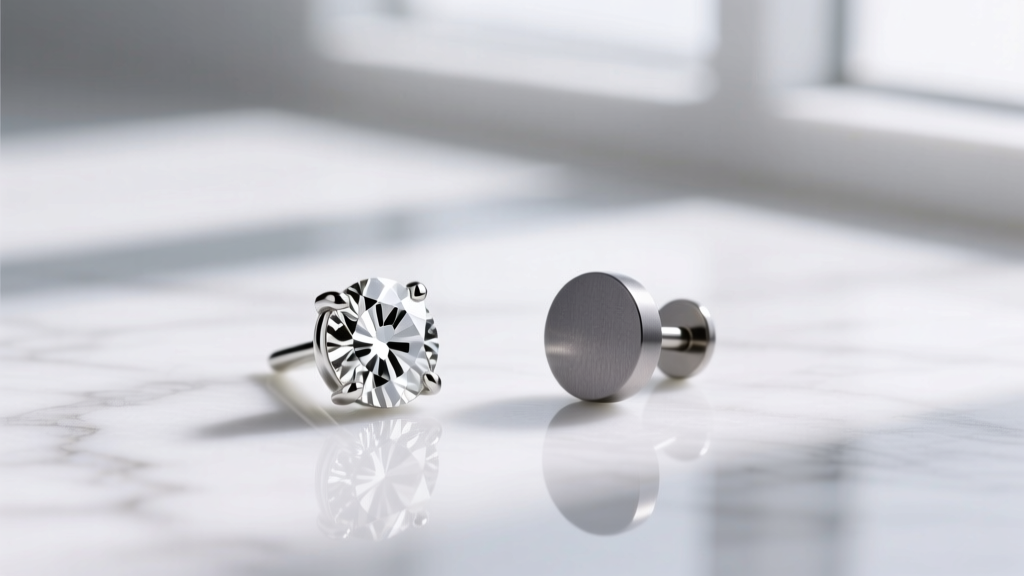
| Flat-Back / Labret | A straight post ending in a flat, smooth disc rather than a pointed tip. | High (Comfort) | Cartilage piercings, helix, tragus, and sleeping. |
Understanding these visual cues is critical. If you have sensitive cartilage piercings, you want to avoid standard butterfly backs, as the pointed post can dig into your neck while sleeping. Always look for flat-back labret styles in the product images for cartilage jewelry.
Pro Tips for Requesting Custom Earring Images from Sellers
When shopping on platforms like Etsy or from independent custom jewelers, you have the advantage of direct communication. If the provided earring images are lacking in detail, do not hesitate to request specific custom photos. Here is exactly what to ask for to ensure you are making an informed purchase:
- The 'Coin Reference' Shot: Ask the seller to place the earring next to a standard US Quarter or a metric ruler. This instantly bypasses macro-lens distortion and gives you a true sense of scale.
- The 'Unfiltered' Lighting Shot: Request a photo taken in natural, indirect window light without any studio reflectors. This will show you the true color of the gemstones and the actual polish level of the metal, revealing any scratches or casting porosity that studio lights might hide.
- The 'Profile' View: Many sellers only provide flat-lay or front-facing shots. Ask for a profile (side) view to see how far the earring protrudes from the ear and to check the thickness (gauge) of the post.
According to the Gemological Institute of America (GIA), lighting conditions drastically alter the perceived color and clarity of gemstones. Seeing a stone in natural light is the closest you can get to an in-person inspection without leaving your home.
Gauge Sizes: Reading the Thickness in Photos
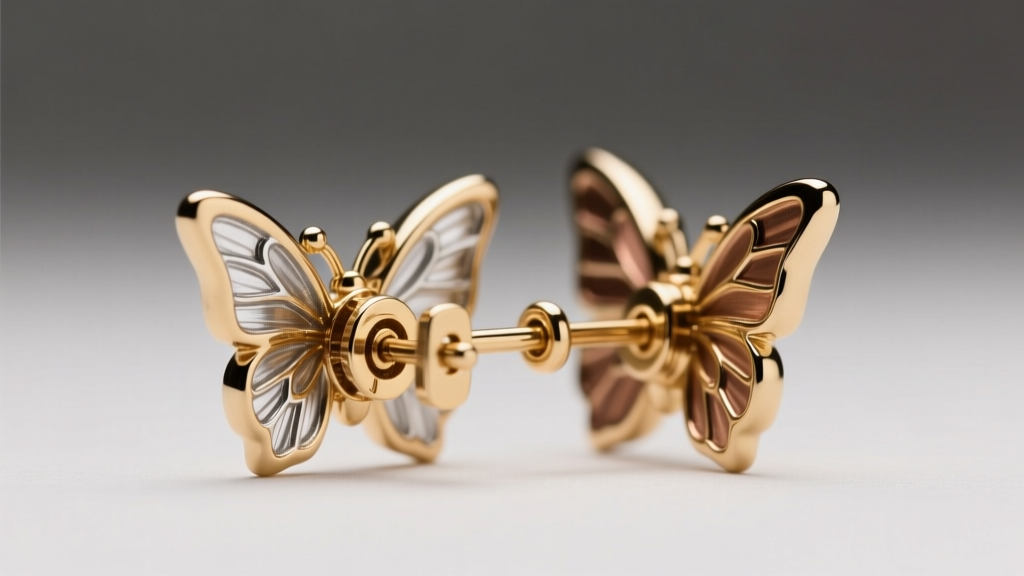
Gauge refers to the thickness of the earring post or wire. Standard lobe piercings are typically done at 20g (0.81mm) or 18g (1.02mm), while cartilage piercings are often 16g (1.29mm) or 14g (1.63mm). In high-resolution earring images, you can sometimes gauge the thickness visually. If the post looks unusually thick—almost like a paperclip wire—it is likely 14g or 12g. If you try to force a 14g earring into a standard 20g lobe piercing, you risk tearing the tissue or causing severe irritation. Always verify the gauge in the text description, and use the image merely as a secondary confirmation.
Summary Checklist Before You Click 'Add to Cart'
Before finalizing your online jewelry purchase, run the earring images through this final expert checklist:
- Did I verify the millimeter dimensions in the text, rather than trusting the macro photo scale?
- Can I identify the backing mechanism, and is it appropriate for my piercing location and lifestyle?
- Have I zoomed in to check for metal hallmark stamps (925, 14K, PT950)?
- If buying for cartilage, does the image show a flat-back or an appropriate gauge (16g/18g) wire?
- For gemstones, have I requested or viewed a natural-light photo to confirm the true color?
By training your eye to look beyond the aesthetic appeal and focus on the structural and material realities shown in earring images, you will drastically reduce your return rate and build a high-quality, comfortable jewelry collection that lasts a lifetime.