From Earring Clipart to Reality: Metal Properties Guide
Learn how to translate 2D earring clipart and vector designs into durable physical jewelry by understanding metal gauges, hardness, and failure modes.
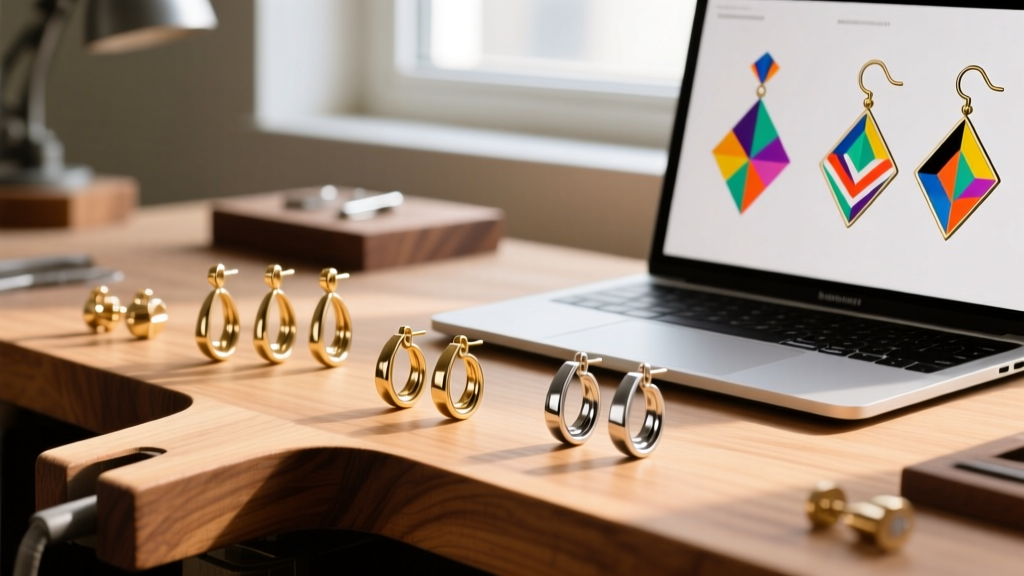
The Gap Between 2D Vectors and 3D Wearability
The indie jewelry design boom of the mid-2020s has empowered thousands of creators to launch their own accessories lines. Often, the creative process begins not with a sketchbook, but with digital assets. Many designers source or draw 2D earring clipart, vector silhouettes, and digital templates to prototype their ideas. While a flat digital silhouette is an excellent starting point for establishing proportion and aesthetic balance, it completely ignores the Z-axis, tensile strength, and metallurgical realities of physical jewelry.
A delicate filigree earring clipart might look breathtaking on a high-resolution monitor, but if that exact 2D profile is laser-cut from 24-gauge fine silver, it will warp and bend under the weight of a heavy winter coat. Translating digital graphics into wearable art requires a deep understanding of material properties. You must map 2D pixels to 3D metallurgy, ensuring that the physical output can survive the rigors of daily wear without snapping, tarnishing, or causing contact dermatitis.
Translating Clipart Line Weights to Metal Gauges
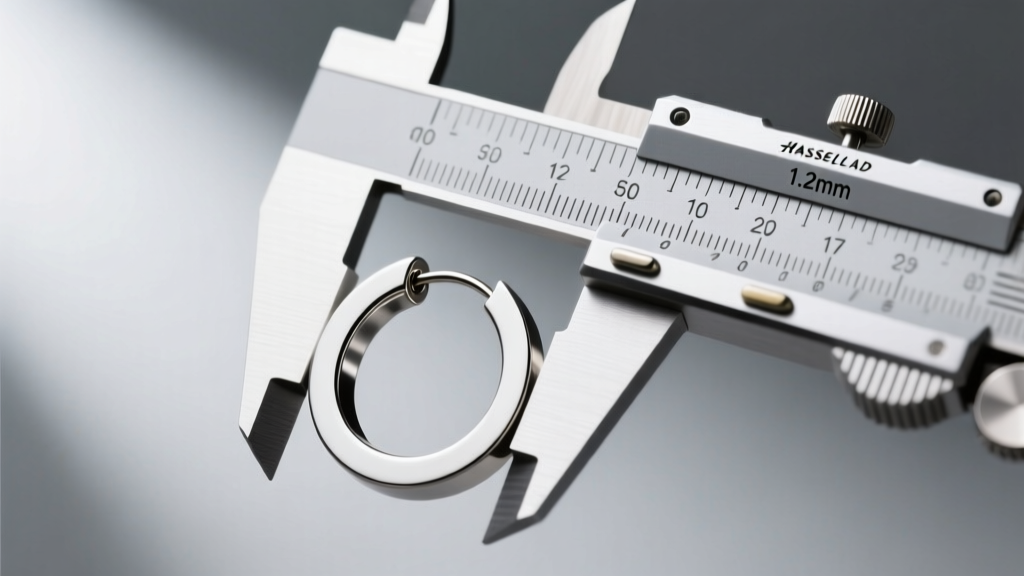
In vector design software like Adobe Illustrator or Inkscape, line weight is an arbitrary visual setting. In jewelry manufacturing, thickness is a matter of structural survival, measured in American Wire Gauge (AWG) or millimeters. When you prepare your earring clipart for production, every line must be assigned a physical dimension.
- 20G (0.81mm): The absolute minimum thickness for standard lobe wires and lightweight dangles. If your clipart design features a built-in ear wire, it must be at least this thick to prevent bending during insertion.
- 18G (1.02mm): The ideal baseline for structural hoops, ear cuffs, and medium-weight drop earrings. It provides enough rigidity to hold its shape while remaining comfortable for the wearer.
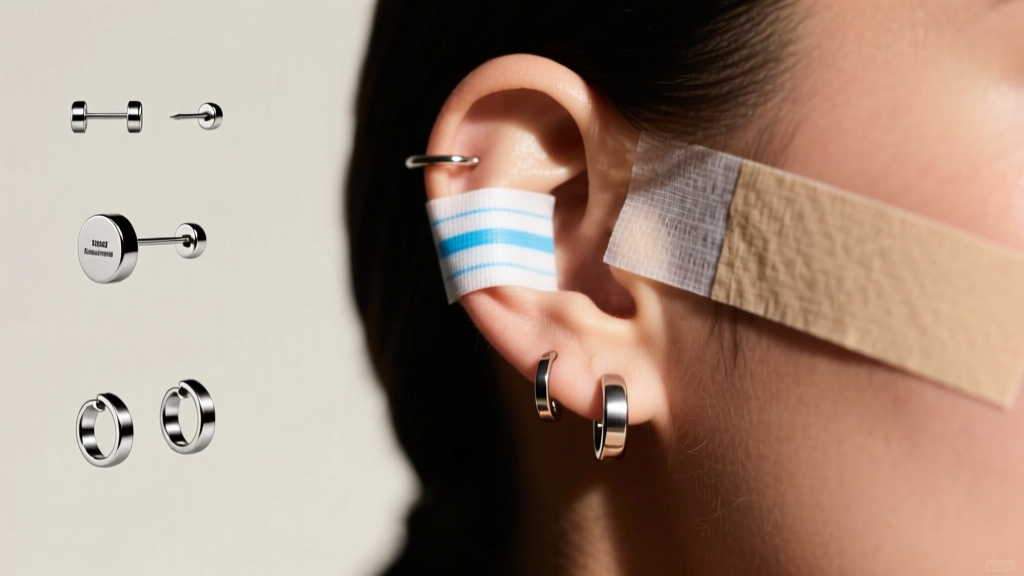
- 16G (1.29mm): Required for cartilage, helix, and tragus designs. Cartilage piercings are tighter and subject to more friction; a 16G post ensures the earring won't bend and irritate the healing fistula.
If your earring clipart features ultra-thin connecting bridges (under 0.5mm), laser cutting will warp the metal due to extreme heat concentration in a small surface area. Always scale your vector lines to match your intended metal gauge before sending files to a manufacturer.
Material Comparison Matrix for Vector-Based Designs
Not all metals behave the same way when forced into the rigid geometries of 2D vector art. Below is a 2026 material comparison matrix detailing how different alloys respond to clipart-derived manufacturing techniques like laser cutting, stamping, and CNC milling.
| Material | Vickers Hardness (HV) | Best Clipart Style | Oxidation Risk | 2026 Est. Price (per oz) |
|---|---|---|---|---|
| Sterling Silver (925) | 65 HV (Annealed) | Stamped & Textured Vectors | High (Tarnishes) | ~$32.00 |
| 14k Yellow Gold | 135 HV | Intricate Cast Filigree | Low | ~$1,250.00 |
| Grade 23 Titanium (ELI) | 334 HV | Minimalist Laser-Cut Geometry | None (Hypoallergenic) | ~$8.00 (High machining cost) |
| Niobium | 60 HV | Anodized Color-Blocked Shapes | None | ~$12.00 |
| Brass (C260) | 105 HV | Bold, Thick Statement Prototypes | High (Requires sealing) | ~$4.00 |
For designers utilizing highly detailed earring clipart with sharp internal angles, Ganoksin recommends avoiding work-hardened metals like spring-hard sterling silver, as the tight corners will induce micro-fractures during the stamping process. Instead, opt for dead-soft metals or cast the design in 14k gold.
Failure Modes: When Your Design Defies Physics
Digital art has no gravity; physical jewelry does. When translating flat graphics into wearable objects, designers frequently encounter physics-based failure modes that were invisible in the original earring clipart.
The Shear Stress Trap at the Post Joint
Clipart often depicts a flat earring post soldered to a massive, elongated surface area. In reality, a 50mm long drop earring acts as a Class 1 lever. The fulcrum is the earlobe. The weight of the earring pulls down, applying massive shear force to the solder joint. If your design specifies a standard 20G (0.81mm) wire on a heavy brass dangle, the yield strength of the solder will be exceeded during normal wear—such as pulling a sweater over your head. To fix this, you must add a 3D structural rib to the back of the design or upgrade to a heavy-duty 16G post with a larger solder pad.
Stress Concentrators in Tight Corners
If your vector template features sharp 90-degree interior corners, stamping or bending the metal will cause stress concentrators. According to metallurgical guidelines from Rio Grande, sharp interior angles in sheet metal act as tear-initiation points. Always use your vector software's spline smoothing tool to add a minimum 0.5mm fillet radius to all interior corners in your earring clipart before production.
Sourcing and Prepping Files for Laser Cutting & Casting
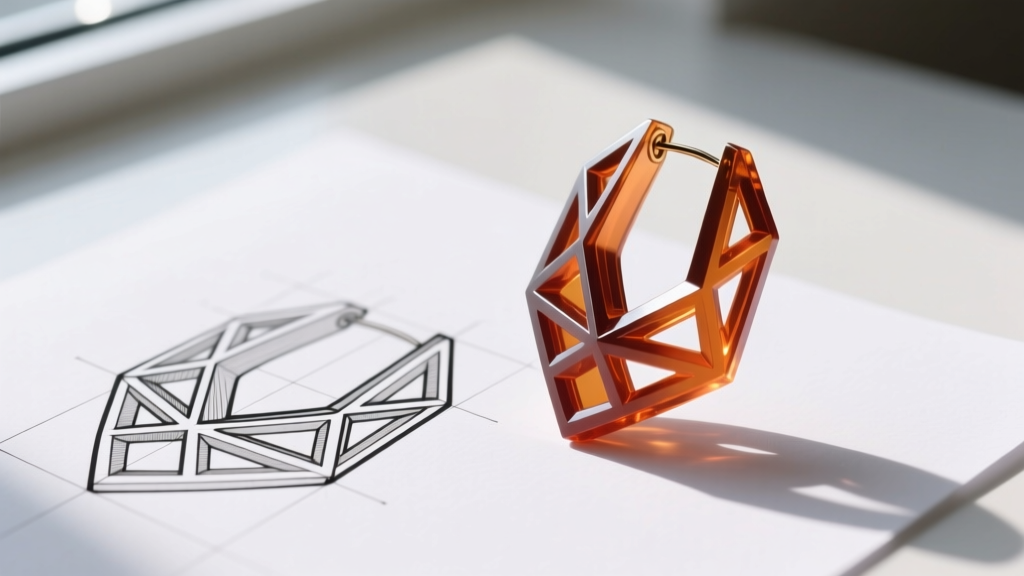
Many designers download raster-based earring clipart (JPG or PNG formats) and use auto-trace functions to convert them into SVG or DXF files for laser cutting. This workflow is fraught with hidden dangers. Auto-tracing creates hundreds of microscopic 'jaggies' and stray nodes along the vector path.
When a laser cutter follows these micro-jaggies, it stutters, creating uneven heat distribution that results in warped edges and excessive dross (slag) on the back of the earring. Furthermore, you must account for kerf width—the amount of material the laser beam vaporizes. A standard fiber laser has a kerf of about 0.1mm. If your clipart features a 1.0mm slot designed for a friction-fit interlocking joint, the laser will cut it to 1.1mm, rendering the joint useless. Always offset your vector paths inward by half the kerf width to maintain exact physical dimensions.
Final Thoughts on Digital-to-Physical Prototyping
Bridging the gap between digital aesthetics and physical durability is the hallmark of a master jewelry designer. While earring clipart and 2D vectors are invaluable tools for ideation, they must always be filtered through the lens of material science. By respecting Vickers hardness, calculating leverage physics, and prepping your vectors for the realities of CNC and laser manufacturing, you can transform flat digital dreams into heirloom-quality realities.
For further reading on metal properties and jewelry fabrication techniques, the educational resources at Halstead Bead offer excellent deep-dives into wire gauge tolerances and alloy behaviors for indie makers.