Mastering the Earring Filter: Troubleshoot Fit, Allergies & Style
Learn how to use an earring filter to troubleshoot online shopping. Solve nickel allergies, gauge mismatches, and face-shape clashes with expert tips.
The Hidden Cost of Ignoring the Earring Filter
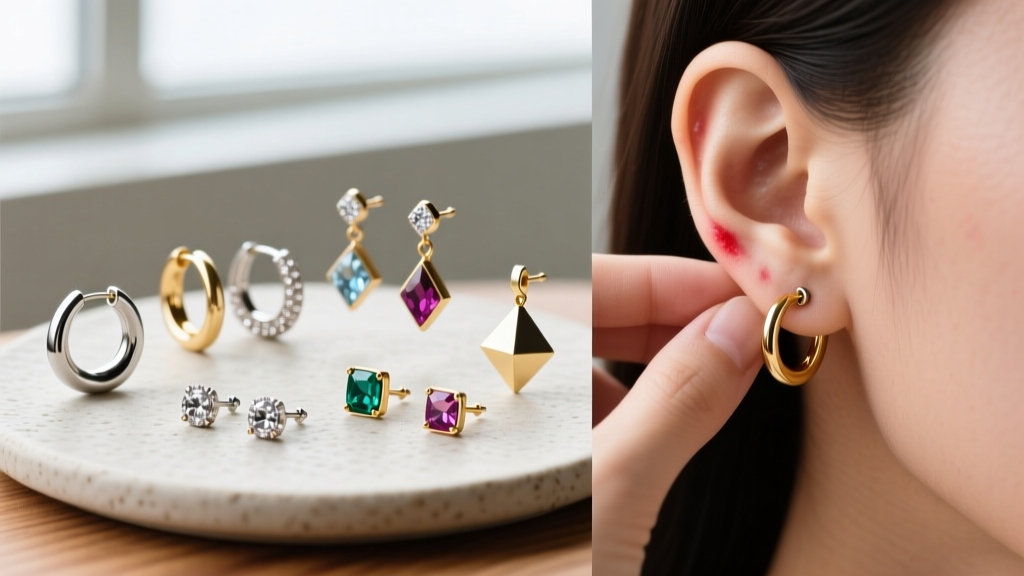
Online jewelry shopping in 2026 offers unprecedented variety, but it also presents a massive troubleshooting challenge: you cannot physically test the jewelry before buying. The result? A wave of contact dermatitis, cartilage irritation bumps, and ill-fitting hoops. The primary tool at your disposal is the site's earring filter, yet most shoppers use it incorrectly. Typing "silver" or "hypoallergenic" into a search bar is a recipe for allergic disaster. To truly troubleshoot your jewelry purchases, you must master the faceted search parameters of modern e-commerce platforms, filtering by exact metallurgical grades, precise gauge thicknesses, and specific structural geometries.
"The term 'hypoallergenic' is a marketing buzzword, not a medical or metallurgical guarantee. If your earring filter does not allow you to select specific alloy compositions, you are shopping blind."
Troubleshooting Allergy Triggers: Filtering by Material Grade
The most common failure mode in online earring shopping is allergic contact dermatitis, primarily caused by nickel exposure. According to the American Academy of Dermatology, nickel allergy affects up to 10% of the population, and the reaction can develop suddenly after years of wearing seemingly fine jewelry. When using an earring filter, you must bypass vague marketing terms and target exact material grades.
The Nickel Loophole in Standard Filters
Many legacy e-commerce sites group materials under broad categories like "Metal" or "Silver." If your earring filter only offers "Surgical Steel," proceed with caution. While 316L surgical steel is common, it still contains up to 10-14% nickel. For fresh piercings or highly reactive ears, you must filter specifically for ASTM F136 Implant-Grade Titanium or Niobium. The Association of Professional Piercers strictly recommends these two materials for initial piercings and chronic allergy sufferers due to their complete lack of nickel and high biocompatibility.
| Filter Term | Actual Material | Nickel Risk | Troubleshooting Verdict |
|---|---|---|---|
| Hypoallergenic | Unknown Brass/Alloy | High | Avoid entirely; unregulated term. |
| Sterling Silver | 92.5% Ag, 7.5% Cu/Zn | Low-Medium | Safe for healed lobes only; tarnishes. |
| Surgical Steel | 316L Stainless | Medium | Healed piercings; avoid if highly reactive. |
| Implant Grade Ti | ASTM F136 Titanium | Zero | Gold standard for all ear types. |
| Solid 14k/18k | Gold Alloy (Nickel-Free) | Zero | Excellent, but verify alloy mix. |
Solving the Gauge & Depth Mismatch
A beautifully designed earring is useless if the post is too thin or too short for your specific piercing. Standard lobe piercings are typically done at 20-gauge (0.8mm) or 18-gauge (1.0mm). However, cartilage piercings (helix, tragus, conch) are almost universally pierced at 16-gauge (1.2mm) or 14-gauge (1.6mm). If you use a basic earring filter to search for "studs" without narrowing down the gauge, you will likely receive 20-gauge jewelry that will slide around in a 16-gauge cartilage hole, causing irritation and migration.
Post Length and Threading Types
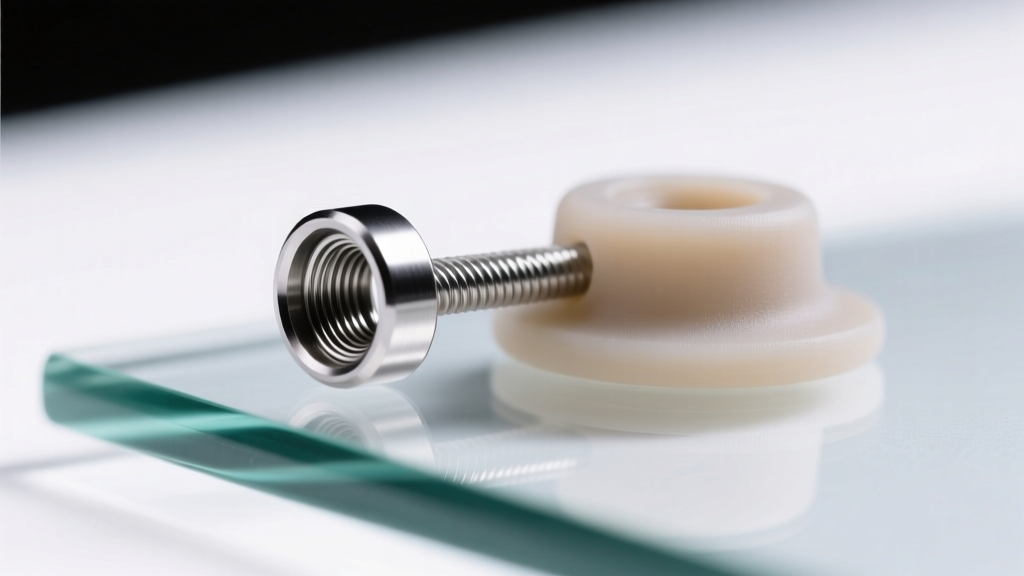
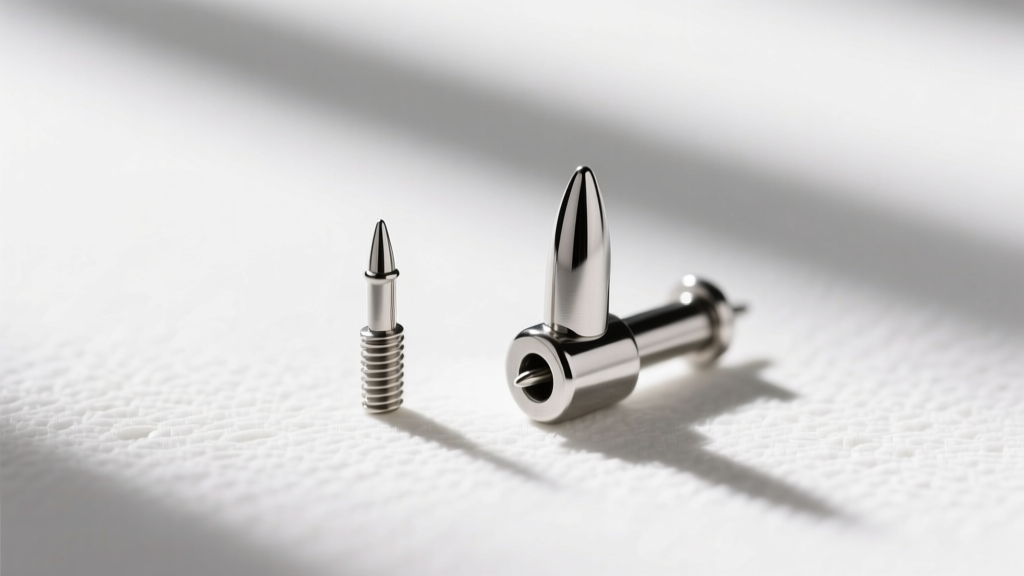
Beyond thickness, you must filter by post length and threading type. Standard earring posts are 6mm to 8mm long. If you have a thick helix or a tragus piercing, an 8mm post might be too short to accommodate the swelling or the depth of the tissue, while a 10mm post might snag on hair. Furthermore, use your earring filter to select internally threaded or threadless (push-pin) jewelry. Externally threaded jewelry (where the screw is on the post itself) acts like a cheese grater when pushed through a healing or tight piercing, tearing the fistula tissue.
Hoops and Huggies: The Inner Diameter Trap
Hoops present a unique geometric challenge. When filtering for hoops, huggies, or clickers, shoppers obsess over the outer aesthetic but ignore the inner diameter (ID). The ID dictates whether the hoop will comfortably hug your ear or dig into your cartilage.
- Standard Lobe Hoops: Filter for 8mm to 10mm ID for a snug huggie fit, or 12mm to 15mm for a classic dangle.
- Helix/Conch Hoops: Filter for 8mm to 10mm ID. Anything smaller will pull upward on the piercing channel, causing pressure necrosis and irritation bumps.
- Daith/Rook Hoops: These require highly specific IDs (usually 10mm for daith, 8mm for rook) and must be filtered by captive bead ring (CBR) or clicker styles, as standard seamless rings are nearly impossible to insert in these deep cartilage folds.
Face Shape & Proportion: The Visual Earring Filter
Troubleshooting isn't just about physical comfort; it is also about visual harmony. Advanced e-commerce platforms in 2026 now include visual parameters in their earring filter menus. If your site lacks these, use the "Drop Length" or "Overall Dimensions" filters to match your face shape.
Filtering by Dimensions
Round Faces: Filter out studs and wide hoops. Set your drop length filter to Long (2+ inches) to find linear dangles and rectangular drops that elongate the jawline.
Square Faces: Filter out sharp geometric shapes. Set your style filter to Curved, Oval, or Teardrop to soften strong angular jawlines.
Heart-Shaped Faces: Filter for Chandelier or Bottom-Heavy Dangles. Avoid top-heavy designs that widen the forehead further.
Advanced Search Operators: Hacking the Earring Filter
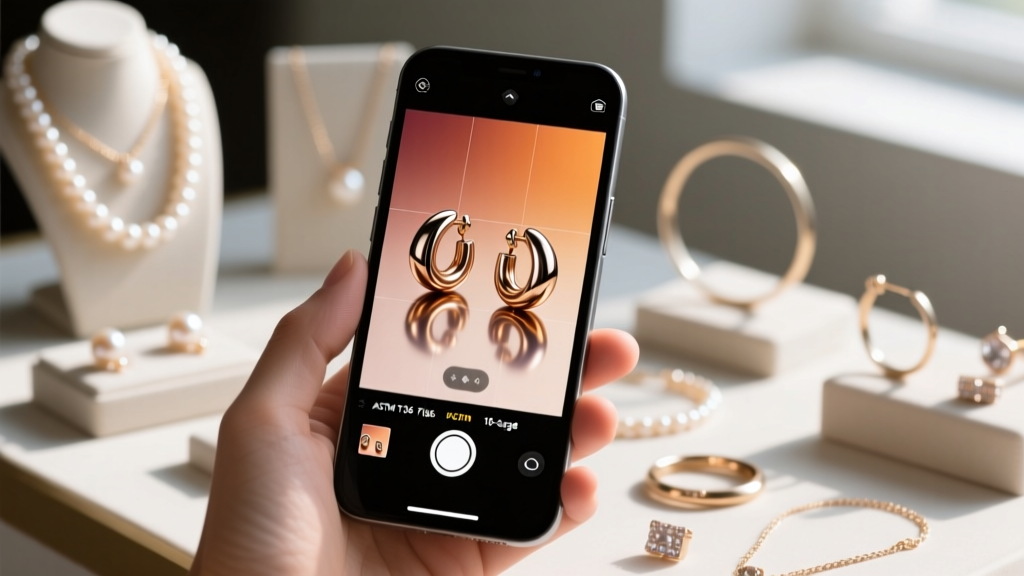
When a website's native earring filter is poorly coded or lacks granular options, you can bypass the UI and use Boolean search operators in the site's main search bar. This is a critical troubleshooting skill for serious collectors and those with severe metal allergies.
"ASTM F136" AND "16g" AND "threadless"- Instantly isolates high-end, safe cartilage jewelry."leverback" AND "14k solid" -"plated"- Finds secure, high-quality dangle earrings while filtering out cheap gold-plated fakes."flat back" AND "8mm post" AND "titanium"- Perfect for troubleshooting sleep-friendly lobe or tragus studs that won't poke your neck.
Expert Troubleshooting Checklist
Before you add any earring to your cart, run it through this final verification checklist to ensure the product matches your filtered parameters:
- Verify the Exact Alloy: Does the product description explicitly state ASTM F136, Niobium, or solid 14k/18k gold? If it just says "surgical steel" or "silver alloy," abandon the cart.
- Confirm the Gauge: Match the jewelry gauge to your specific piercing (20g/18g for standard lobes, 16g/14g for cartilage).
- Check the Wearable Area: For flat-back labrets, ensure the "wearable length" (the smooth part of the post) matches your tissue thickness (usually 5mm-8mm for lobes, 6mm-10mm for cartilage).
- Inspect the Clasp Mechanism: If you are buying dangles for active wear, filter for leverback or locking French wire clasps to prevent loss.
Mastering the earring filter transforms online jewelry shopping from a gamble into a precise, customized experience. By prioritizing metallurgical facts and anatomical geometry over aesthetic thumbnails, you will build a curated, comfortable, and irritation-free jewelry collection.