Mastering Earrings Clipart: A Designer's Step-by-Step Guide
Learn how to source, edit, and use earrings clipart for jewelry mockups, laser cutting, and marketing. A step-by-step guide for designers.
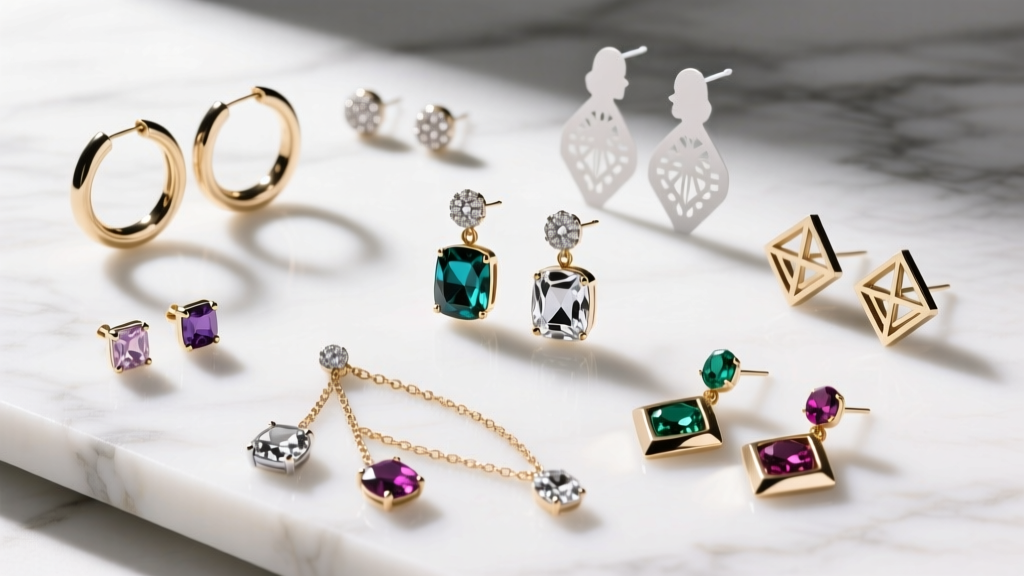
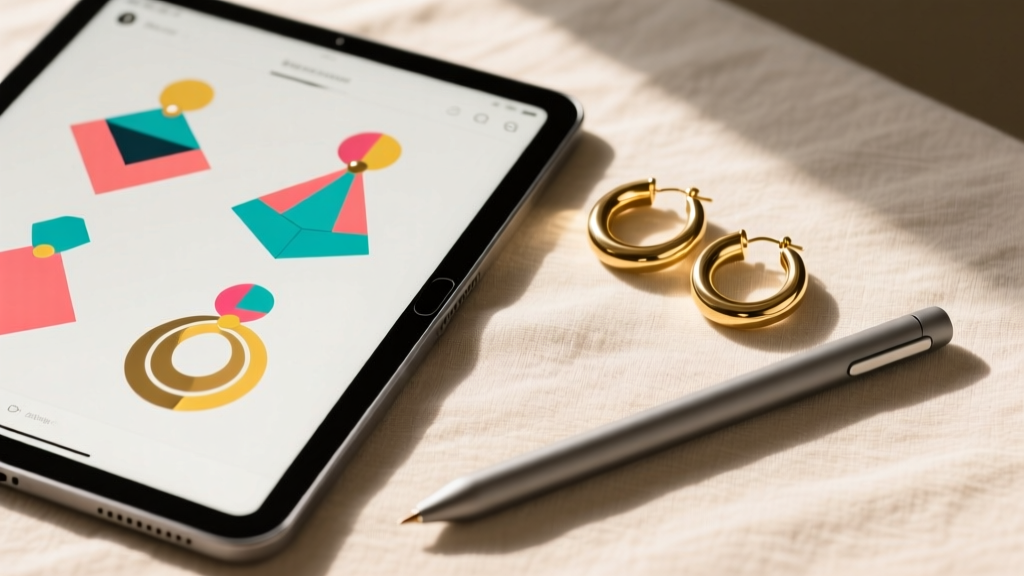
In the modern jewelry industry, the term "clipart" has evolved far beyond the low-resolution, pixelated images of the early internet. For contemporary jewelry designers, Etsy sellers, and CAD modelers in 2026, high-quality earrings clipart—specifically scalable vector graphics (SVGs) and precise digital templates—forms the backbone of e-commerce branding, laser-cut production, and digital packaging design. Whether you are mapping out a new collection of 18-karat gold huggies or designing custom earring display cards for your online boutique, mastering vector assets is a non-negotiable skill.
This comprehensive, step-by-step guide will teach you how to source anatomically accurate earrings clipart, optimize vector nodes for laser cutting, and leverage these assets to create professional-grade marketing mockups.
Why High-Quality Vector Assets Matter in Jewelry Design
When sourcing digital assets for jewelry, the distinction between raster images (PNG, JPG) and vector graphics (SVG, EPS, AI) is critical. Raster images lose quality when scaled and cannot be read by laser cutters or CNC machines. Vector-based earrings clipart, however, uses mathematical formulas to render lines and curves, meaning you can scale a delicate 22-gauge stud earring design to the size of a billboard without losing a single node of detail.
According to the Gemological Institute of America (GIA), precision in jewelry design translates directly to manufacturing success. A poorly drawn vector template can result in structural weaknesses when translated into physical metals. For example, if your clipart depicts a French hook wire as a uniform 2-pixel line, it fails to represent the actual 0.81mm thickness of a standard 20-gauge wire, leading to inaccurate weight estimates and flawed bending templates.
Step 1: Sourcing Anatomically Accurate Earrings Clipart
The first step in utilizing digital assets is knowing what to look for. Generic clipart often fails to capture the nuanced mechanics of earring findings. When auditing a vector library or purchasing a template pack, evaluate the assets against these professional jewelry standards:
- Findings Accuracy: Does the leverback earring clipart include the hinge and the tension clasp? Are the huggie hoops depicted with a functional clicker hinge and a flush pin closure?
- Gauge Representation: High-end vector packs will offer variations in wire thickness. Look for assets labeled with standard American Wire Gauge (AWG) sizes, such as 18-gauge (1.02mm) for heavy drop earrings and 20-gauge (0.81mm) for standard lobe wires.
- Prong and Bezel Details: If the clipart features gemstones, ensure the prongs are individually drawn and not just merged into a single blob. This is vital if you plan to use the clipart as a base for 3D CAD modeling in MatrixGold or Rhino.
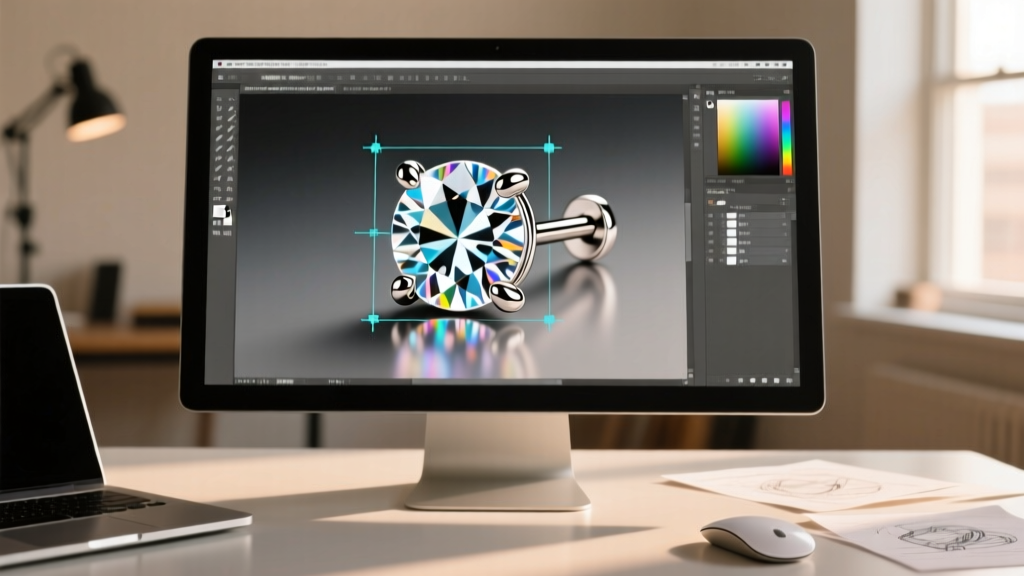
Step 2: Editing SVGs for Laser Cutting and Production
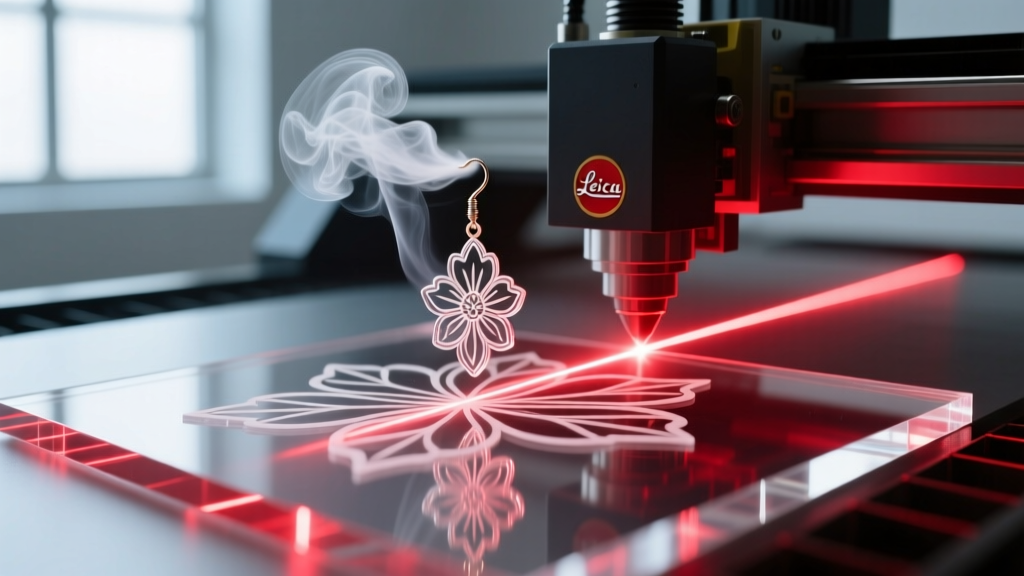
Many independent jewelry makers use desktop laser cutters (like Glowforge or xTool) to prototype acrylic earrings or cut brass blanks for enameling. You cannot simply send raw earrings clipart to a laser cutter; the file must be meticulously prepared to account for the physical realities of the laser beam.
Understanding Laser Kerf Compensation
The "kerf" is the width of the material removed by the laser beam. When cutting 1mm acrylic or thin brass sheet, the kerf is typically around 0.008 inches (0.2mm). If your earrings clipart features interlocking geometric pieces or intricate filigree, failing to compensate for the kerf will result in pieces that are slightly too small or holes that are slightly too large.
As detailed in the Ponoko Laser Kerf Guide, you must apply an "Offset Path" in your vector software. In Adobe Illustrator, select your earring outline, go to Object > Path > Offset Path, and apply a value equal to half of your machine's kerf width (e.g., 0.1mm outward for outer edges, inward for inner cutouts).
Cleaning Intersecting Nodes
Downloaded clipart often contains overlapping paths that will cause a laser cutter to double-cut the same line, resulting in melted edges on acrylic or warped brass. Use the Pathfinder tool to "Unite" or "Weld" all overlapping shapes into a single, continuous outline before exporting your final SVG or DXF file.
File Format Comparison for Jewelry Workflows
| Format | Best Use Case | Software Compatibility | Scalability |
|---|---|---|---|
| SVG | Laser cutting, web mockups, Cricut vinyl decals for packaging | Illustrator, Inkscape, LightBurn | Infinite (Vector) |
| DXF | CNC routing, waterjet cutting thick metal plates | AutoCAD, Rhino, SheetCam | Infinite (Vector) |
| STL | 3D printing casting waxes for lost-wax casting | MatrixGold, ZBrush, Chitubox | High (Mesh-based) |
| PNG (300dpi) | Etsy listing watermarks, social media marketing | Photoshop, Canva, Procreate | Fixed (Raster) |
Step 3: Creating Digital Mockups for E-Commerce
Beyond manufacturing, earrings clipart is an invaluable asset for creating cohesive brand packaging and e-commerce listings. In 2026, consumers expect a premium unboxing experience, and custom earring cards are a staple of jewelry branding.
Designing the Perfect Earring Display Card
Standard earring cards typically measure 2" x 3" (51mm x 76mm) or 3" x 4" (76mm x 102mm). When using vector clipart to design the layout of your cards, precision is key. The hole punches for the earrings must accommodate the specific findings you use.
- Determine Hole Diameter: For standard 20-gauge French hooks, a 1/16" (1.5mm) hole is sufficient. For thicker 18-gauge leverbacks or screw-backs, you may need a 3/32" (2.3mm) hole.
- Spacing: Place the holes exactly 1 inch apart (center-to-center) to allow standard drop earrings to hang without tangling.
- Safe Zones: Keep all vector typography and logo clipart at least 0.125" away from the edge of the card to prevent it from being trimmed off during the die-cutting process.
By utilizing SVG-based brand assets and earring silhouette clipart, you can create dynamic, scalable PDF templates that your commercial printer can use directly for die-line creation, eliminating the guesswork and ensuring your packaging looks as premium as your jewelry.
Troubleshooting Common Vector Artwork Issues
Even the most expensive earrings clipart packs can present technical hurdles. Here is how to troubleshoot the most common issues encountered by jewelry designers:
Pro Tip: Always use the Adobe Illustrator Pen Tool to manually redraw critical structural points on downloaded clipart. Automated image-trace features often fail to recognize the difference between a decorative engraving line and a structural cut line.
- Issue: The earring post is too thick in the vector file.
Solution: Select the post path and apply a specific stroke weight. For a standard butterfly push-back post, set the stroke to exactly 0.9mm to accurately reflect a 19-gauge or 20-gauge titanium or steel post. - Issue: The laser cutter reads the clipart as a raster engrave instead of a vector cut.
Solution: Ensure all shapes are outlined. In Illustrator, select the artwork and click Type > Create Outlines. Then, set the stroke width to "Hairline" (0.001pt) in your laser software's color-mapping settings. - Issue: Clipart looks pixelated when zoomed in.
Solution: You have likely downloaded a rasterized PNG disguised as an SVG. Open the file in a code editor; if you see `` tags with base64 data instead of ` ` and ` ` coordinates, it is a raster file. You will need to use a vectorization tool or redraw it manually.
Conclusion
Mastering the use of earrings clipart is about bridging the gap between digital imagination and physical reality. By prioritizing anatomical accuracy, understanding the physics of laser kerf, and leveraging vector formats for professional packaging, jewelry designers can drastically reduce prototyping waste and elevate their brand's visual identity. Whether you are cutting acrylic dangles in your home studio or sending DXF files to a commercial casting house, precise vector assets are the foundation of exceptional jewelry craftsmanship.