Mastering Earring Drawing: Troubleshoot Proportions & Metal Textures
Learn how to fix common earring drawing mistakes. Master ear anatomy scaling, metal reflection mapping, and accurate gauge rendering for jewelry design.

When communicating with custom clients or transitioning into 3D CAD modeling, a flawless earring drawing is the bridge between concept and reality. Yet, even experienced illustrators and jewelry design students fall into predictable traps. Misrepresenting a 2mm jump in diameter, confusing 18k gold with platinum reflections, or drawing a 20-gauge post that looks like a structural beam can lead to manufacturing nightmares and rejected proposals. In 2026, as hyper-realistic digital rendering and micro-pavé trends dominate the market, technical sketching requires surgical precision. This guide troubleshoots the most common earring drawing failures, providing actionable frameworks for anatomy, metallurgy, and gauge scaling.
The Anatomy Problem: Scaling Earrings to the Human Ear
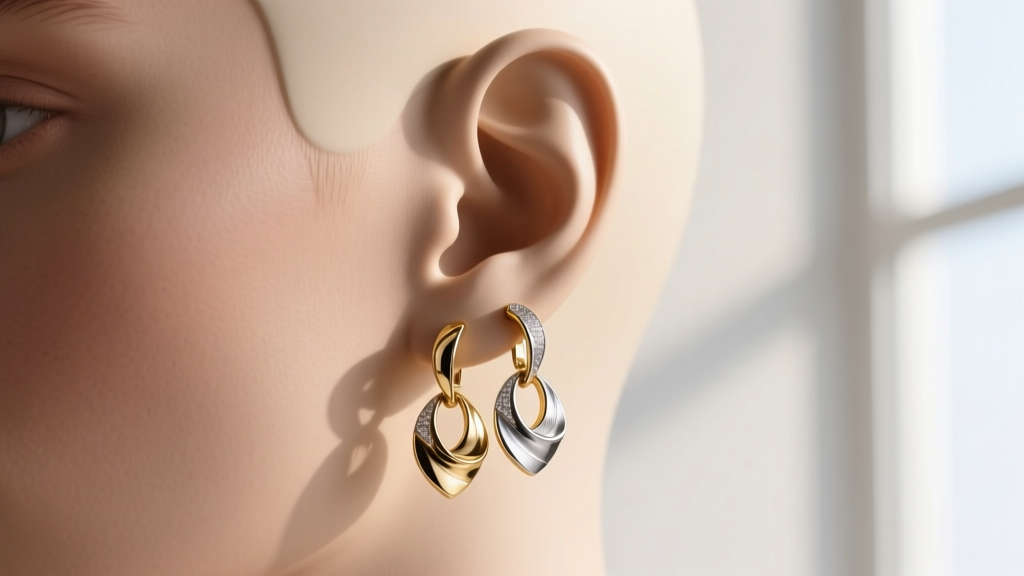
The most frequent failure in earring drawing is ignoring the underlying topography of the ear. An earring does not float in a void; it interacts with the ear's distinct anatomical landmarks. When sketching lobe earrings, the average adult earlobe measures between 15mm and 20mm in vertical height. If you are illustrating a 12mm hoop, it must visually occupy roughly 60% to 80% of the lobe's height. A common mistake is drawing the hoop too large, making it look like a heavy industrial ring rather than a delicate huggie or standard hoop.
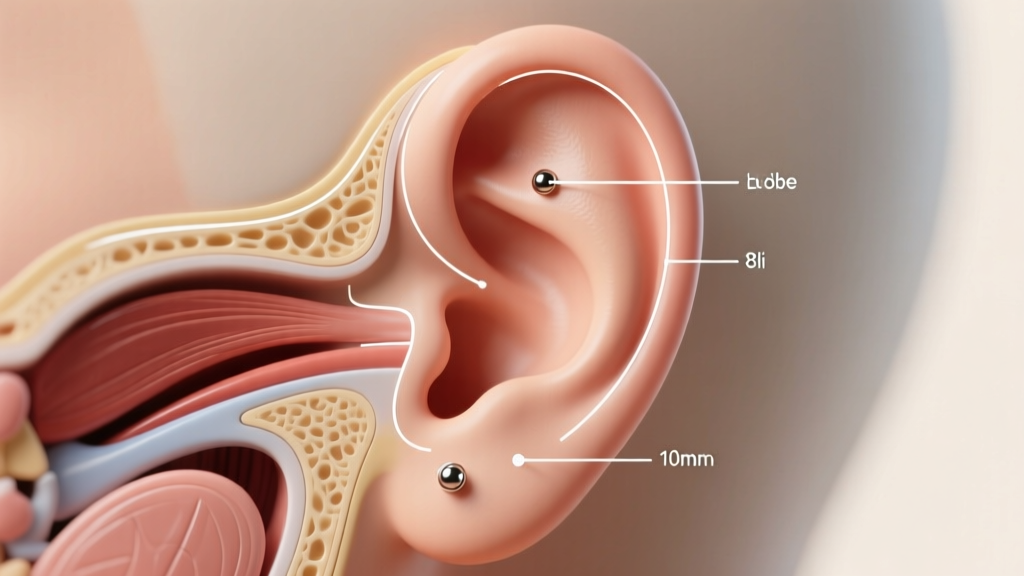
Cartilage placements present an even greater scaling challenge. For a helix piercing, the jewelry must follow the curvature of the auricle's outer rim. A standard helix stud (typically 3mm to 5mm) should not exceed the width of the antihelix fold. When drawing daith or tragus earrings, the scale must account for the deep shadows of the conch bowl. According to guidelines highlighted by the GIA Jewelry Design Awards, successful designers use negative space mapping—sketching the ear's shadows first, then placing the jewelry within the light-catching zones to ensure the piece doesn't get visually swallowed by the anatomy.
Standard Scale Benchmarks for Sketching
- Standard Lobe Studs: 3mm - 6mm (Should occupy 15-30% of lobe height)
- Helix/Conch Hoops: 8mm - 12mm inner diameter (Must clear the cartilage ridge by at least 1.5mm)
- Daith Clickers: 10mm - 12mm (Requires drawing the hinge mechanism within the crus of the helix)
Troubleshooting Metal Rendering: Why Your Gold Looks Like Mud
If your rendered gold earrings look like flat yellow plastic, or your platinum looks like dull gray mud, you are failing to map the metal's specific environmental reflections. High-polish jewelry metals do not have a single "local color." They are mirrors that reflect the environment, the light source, and the observer.
Yellow gold requires a high-contrast rendering approach. The core of the metal will reflect warm, deep browns and ochres (bounce light from the skin or environment), while the specular highlights must be pure, blinding white. Silver and platinum, conversely, have a tighter, cooler gradient. Platinum's extreme density and luster mean its transition from dark shadow to bright highlight is almost instantaneous, requiring sharp, hard-edged pencil strokes or digital brushwork.
Reflection Mapping Troubleshooting Table
| Metal Type | Shadow / Bounce Light | Mid-Tone | Specular Highlight |
|---|---|---|---|
| 18k Yellow Gold | Deep warm brown / burnt umber | Rich mustard / ochre | Pure white (sharp edges) |
| 14k White Gold | Cool slate gray / faint blue | Light silver / pale gray | Stark white (slightly diffused) |
| ASTM F136 Titanium | Neutral dark charcoal | Matte medium gray | Soft, diffused off-white |
| Platinum 950 | Near black / deep indigo | Cool steel gray | Blinding white (razor-sharp) |
The Gauge Illusion: Drawing Wire Thickness Accurately
Wire gauge thickness is where technical illustrators frequently lose credibility with bench jewelers. In real life, earring posts and wires are incredibly thin. A standard 20-gauge earring post is just 0.81mm thick. An 18-gauge wire is 1.02mm, and a 16-gauge wire is 1.29mm. If you are drawing at a 1:1 scale, a 20G post is barely a hairline. However, most jewelry sketches are drawn at a 3x to 10x macro scale to show detail.
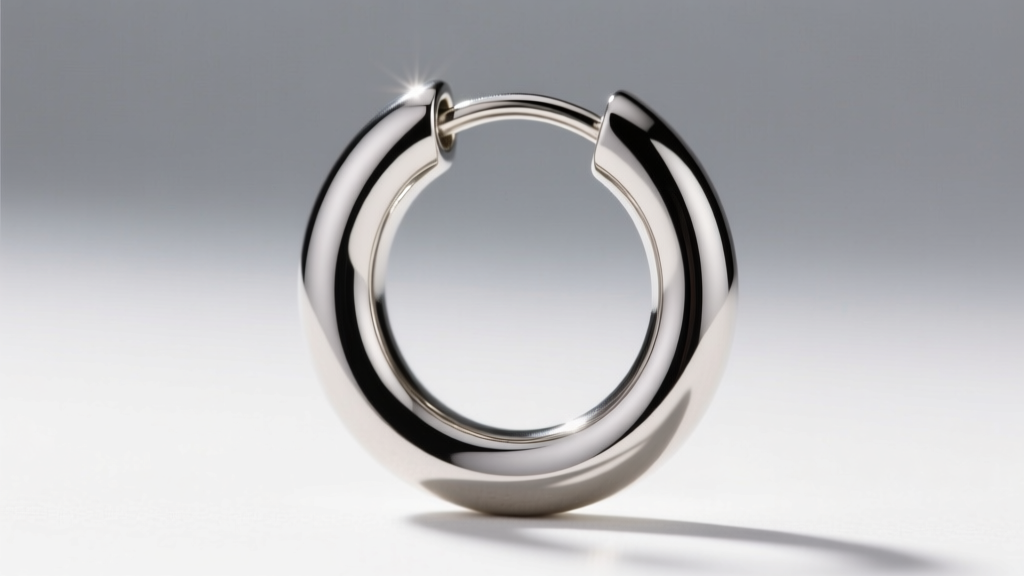
The problem arises when illustrators scale up the earring's overall size but forget to scale up the wire gauge proportionally, resulting in a drawing of a massive hoop supported by a microscopic, fragile wire. Conversely, drawing the wire too thick makes a delicate 18k gold chain look like industrial rebar. Resources like Jewelry Making Daily emphasize using a line-weight hierarchy: the structural outline of the wire should be thick and dark, while the internal reflection lines should be thin and light, creating the illusion of a cylindrical, metallic form rather than a flat ribbon.
Gauge Translation Guide for 5x Scale Sketches
- 20G (0.81mm): Draw at 4.05mm thickness. Use for standard lobe posts and delicate ear threads.
- 18G (1.02mm): Draw at 5.10mm thickness. Standard for cartilage studs, seamless hoops, and huggies.
- 16G (1.29mm): Draw at 6.45mm thickness. Required for tragus, daith, and heavy conch clickers.
- 14G (1.60mm): Draw at 8.00mm thickness. Used for industrial barbells and structural scaffolding.
Gemstone Faceting & Light Refraction Fixes
When drawing diamond or sapphire earrings, the "bowtie" effect and culet alignment are frequent stumbling blocks. In a round brilliant cut, the culet (the bottom point of the stone) must align perfectly with the center of the table (the top flat facet). If your sketch shows off-center faceting, the stone will look warped or poorly cut. For oval and marquise cuts often used in drop earrings, you must intentionally draw the "bowtie"—a dark, shadowy band that stretches across the center of the stone due to light leakage. Omitting the bowtie makes the gemstone look like flat glass rather than a refractive crystal.
Furthermore, when illustrating bezel-set earrings, ensure the metal bezel wall overlaps the gemstone's crown by at least 0.5mm. In a macro sketch, this overlap must be clearly visible, otherwise, the CAD modeler will not know if the stone is prong-set or bezel-set. For modern "illusion" or floating diamond settings popularized by brands like Maria Tash, the prongs are often blackened or hidden beneath the stone's girdle. When drawing these, you must leave a microscopic negative space gap between the metal housing and the gemstone edge to indicate that the stone is tension-held or floating, rather than fully enclosed.
Quick Diagnostic Checklist for Earring Sketches
Before finalizing your earring drawing or sending it to a client, run it through this troubleshooting checklist to ensure structural and aesthetic viability:
- Scale Check: Does the earring occupy the correct percentage of the earlobe or cartilage ridge based on standard mm dimensions?
- Gravity Check: For drop and dangle earrings, is the center of gravity accurately depicted? Does the fishhook or leverback tilt naturally under the weight of the gemstone?
- Contrast Check: Are your metal highlights pure white, and are your shadows reflective of the environment rather than just "gray"?
- Gauge Check: Is the wire thickness mathematically proportional to the overall scale of the sketch?
- Hardware Check: Are friction backs, screw-backs (like La Pousette), or hinged clickers illustrated with accurate mechanical proportions? Drawing a tiny butterfly back on a heavy 15-gram drop earring is a major structural red flag for bench jewelers.
Mastering earring drawing is less about raw artistic talent and more about understanding the physics, anatomy, and metallurgy of jewelry design. By troubleshooting these specific pain points, your sketches will serve as flawless, manufacture-ready blueprints.