Apple Watch as a Necklace: Care & Maintenance Guide
Learn how to safely wear your Apple Watch as a necklace. Expert tips on chain gauges, sensor cleaning, and protecting the crystal back from damage.
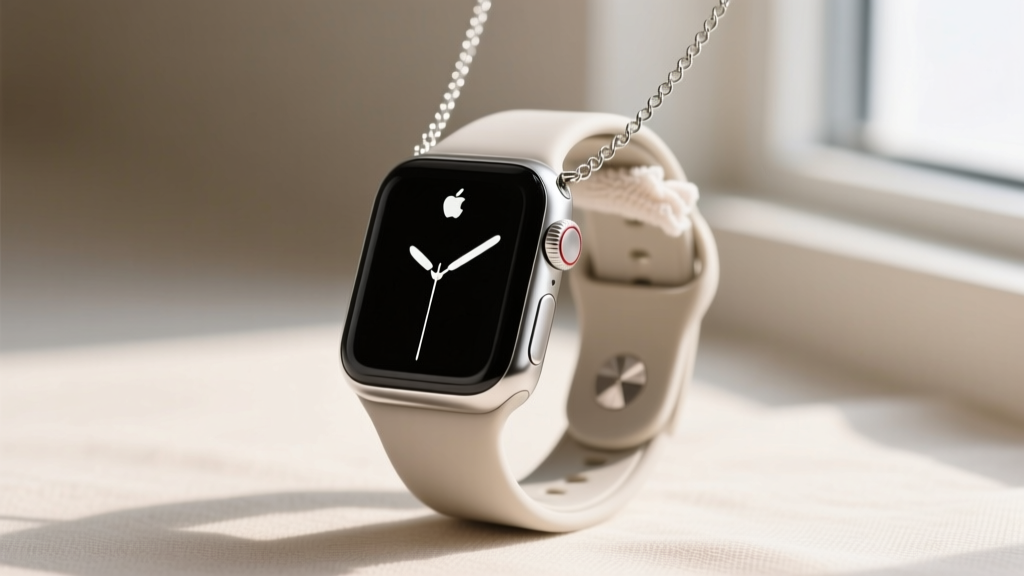
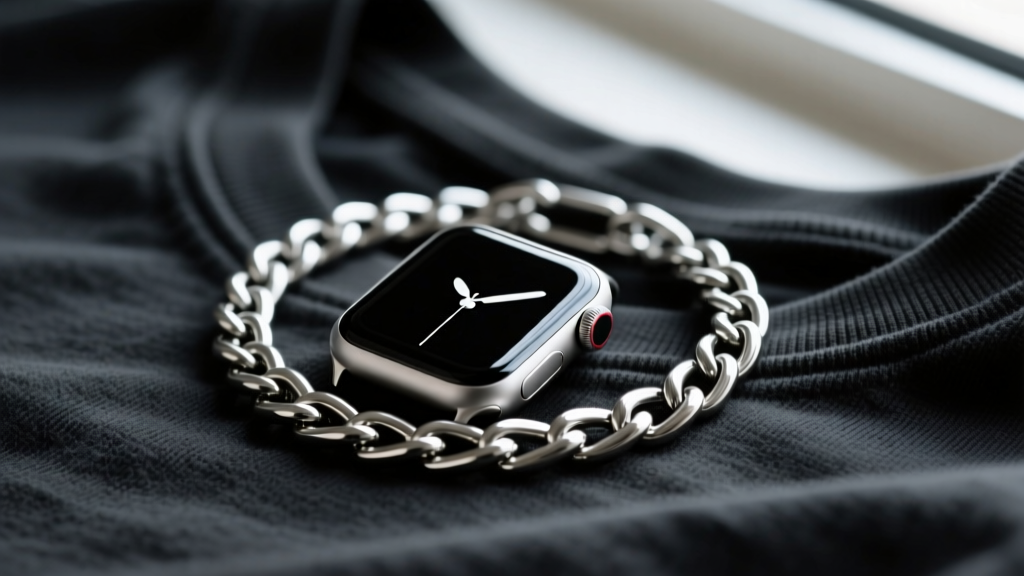
The trend of wearing an Apple Watch as a necklace has evolved from a niche streetwear hack into a mainstream styling technique in 2026. Whether you are repurposing an older model as a digital locket, keeping your primary device safe during high-contact sports, or simply making a bold fashion statement, suspending a smartwatch around your neck introduces unique mechanical and hygienic challenges. Unlike traditional pendants, a smartwatch is a dense, top-heavy piece of technology with delicate optical sensors, microscopic speaker grilles, and precision-machined band slots. When worn on the chest, the device is subjected to dynamic swinging forces, continuous exposure to sebum and sweat, and friction against clothing zippers or buttons.
This comprehensive care and maintenance guide will walk you through the exact metallurgical requirements for your chain, the proper protocols for cleaning the biometric sensor array, and the daily habits required to keep your device functioning flawlessly while worn as a pendant.
The Physics of Pendant Weight: Choosing the Right Chain
The most common failure mode when wearing an Apple Watch as a necklace is chain breakage or clasp failure. A wristwatch is supported by a wide band that distributes weight across the wrist. When suspended from a single chain, the entire mass of the watch becomes a concentrated pendulum load. Furthermore, walking or jogging creates a dynamic load that can momentarily increase the effective downward force on the chain by 200% to 300%.
To prevent catastrophic drops that could shatter the OLED display or damage the internal haptic engine, you must select a chain with the appropriate gauge and tensile strength. Sterling silver (925) is generally too soft and malleable for dynamic smartwatch loads unless it is an exceptionally thick rope chain. Instead, opt for 316L surgical stainless steel, titanium, or solid 14k/18k gold. Below is a reference chart based on the latest model weights to help you select the correct jewelry specifications.
| Watch Model | Case Material | Approx. Weight | Minimum Chain Gauge | Recommended Chain Style |
|---|---|---|---|---|
| Series 10 (42mm) | Aluminum | 30g | 18 Gauge (1.0mm) | Box or Rope Chain |
| Series 10 (46mm) | Titanium | 36g | 16 Gauge (1.3mm) | Curb or Figaro |
| Ultra 2 (49mm) | Titanium | 61.4g | 14 Gauge (1.6mm) | Thick Curb or Miami Cuban |
Always ensure the clasp is a secure lobster claw or a spring-ring mechanism rated for heavy pendants. Avoid magnetic clasps or delicate fishhook clasps, as the swinging motion of the watch will easily pull them apart. For detailed weight specifications of various case sizes, you can always refer to the Apple Watch technical specifications page to calculate your exact load requirements.
Sensor Care: Protecting the Crystal and Ceramic Back
When worn as a necklace, the back of the Apple Watch rests directly against your sternum. This area of the chest is highly prone to sweating and accumulating body oils, especially during warmer months or physical exertion. The back of the watch houses the optical heart rate sensor, blood oxygen sensor, and electrical heart sensor, all protected by a synthetic sapphire crystal.
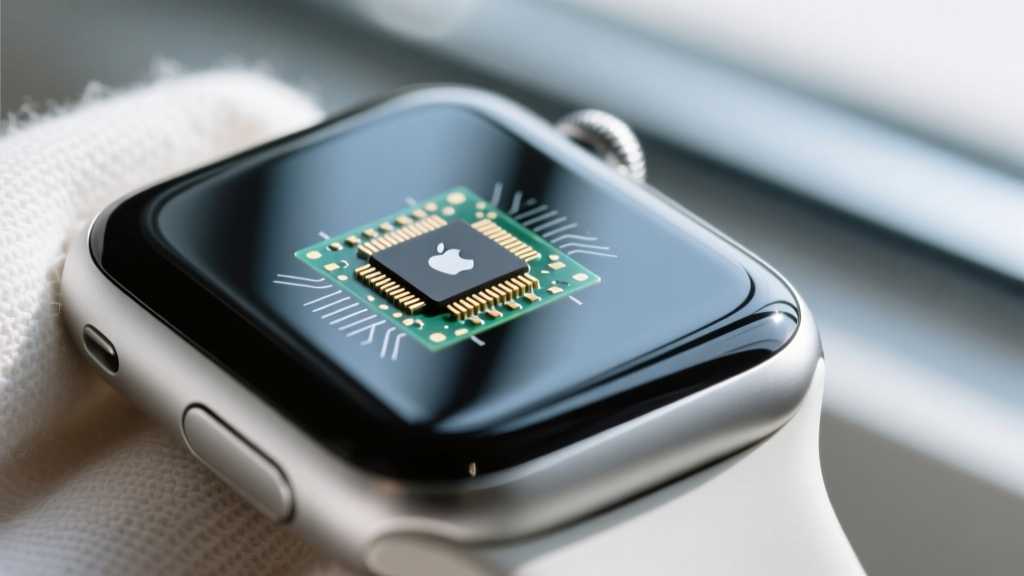
While sapphire ranks at a 9 on the Mohs hardness scale and is highly resistant to scratching, the surrounding ceramic or composite housing can trap acidic sebum. Over time, this buildup can interfere with the optical clarity required for accurate heart rate and SpO2 readings. Furthermore, if you frequently touch the back of the watch and then the front display, you risk transferring these oils to the screen, degrading the oleophobic (fingerprint-resistant) coating.
Daily vs. Weekly Cleaning Protocols
- Daily Wipe-Down: At the end of the day, use a dry, lint-free microfiber cloth to wipe the sapphire back. This removes surface sweat before it can dry and crystallize into hard water spots or salt deposits.
- Weekly Deep Clean: Slightly dampen a microfiber cloth with fresh water and gently polish the sensor array. For stubborn grime around the sensor LEDs, use a clean, ultra-soft bristled brush (like a baby toothbrush or a dedicated makeup blending brush) to dislodge particles without scratching the housing.
- Disinfection: According to Apple's official cleaning guidelines, you can safely use a 70% isopropyl alcohol wipe on the exterior surfaces of the watch case. However, avoid getting moisture into the speaker grilles or the microphone ports located on the sides of the device.
Band Slot Hygiene: Preventing Corrosion and Grime
Threading a metal necklace chain through the band connection slots of the Apple Watch exposes a part of the device that is normally covered and protected. The interior of these slots contains a precision composite release mechanism and small metal springs that lock the band into place.
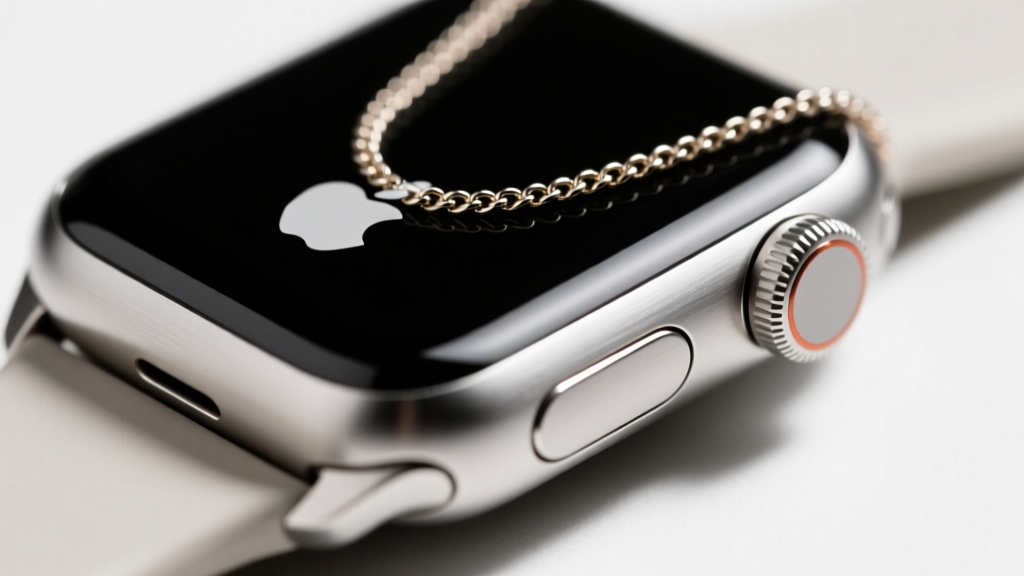
When a metal chain rubs against the composite lining of the slot during daily movement, it generates microscopic friction dust. Combined with chest sweat and dead skin cells, this creates a dense, abrasive paste that can jam the band release button or degrade the internal locking spring. If the release mechanism fails, you may find yourself unable to detach the watch from the chain without risking structural damage to the casing.
To maintain the integrity of the band slots, perform a bi-weekly cleaning. Use a wooden toothpick or a plastic dental pick—never a metal needle or safety pin, which can gouge the composite lining—to gently scrape out the corners of the slot. Follow this by using a can of compressed air held at a 45-degree angle to blow out any remaining particulate matter. If you live in a humid climate, applying a microscopic amount of dry PTFE (Teflon) lubricant to a cotton swab and running it along the metal rails inside the slot can prevent oxidation and ensure the release button remains snappy and responsive.
Battery and Thermal Management on the Chest
Wearing a smartwatch suspended outside of your clothing, or tucked tightly against your skin, alters its thermal dynamics. The Apple Watch relies on passive cooling, dissipating heat generated by the S-series SiP (System in Package) chip through the aluminum, steel, or titanium case back.
Pro Tip: If you are wearing your Apple Watch as a necklace purely for aesthetic purposes and not for active biometric tracking, consider enabling 'Theater Mode' and reducing the screen wake duration to preserve battery life and minimize thermal output against your chest.
When the watch is trapped under a heavy sweater or jacket, ambient heat builds up. While modern lithium-ion batteries have robust thermal management systems, chronic exposure to elevated temperatures (above 95° F or 35° C) can permanently reduce the battery's maximum capacity over a span of a few years. If you notice the device feeling unusually warm against your sternum after a long day, remove it from the chain and allow it to cool in a well-ventilated area before charging. Never place a warm smartwatch directly onto a magnetic charging puck, as the compounded heat from the induction coil and the trapped body heat will accelerate battery degradation.
Troubleshooting Common Wear Issues
Even with meticulous care, wearing an Apple Watch as a necklace can present unique troubleshooting scenarios. Here is how to address the most frequent issues encountered by pendant-wearers:
- Ghost Touches and Screen Wakes: If the watch is worn on a long chain and swings against your body, the kinetic movement can trick the accelerometer into thinking you have raised your wrist, causing the screen to wake constantly. Disable 'Raise to Wake' in the Display & Brightness settings to preserve battery and prevent accidental inputs.
- Muffled Audio and Haptics: If you rely on the watch for notifications while worn as a necklace, be aware that heavy clothing will muffle the speaker and dampen the Taptic Engine's vibrations. Keep the chain length adjusted so the watch rests near your collarbone rather than your lower sternum for better sensory feedback.
- Micro-Scratches on the Case Edges: The edges of the aluminum and steel cases are highly polished and susceptible to scratching from the metal chain links. If you want to preserve the pristine condition of the case, consider using a small piece of heat-shrink tubing or a specialized silicone pendant adapter where the chain passes through the band slot, creating a protective buffer between the jewelry and the watch casing.
By treating your smartwatch not just as a piece of technology, but as a heavy, precision-engineered piece of jewelry, you can safely rock the Apple Watch as a necklace trend without compromising the device's longevity or functionality. Regular maintenance of the chain, sensors, and mechanical slots ensures that your digital pendant remains a flawless extension of your personal style for years to come.