The Beginner's Guide to Choosing an Engraved Photo Necklace
Learn how to choose the perfect engraved photo necklace. We cover metal grades, laser types, image prep, and chain styles for a timeless keepsake.
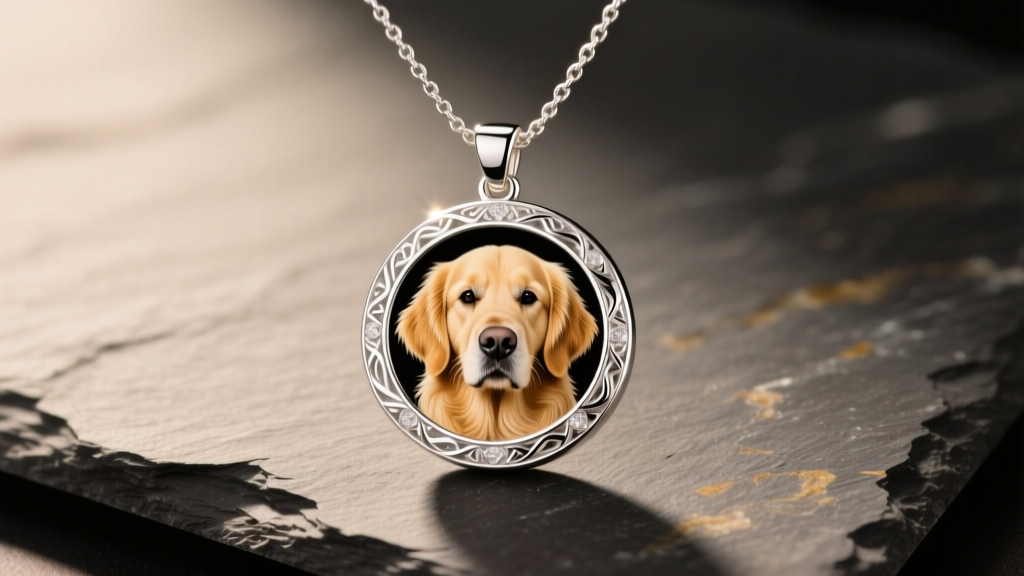
What is an Engraved Photo Necklace?
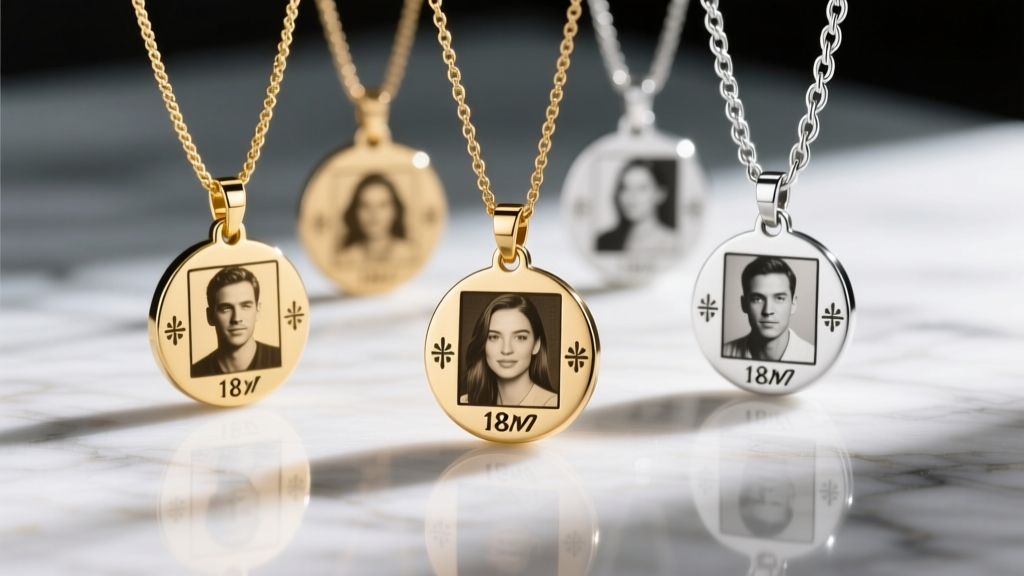
An engraved photo necklace transforms a cherished digital memory into a tangible, wearable keepsake. Unlike traditional lockets that hide a printed photograph inside, modern photo necklaces utilize advanced laser technology to etch the image directly onto the metal surface. As of 2026, the industry standard has shifted entirely away from mechanical rotary etching toward fiber laser engraving. Operating at a 1064nm wavelength, fiber lasers alter the surface of the metal at a microscopic level, creating high-contrast, permanent grayscale images without compromising the structural integrity of the pendant.
For beginners, navigating the options can be overwhelming. The final quality of your necklace depends on three critical pillars: the metal base, the resolution of your source image, and the hardware used to suspend it. This guide breaks down the exact specifications you need to know to commission or purchase a piece that will last a lifetime.
Choosing the Right Metal Base
The canvas for your memory matters immensely. Different metals react to laser heat differently, and their everyday wearability varies based on your skin chemistry and lifestyle. According to the Federal Trade Commission's Jewelry Guides, understanding metal stamps and purity is essential for avoiding misrepresentation and ensuring you get the durability you pay for.
| Metal Type | Industry Stamp | Laser Contrast | Tarnish Risk | Avg. Price Range |
|---|---|---|---|---|
| Sterling Silver | 925 | Excellent (with oxidation) | High | $60 - $120 |
| Surgical Stainless Steel | 316L | Very Good | None | $35 - $75 |
| 14k Solid Gold | 585 / 14k | Moderate (requires darkening) | Low | $250 - $600+ |
| Titanium | Grade 5 | Good | None | $80 - $150 |
Expert Insight: If you choose 925 Sterling Silver, look for pieces that have been rhodium-plated or feature an antiqued (oxidized) finish. Raw silver will tarnish, and polishing a tarnished photo pendant can accidentally buff away the microscopic laser etching, ruining the image. Stainless steel (specifically 316L) is the most beginner-friendly option due to its hypoallergenic properties and zero maintenance requirements.
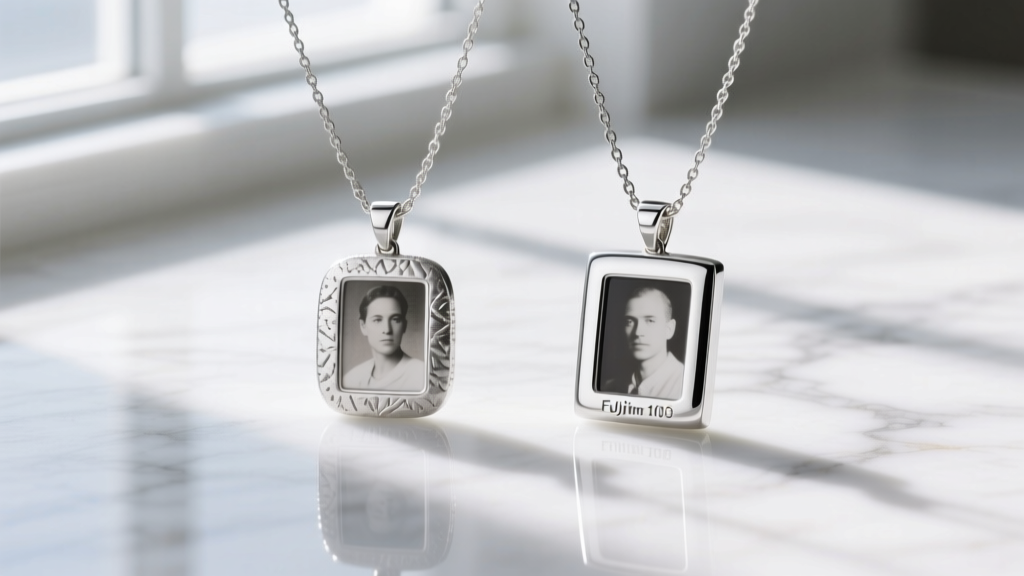
How to Prepare Your Photo for Engraving
The most common point of failure in custom jewelry is poor source material. A laser engraver cannot invent details that are not present in the digital file. To ensure your engraved photo necklace looks crisp and recognizable, follow these strict preparation rules:
1. The 300 DPI Rule
Your image must be at least 300 DPI (dots per inch) at the actual size of the pendant. If your pendant is 1 inch in diameter, the source file must be a minimum of 300x300 pixels. Upscaling a blurry, low-resolution thumbnail using basic software will result in a pixelated, muddy engraving.
2. High Contrast and Cropping
Lasers engrave in grayscale, relying on light and shadow to create depth. Group photos or images with busy, cluttered backgrounds translate poorly onto a 1-inch metal canvas. Crop tightly around the focal point—usually a face or a pet. Increase the contrast and convert the image to black and white before submission to preview how the laser will interpret the shadows.
3. Halftone Dithering vs. Line Art
Modern jewelers use halftone dithering, a process that breaks the image down into microscopic dots of varying sizes to simulate shading. Avoid images with heavy filters or artificial smoothing, as these destroy the micro-contrast required for the dithering algorithm to work effectively.
Pro Tip: Avoid using group photos for small pendants. A standard 25mm pendant requires a single, clear focal point like a face or a pet to maintain recognizable contrast from a conversational distance.
Matching the Chain to the Pendant
A beautiful pendant is useless if the chain breaks or distracts from the artwork. The chain must support the weight of the metal while remaining comfortable for daily wear. The Jewellers of America recommends matching the chain gauge to the pendant's weight and bail size.
- Cable Chain (1.0mm - 1.5mm): The classic choice. Ideal for lightweight, flat photo pendants (under 10 grams). It offers a delicate, minimalist look that keeps the focus on the engraving.
- Box Chain (1.2mm - 2.0mm): Features square links that interlock tightly. This is the most durable option for heavier lockets or thick stainless steel pendants, as it resists kinking and snapping.
- Rope Chain (1.5mm+): Offers a textured, reflective surface. Best reserved for precious metals like 14k gold, as the intricate twists can trap skin oils and require more frequent cleaning.
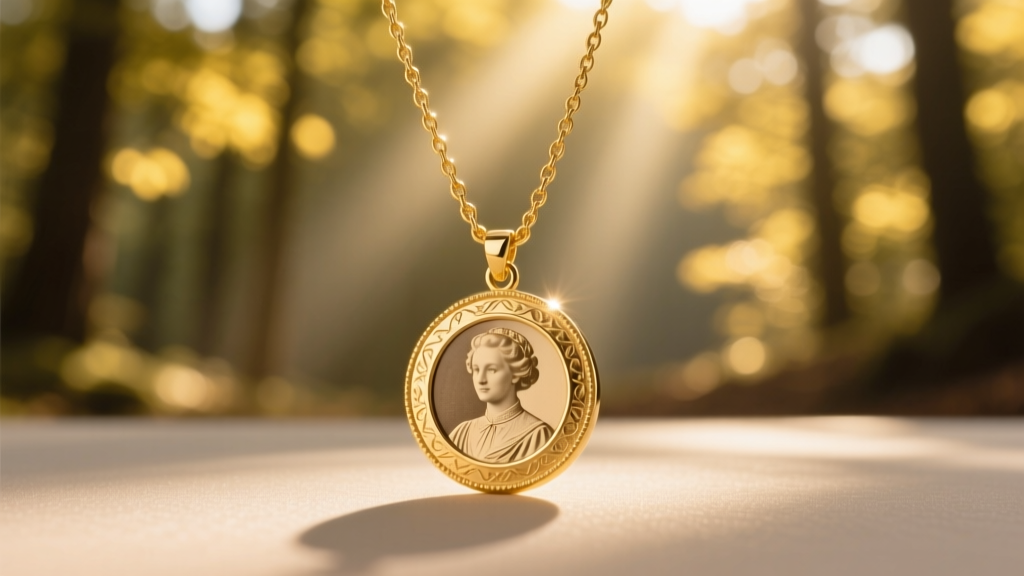
Clasp Selection: Always opt for a lobster clasp over a spring-ring clasp. Lobster clasps feature a solid internal spring mechanism and a larger grip, making them significantly more secure and easier to fasten, especially for those with limited dexterity.
Lockets vs. Flat Pendants: Which Should You Choose?
While flat disc or rectangular pendants are the most common format for laser engraving, photo lockets offer a different aesthetic. A locket features a hinged door, allowing you to place a physical printed photo inside, while the exterior can still be laser-engraved with a secondary image, monogram, or fingerprint.
However, lockets come with mechanical risks. Hinges can wear out, and the internal bezels that hold the photo in place can bend. If your primary goal is to display a highly detailed portrait that is visible to everyone, a flat, laser-etched pendant is the superior, more durable choice. If the goal is intimate secrecy and tradition, a locket is the way to go.
Care and Maintenance for Longevity
To protect the microscopic grooves of your engraved photo necklace, you must adjust your cleaning routine. Never use ultrasonic jewelry cleaners on laser-engraved silver or gold. The high-frequency vibrations can trap microscopic debris in the etched pores, permanently darkening the image in an uneven, muddy way.
Instead, clean your necklace using a few drops of mild dish soap, warm water, and a soft-bristled baby toothbrush. Gently brush the surface to remove skin oils and lotions, then pat dry with a microfiber cloth. Store the necklace in an anti-tarnish pouch when not in use, especially if you live in a high-humidity environment, to preserve the contrast of the laser etching for decades to come.