Expert Guide: Producing a High-Quality Cross Necklace GIF
Master the technical production of a cross necklace GIF for e-commerce. Learn lighting, physics, compression, and optimization strategies.
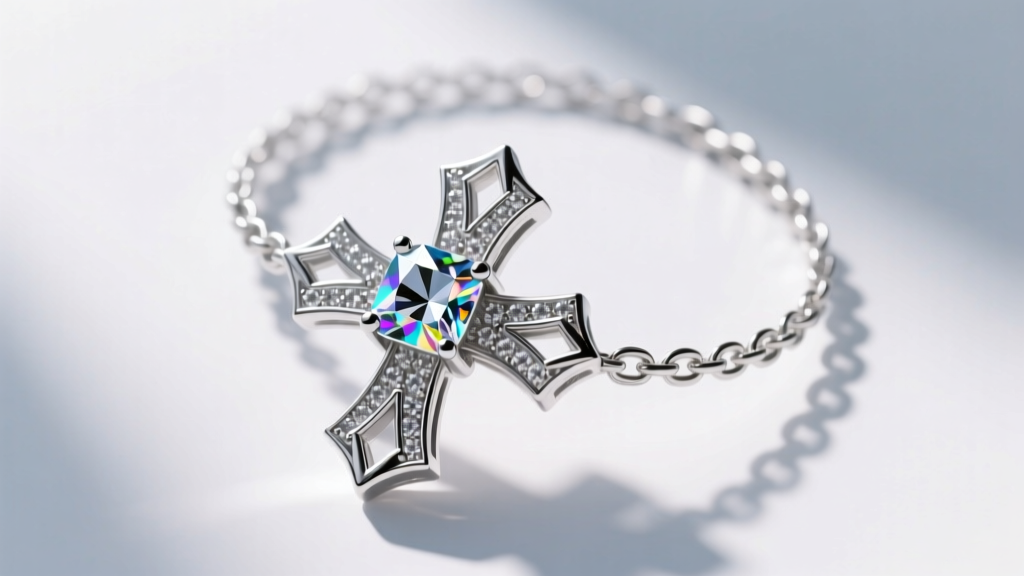
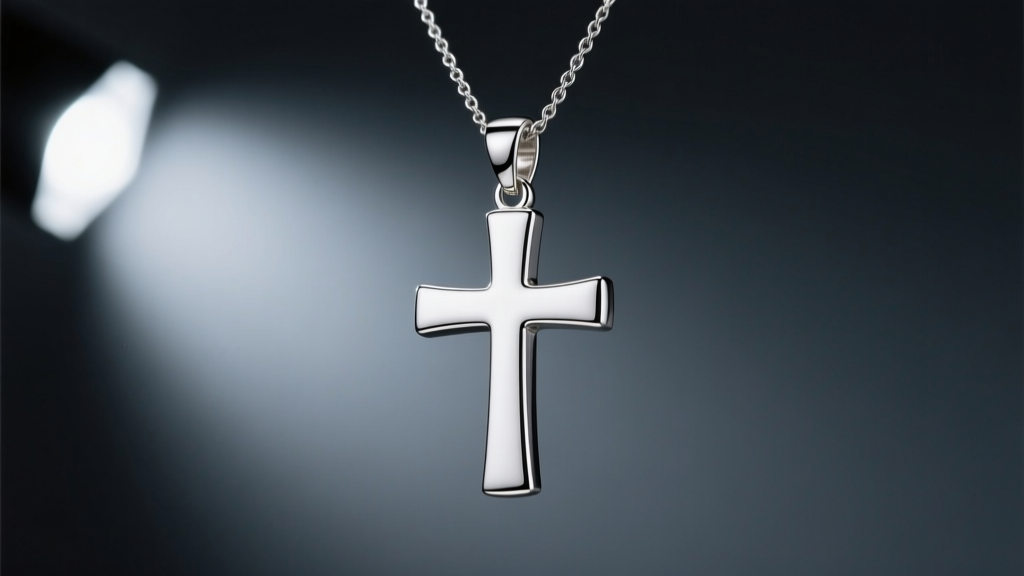
Creating a high-converting cross necklace GIF for e-commerce requires more than simply recording a video and converting it. The GIF format, originally introduced in 1987, is fundamentally limited to a 256-color palette per frame. When dealing with highly reflective jewelry pieces—such as a polished 14k gold Latin cross or a diamond-encrusted cruciform pendant—this limitation introduces severe color banding and destroys the illusion of metallic scintillation. To produce a premium cross necklace GIF that drives conversions without destroying your site’s Core Web Vitals, you must master the intersection of macro photography, pendulum physics, and aggressive algorithmic compression.
The Physics of Pendant Motion and Frame Rates
A pendant on a chain acts as a simple pendulum. The period of a pendulum’s swing is dictated by the length of the chain, not the mass of the cross pendant. Using the formula T = 2π√(L/g), an 18-inch cable chain (approximately 0.45 meters) yields a swing period of roughly 1.35 seconds. A heavier 24-inch rope chain extends this period to about 1.56 seconds. When filming your cross necklace GIF, you must capture the full arc of the swing to create a seamless loop.
Shooting at 60 frames per second (fps) allows you to capture the rapid specular highlights flashing across the diamond accents or polished gold bevels. However, rendering the final GIF at 60fps will result in an unmanageable file size. The industry standard for jewelry GIFs is to drop the frame rate to 15fps or 20fps. By selectively dropping frames that lack distinct highlight movements, you preserve the illusion of continuous, smooth motion while reducing the total frame count by up to 75%.
Bail Mechanics and Chain Gauge Influence
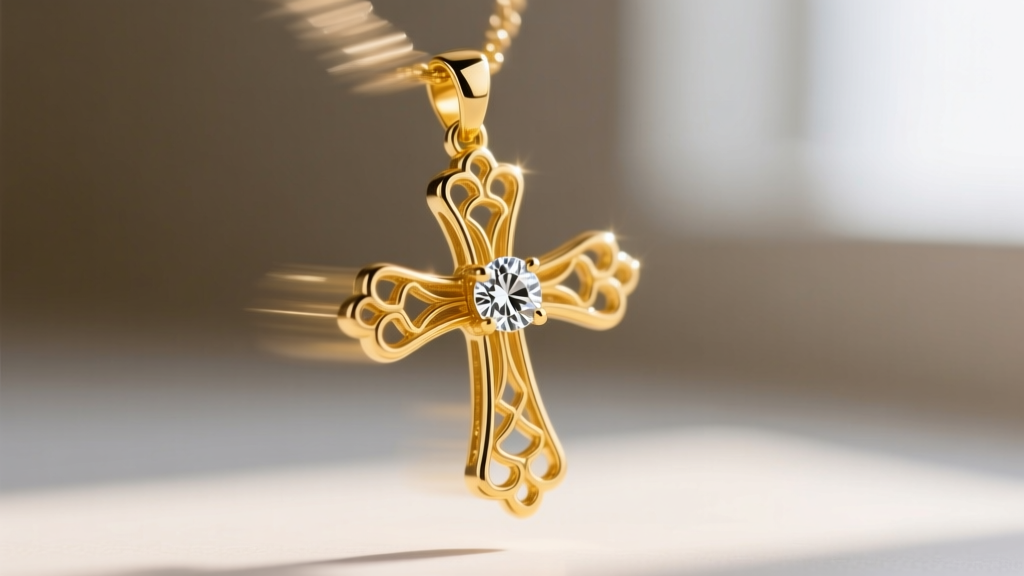
The bail (the loop connecting the cross to the chain) drastically affects the visual stability of the GIF. A fixed bail soldered directly to the cross will cause the entire piece to swing as a single rigid body, which can look unnatural if the chain twists. Conversely, a floating bail with a micro-pave diamond halo allows the cross pendant to articulate independently of the chain’s movement. For GIF production, articulating bails are superior because they catch light at multiple independent angles, creating a more dynamic scintillation effect that masks the low frame rate of the final compressed file.
Furthermore, a 1.2mm cable chain will reflect light differently than a 3.0mm Cuban link chain. Thicker chains introduce secondary light sources that can distract from the cross pendant. When framing your GIF, use a shallow depth of field (f/2.8 or f/4) to blur the upper chain links, forcing the viewer's eye—and the GIF's color palette—to focus exclusively on the cross pendant and its immediate bail.
Lighting for Metallic Scintillation in 256 Colors
Because the GIF format relies on an indexed color palette, smooth gradients—such as the soft reflections on a polished silver cross—will suffer from severe posterization and banding. To combat this, you must abandon soft, wrap-around lighting in favor of high-contrast, directional lighting that creates hard, distinct specular highlights.
Use a two-light setup: a large diffused overhead softbox to provide a base exposure, and a bare, pinpoint LED spotlight positioned at a 45-degree angle. The pinpoint light will create sharp, pure white highlights (RGB 255, 255, 255) on the edges and bevels of the cross pendant. These pure white pixels require fewer colors in the GIF palette, preserving the remaining color allocation for the skin tones or background elements.
Managing Specular Highlights on Gold vs. Silver
When shooting yellow gold versus white gold or silver, adjust your white balance carefully. Yellow gold reflects warm light, which can quickly eat up the red and yellow channels of your 256-color palette. By slightly underexposing the gold and relying on the pure white specular highlights to define the shape, you maintain a cleaner, more optimized color table.
Compression Algorithms and File Size Optimization
Once your raw footage is edited into a seamless loop, the export phase dictates the success of your cross necklace GIF. Standard export settings in Photoshop or Premiere Pro often yield files exceeding 15MB, which will trigger layout shifts and penalize your LCP (Largest Contentful Paint) metrics.
You must utilize command-line tools like Gifsicle to apply lossy compression and palette optimization. The --lossy parameter in Gifsicle introduces subtle noise that breaks up color banding while drastically reducing file size. A lossy value between 60 and 100 is the sweet spot for jewelry; it preserves the sharp edges of the cross while compressing the background.
| Dithering Algorithm | Best Use Case | File Size Impact | Visual Artifact Risk |
|---|---|---|---|
| Floyd-Steinberg | Smooth skin tones, dark backgrounds | Moderate Increase | High (can create digital noise on metal) |
| Bayer Matrix | High-contrast metals, diamond scintillation | Low Increase | Low (creates structured, film-like grain) |
| None (No Dither) | Flat graphic overlays, solid color backgrounds | Smallest File Size | Severe color banding on curved metal edges |
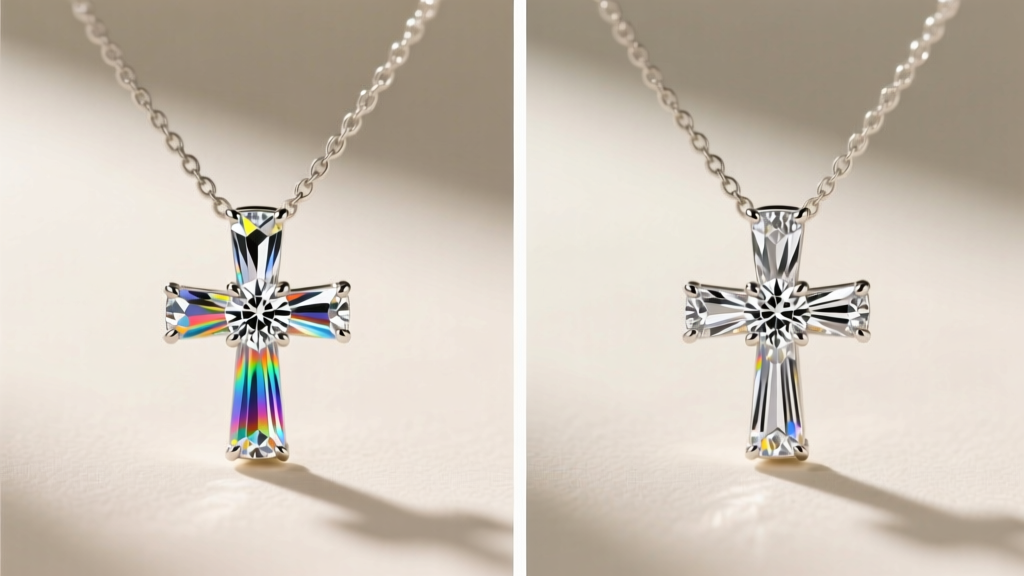
Furthermore, dithering algorithms play a critical role. Floyd-Steinberg dithering distributes quantization errors to neighboring pixels, creating the illusion of smooth gradients. However, for high-contrast jewelry, Bayer matrix dithering often produces a cleaner, more structured grain that resembles film noise rather than digital artifacting.
E-Commerce Integration and Web Performance
According to web.dev image optimization guidelines, serving heavy animated GIFs on mobile networks is a primary cause of cart abandonment. While modern formats like WebP and AVIF support animation and offer 30-50% better compression, legacy email clients and certain social media platforms still require the .gif extension.
To implement a cross necklace GIF responsibly, use the <picture> element to serve an animated WebP to modern browsers, falling back to the optimized GIF for older clients. Additionally, implement native lazy loading (loading='lazy') on all product page GIFs that appear below the fold. As noted in the Cloudinary image optimization guide, deferring off-screen animations ensures that the main thread remains unblocked, allowing the user to interact with the 'Add to Cart' button immediately without waiting for the pendant’s swing cycle to render.
Producing a technical, high-fidelity cross necklace GIF is an exercise in constraint management. By understanding the pendulum physics of different chain gauges, manipulating specular highlights to accommodate a 256-color palette, and applying aggressive lossy compression via Gifsicle, you can deliver a luxurious, sparkling digital asset that performs flawlessly across all e-commerce touchpoints.