Custom Pendant Gifts: Using a Necklace PNG for Engraving
Learn how to use a necklace PNG file for custom laser-engraved pendant gifts. Discover metal grades, image specs, and occasion-matching tips.
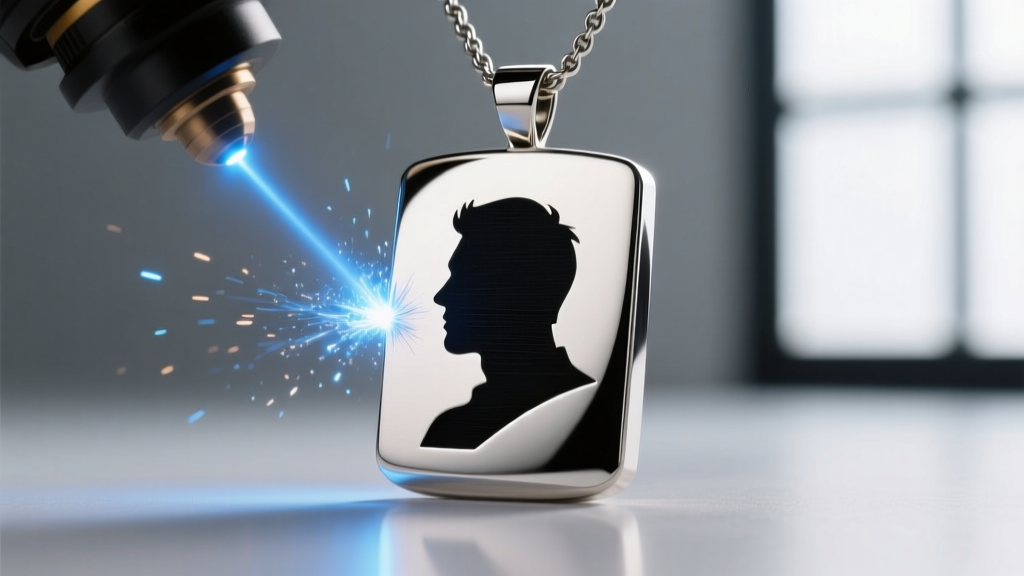
The Rise of Bespoke Digital Jewelry Gifting
In the landscape of modern jewelry gifting, hyper-personalization has eclipsed traditional mass-produced designs. Whether commemorating a milestone anniversary, honoring a lost loved one, or celebrating a beloved pet, custom-engraved pendants offer an unmatched emotional resonance. However, the bridge between a sentimental digital photograph and a tangible, heirloom-quality piece of jewelry relies entirely on file formatting. For bespoke jewelers and laser engraving specialists, the gold standard for digital asset transfer is the necklace png file. Understanding how to source, format, and utilize these lossless image files is the difference between a muddy, unrecognizable engraving and a crisp, museum-quality portrait pendant.
This guide explores the technical specifications, material science, and occasion-matching strategies required to turn digital memories into permanent metallic keepsakes.
What is a Necklace PNG and Why Does It Matter?
PNG (Portable Network Graphics) is a raster graphics file format that supports lossless data compression. Unlike JPEGs, which discard pixel data to reduce file size (resulting in compression artifacts and edge blurring), PNGs retain every single pixel's exact color and contrast data. When a jeweler imports a necklace png into their laser marking software, the absence of artifacting ensures that micro-details—like the ridges of a fingerprint or the individual strands of hair in a portrait—are preserved.
Furthermore, PNGs support alpha channels (transparency). This is critical for two distinct phases of custom jewelry creation:
- Laser Engraving Preparation: Transparent backgrounds allow the laser software to isolate the subject, ignoring the background entirely without requiring manual digital masking by the engraver.
- Digital Mockups: Jewelers use transparent pendant and chain overlays to create realistic visual mockups for client approval before any metal is cut or marked.
Matching Custom Engraved Pendants to Key Occasions
Choosing the right combination of image style, metal base, and chain length is vital for the recipient's lifestyle and the occasion's tone. Below is a decision matrix for gifting custom-engraved necklaces.
| Occasion | Ideal PNG Style | Recommended Metal Base | Chain Style & Length |
|---|---|---|---|
| Wedding Anniversary | Continuous line-art portrait | 14k Gold Vermeil (Ablation) | 18-inch Cable Chain |
| Memorial / Remembrance | High-contrast fingerprint scan | 316L Surgical Steel (Annealing) | 20-inch Rope Chain |
| Pet Portrait | Halftone or 8-bit grayscale | Grade 5 Titanium (Deep Marking) | 16-inch Box Chain |
| Birth of a Child | Silhouette profile with birthdate | 925 Sterling Silver (Oxidized) | 14-inch Choker / 18-inch |
Technical Specs: Prepping Your Image for the Jeweler
If you are supplying the image to a custom jeweler, sending a low-resolution screenshot will result in a poor engraving. To ensure your necklace png yields a flawless pendant, adhere to these technical parameters:
Resolution and Dimensions
The file must be a minimum of 300 DPI (Dots Per Inch) at the actual physical size of the pendant. For a standard 20mm x 20mm pendant, the image should be roughly 236 x 236 pixels. However, providing a larger file (e.g., 1000 x 1000 pixels) allows the jeweler's software to downsample smoothly, preserving edge acuity.
Color Depth and Contrast
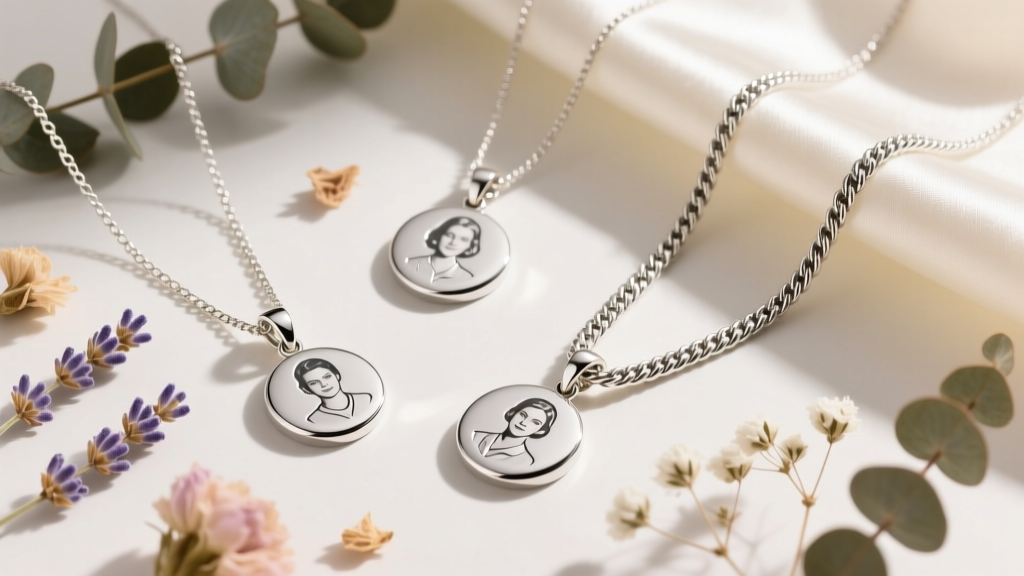
Fiber lasers read luminance, not color. A vibrant color photo must be converted to high-contrast grayscale. For line art and fingerprints, a 1-bit bitmap (pure black and pure white, no gray) is required. For photographic portraits, an 8-bit grayscale PNG is necessary to allow the laser to modulate its power, creating varying depths and shades of gray through a process called halftoning.
Choosing the Right Metal Base for Laser Marking
Not all metals react to lasers in the same way. The Laser Institute of America outlines that different wavelengths interact uniquely with metallic surfaces. For jewelry, 1064 nm fiber lasers are the industry standard. Here is how different metal grades respond to your PNG file:
316L Surgical Stainless Steel (Annealing)
316L is highly durable, hypoallergenic, and affordable. When hit with a fiber laser, the surface undergoes annealing—a process where the heat alters the oxide layer on the metal, turning it a deep, permanent black without removing any material. This is the premier choice for fingerprint and handwriting engravings, as the surface remains perfectly smooth to the touch.
925 Sterling Silver (Oxidation & Enamel Fill)
Silver is highly reflective and thermally conductive, making it tricky to laser mark directly with high contrast. Jewelers typically use the laser to etch the PNG design into the silver, followed by a chemical oxidation (liver of sulfur) or a black enamel fill to create contrast. This is ideal for intricate silhouettes and text.
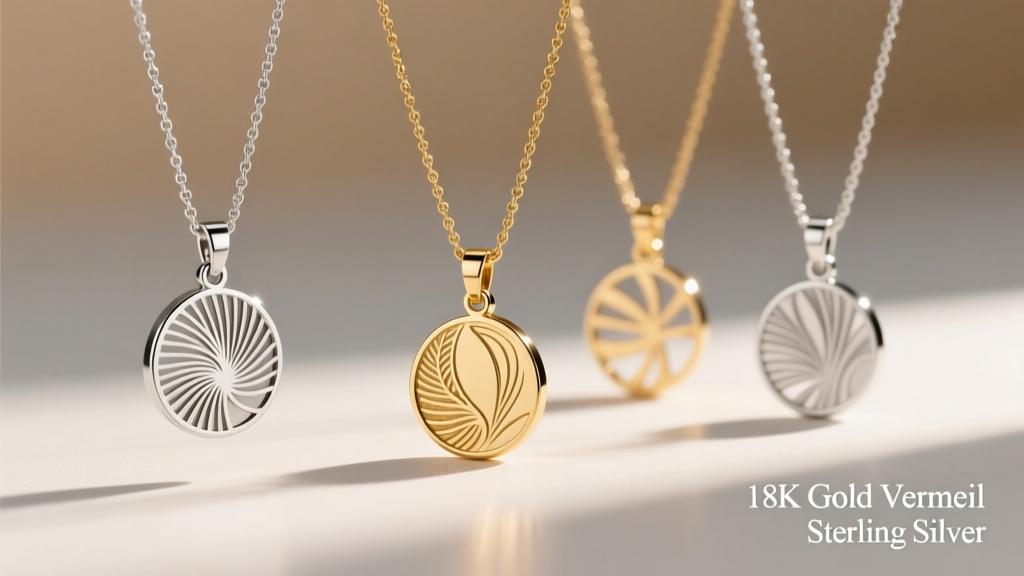
14k Gold Vermeil (Ablation)
Vermeil consists of a thick layer of 14k or 18k gold over a sterling silver core. Lasers can be used to ablate (vaporize) the top gold layer, revealing the bright silver underneath. This creates a stunning, permanent two-tone effect that requires no chemical fills, though it limits the design to binary (gold or silver) rather than grayscale.
According to the Gemological Institute of America (GIA), understanding the core composition of plated metals is vital, as excessive laser heat can cause delamination if the gold layer is too thin (under 2.5 microns). Always verify the vermeil thickness with your jeweler before ablating.
From Digital Mockup to Physical Heirloom
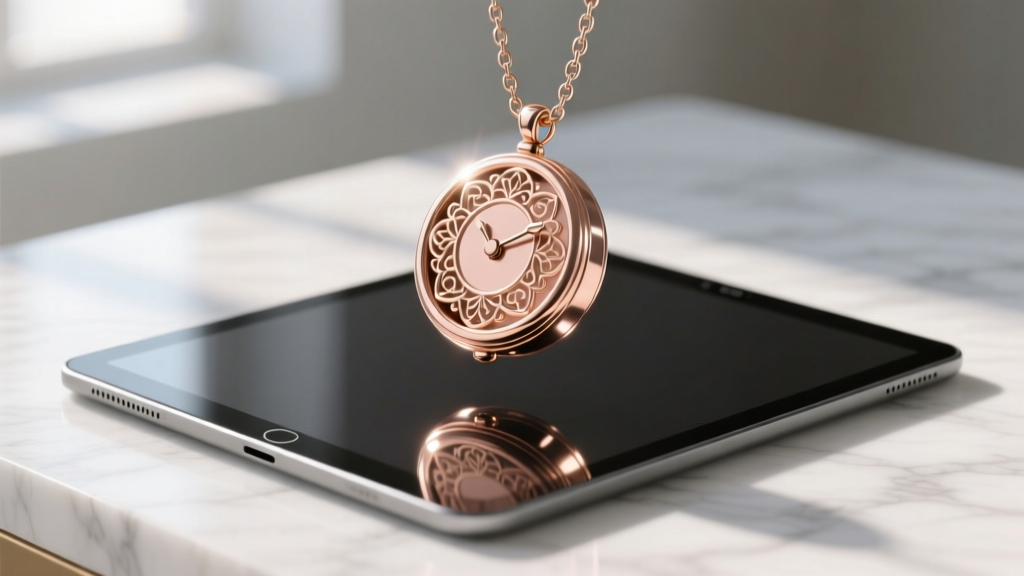
Before committing to the physical engraving, high-end bespoke jewelers utilize transparent necklace png assets to create digital mockups. By layering a client's provided portrait PNG over a transparent rendering of a specific chain and pendant blank, the jeweler can accurately simulate scale, placement, and contrast.
This step is crucial for avoiding proportion errors. A 25mm pendant might overwhelm a delicate 14-inch choker chain but sit perfectly on an 18-inch rope chain. Digital mockups allow the gifter to visualize the exact drape and visual weight of the piece, ensuring the final physical heirloom perfectly matches the emotional intent of the gift.
Final Thoughts on Digital-to-Physical Gifting
The transition from a digital memory to a physical piece of jewelry is a delicate alchemy of art and physics. By providing your jeweler with a properly formatted, high-resolution necklace png, you eliminate the guesswork and compression artifacts that plague lesser custom pieces. Whether you are preserving the delicate whorls of a newborn's fingerprint in annealed steel or etching a halftone pet portrait into aerospace-grade titanium, mastering the digital file is the first step in forging a timeless, wearable legacy.