Fixing a Cloudy Simulated Diamond Necklace: Expert Guide
Is your simulated diamond necklace looking cloudy? Discover expert troubleshooting tips to restore brilliance, fix tarnished settings, and secure stones.
Why Your Simulated Diamond Necklace Lost Its Sparkle
There is nothing more frustrating than watching a once-brilliant piece of jewelry lose its fire. If your favorite simulated diamond necklace has recently taken on a milky, dull, or cloudy appearance, you are not alone. Unlike natural diamonds, which are non-porous and rank at a perfect 10 on the Mohs scale, diamond simulants possess unique chemical and structural vulnerabilities. In 2026, the market is flooded with advanced alternatives—from high-grade cubic zirconia (CZ) to moissanite and coated crystals—but each requires a highly specific troubleshooting approach when things go wrong.
Whether you are dealing with trapped sebum, the dreaded moissanite "oil slick," or a tarnished base metal reflecting through the pavilion, this expert guide will help you diagnose and reverse the damage without destroying your piece.
The Mohs Scale and Simulant Vulnerabilities
To properly troubleshoot your necklace, you must first identify the exact simulant you are dealing with. According to the Gemological Institute of America (GIA), simulants mimic the visual properties of diamonds but differ vastly in hardness, porosity, and chemical stability. Using the wrong cleaning method on a softer or more porous stone will cause permanent micro-scratches that trap dirt and accelerate cloudiness.
| Material | Mohs Hardness | Porosity | Primary Failure Mode | Safe Cleaning Method |
|---|---|---|---|---|
| Cubic Zirconia (CZ) | 8.0 - 8.5 | Moderate | Surface scratching & oil absorption | Warm water, mild dish soap, soft brush |
| Moissanite | 9.25 | None | "Oil slick" rainbow interference | Silver polish or specialized cleaner |
| Crystal/Glass | 5.0 - 6.0 | High | Deep scratching & foil backing loss | Damp microfiber cloth only (no soaking) |
| Nexus Diamond | 8.5 - 9.0 | Low | Coating degradation | Gentle soap, avoid ultrasonic |
Troubleshooting Cloudiness and the "Oil Slick" Effect
Fixing Cubic Zirconia Haze (The Degreasing Method)
Cubic zirconia is slightly porous. Over time, microscopic surface pores trap sebum, lotions, and soap scum. This buildup creates a milky haze that looks like internal cloudiness but is actually a surface-level film. To fix this, you must perform a deep degreasing soak.
- Mix 1 part mild, ammonia-free dish soap (like Dawn) with 6 parts warm distilled water.
- Submerge the CZ pendant for 15 minutes to soften the lipid bonds.
- Use a baby toothbrush (which has ultra-soft bristles) to gently agitate the pavilion (the bottom back of the stone). This is where 90% of the light-blocking grime accumulates.
- Rinse with distilled water and dry with a lint-free microfiber cloth.
Pro Tip: Never use ultrasonic cleaners on crystal or glass simulants (like Swarovski). The high-frequency vibrations will strip the reflective foil backing or shatter the stone entirely.
Removing the Moissanite Oil Slick (The Interference Fix)
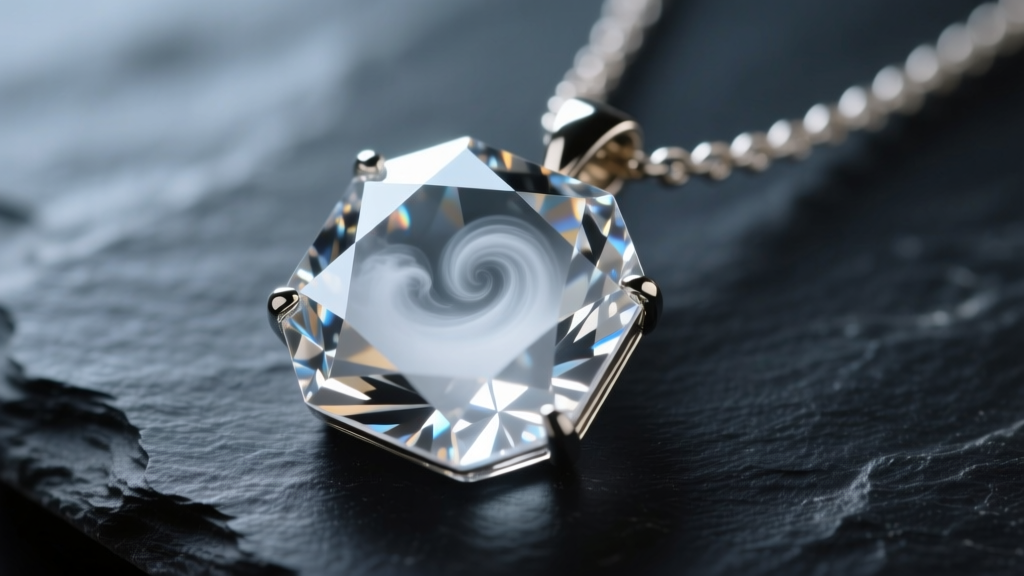
If your necklace features moissanite, you might notice a rainbow-colored, oily film on the surface. According to the GIA Moissanite Guide, this is not actual oil; it is a thin-film interference pattern caused by hard water minerals, chemicals, or environmental pollutants bonding to the surface.
Standard soap will not remove this. Instead, apply a tiny dab of Wright's Silver Cream or a specialized moissanite cleaning polish to a soft cloth. Gently rub the surface of the stone in a circular motion. The mild abrasives in the polish will break down the mineral bond without scratching the 9.25 Mohs surface. Rinse thoroughly to ensure no polish residue is left in the prongs.
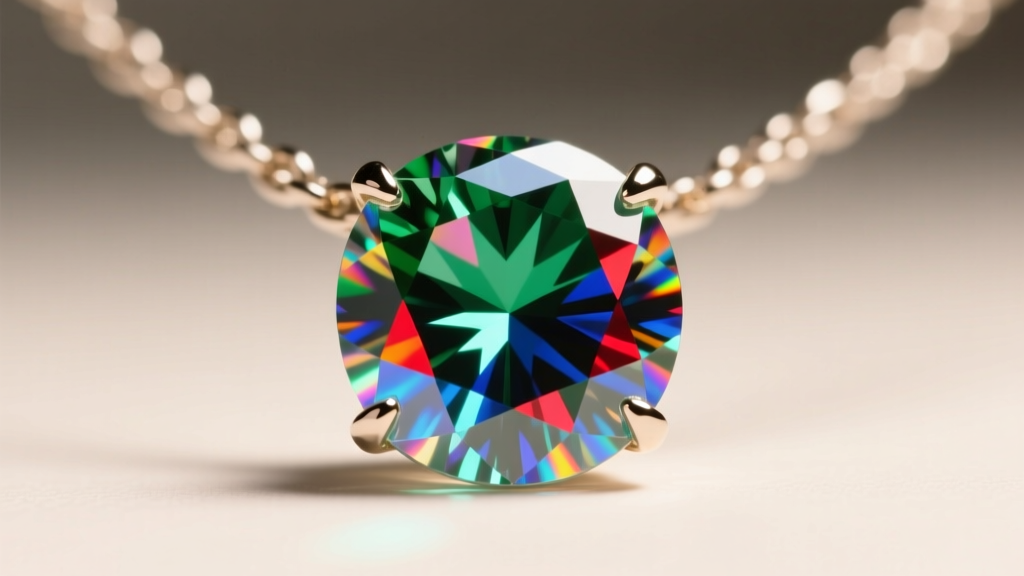
Tackling Tarnished Settings Without Damaging the Stone
Sometimes, the stone itself is perfectly clean, but the necklace still looks dark or cloudy. This is an optical illusion caused by a tarnished setting. Simulated diamond necklaces are frequently set in sterling silver, brass, or base metals plated with a thin layer of rhodium. When the rhodium wears off, the underlying metal oxidizes and turns black or green. Because simulants are highly refractive, they bounce this dark tarnish back through the top of the stone, making the "diamond" look gray.
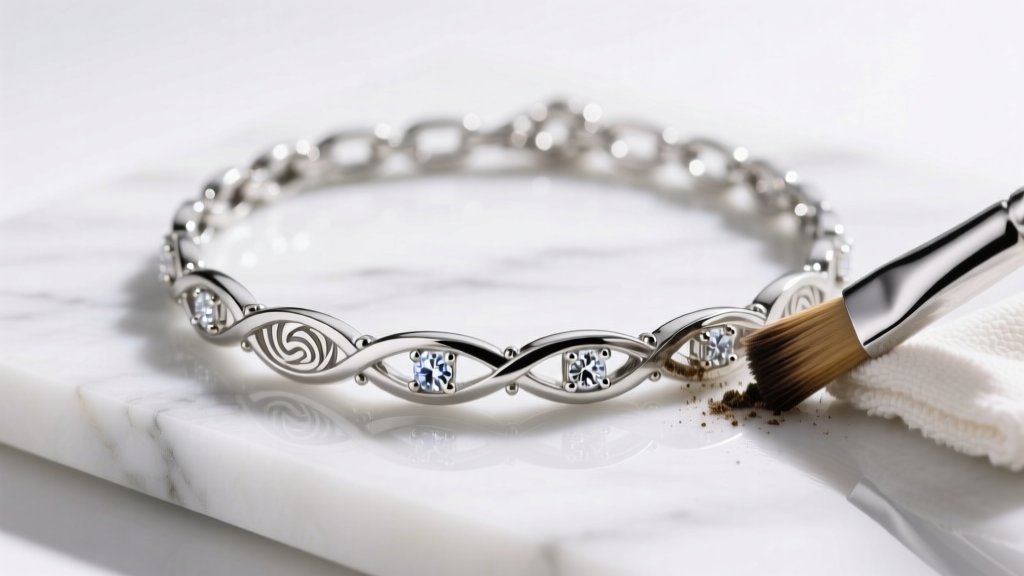
The Fix: Use a treated silver polishing cloth to carefully buff the metal basket and prongs. Fold the cloth to a fine point to reach between the prongs. Be incredibly careful not to rub the polishing compound onto the simulant stone itself, as the tarnish-removing chemicals can degrade the optical coatings on newer alternatives like the Nexus Diamond. For severe tarnish on brass settings, you may need to consult a jeweler about re-rhodium plating, a process that typically costs between $35 and $60 in 2026. Always check for proper metal disclosures as outlined by the Federal Trade Commission (FTC) Jewelry Guides to know exactly what base metal you are treating.
Securing Loose Stones in Simulated Diamond Pendants
A common issue with simulated diamond jewelry, particularly in the $50 to $200 price range, is prong wear. Unlike fine jewelry where prongs are often hand-cut and soldered from thick wire, simulant settings are frequently cast from molds. Cast prongs are more brittle, thinner, and prone to snapping or lifting away from the stone's girdle.
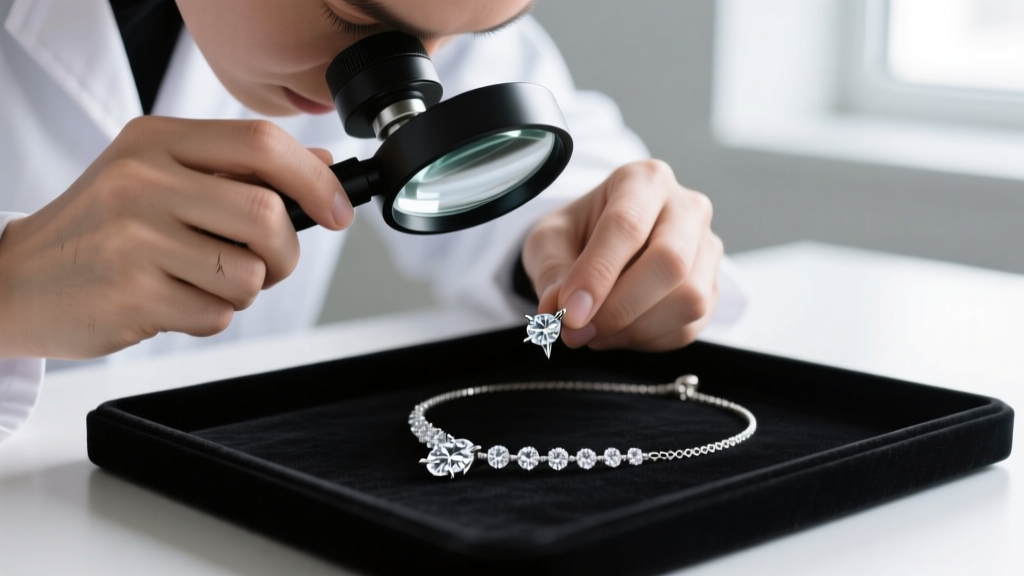
How to diagnose loose stones:
- The Tap Test: Gently tap the side of the pendant with a wooden toothpick. If you hear a faint clicking or rattling sound, the stone is not seated properly in the basket.
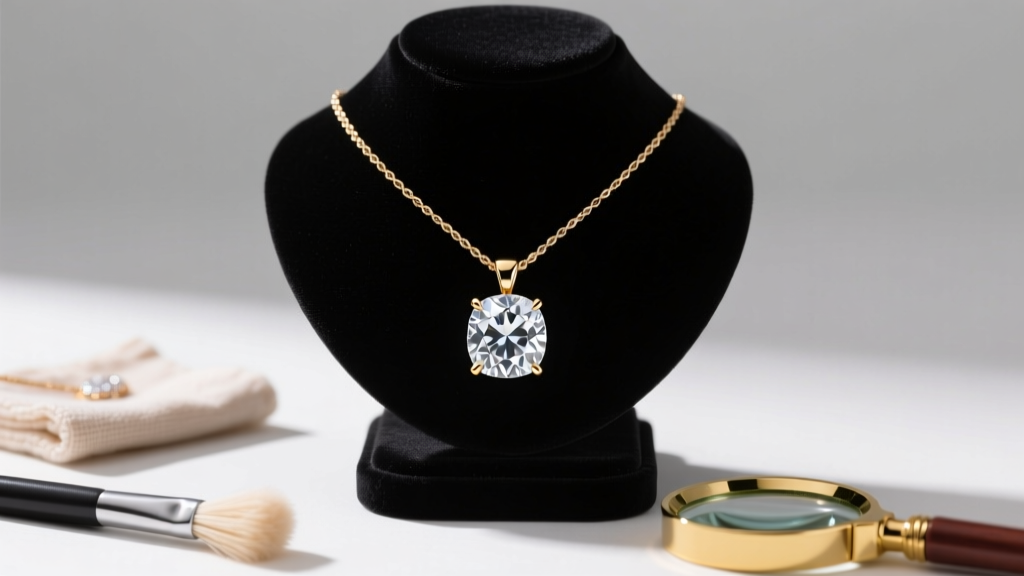
- The Loupe Check: Use a 10x jeweler's loupe to inspect the prong tips. If the metal is flattened or pulled away from the stone's edge, it needs immediate tightening.
- The Snag Test: If the prong catches on your clothing or a microfiber cloth, it has lifted and must be pushed back down with a prong pusher tool to prevent the simulant from falling out.
Preventative Maintenance Checklist
To keep your simulated diamond necklace sparkling for years, adopt these proactive habits:
- The "Last On, First Off" Rule: Always put your necklace on after applying makeup, perfume, and hairspray. Aerosolized chemicals are the primary culprit behind rapid CZ cloudiness.
- Shower Restrictions: Remove the necklace before showering. Hard water leaves calcium deposits that are notoriously difficult to remove from the intricate facets of a pavilion.
- Storage Separation: Store the necklace in a soft pouch away from other jewelry. While CZ is hard, it can still be scratched by diamonds or sapphires, and it will easily scratch softer gems like opals or pearls.
- Monthly Degreasing: Perform the mild dish soap soak once a month to prevent lipid buildup from becoming a permanent, hardened film.
By understanding the specific material science behind your jewelry, you can easily troubleshoot haziness, tarnish, and structural wear, ensuring your simulated diamond necklace retains its brilliant fire for every occasion.