How to Draw a Chain Necklace: Technical Jewelry Design Guide
Learn how to draw a chain necklace with technical precision. Master link geometry, metallic shading, and perspective for professional jewelry design.
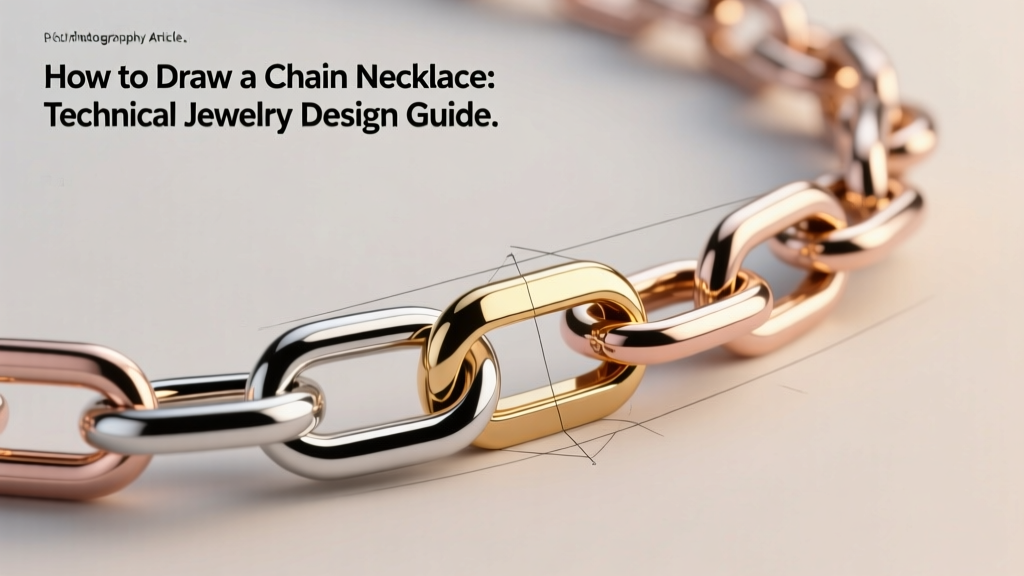
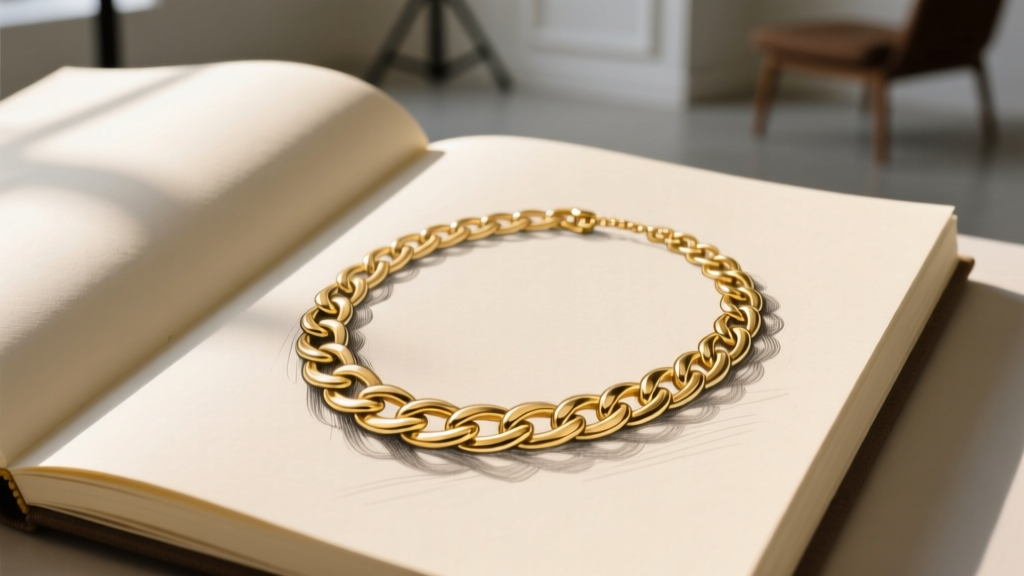
Learning how to draw a chain necklace is a fundamental rite of passage for any serious jewelry designer. However, moving beyond rudimentary sketches to create technically accurate, manufacturing-ready illustrations requires a deep understanding of metallurgy, spatial geometry, and light physics. A chain is not merely a decorative line; it is a complex, articulated mechanical structure. Whether you are drafting by hand on vellum or building a 3D CAD model in MatrixGold, accurately rendering the topology, drape, and specular reflections of a chain necklace separates amateur concept art from professional jewelry design.
In this expert deep dive, we will deconstruct the technical mechanics of drawing chain necklaces, exploring the mathematical aspect ratios of jump rings, the catenary physics of the clavicle drape, and the precise environmental shading required to render precious metals realistically.
The Anatomy of Chain Links: Geometry and Aspect Ratios
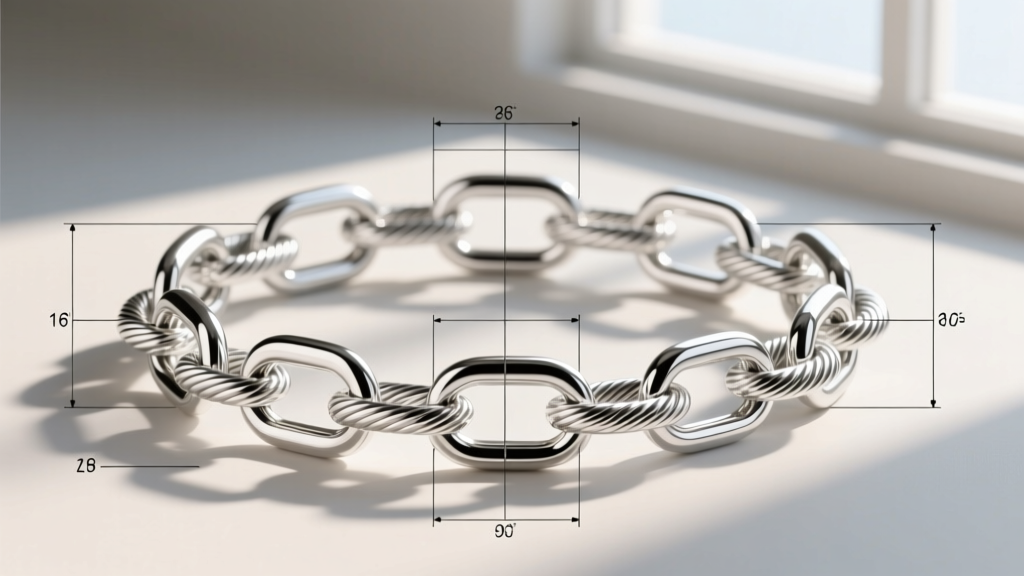
Before your pencil touches the paper, you must understand the structural mathematics of chainmaille and jewelry chains. The fundamental metric governing any chain link is the Aspect Ratio (AR). The AR is calculated by dividing the Inner Diameter (ID) of the ring by the Wire Diameter (WD).
AR = Inner Diameter (ID) / Wire Diameter (WD)
Why does this matter for drawing? If you sketch a cable chain with links that are too thick relative to their inner void, the chain you have drawn is physically impossible to manufacture; the links would bind and snap under tension. According to metallurgical standards referenced by Rio Grande's jewelry manufacturing resources, a standard round cable chain requires a minimum AR of 3.5 to allow the links to pivot freely. When drafting a 1mm wire cable chain, you must accurately render an inner void of at least 3.5mm. Getting these proportions wrong in your technical drawing will result in a flawed CAD model or a frustrated bench jeweler.
Step-by-Step: How to Draw a Chain Necklace in Perspective
Drawing a chain lying flat on a table is an exercise in repeating patterns. Drawing a chain draped around a human neck is an exercise in advanced perspective and foreshortening.
1. Establishing the Catenary Drape Line
A necklace does not hang in a perfect semi-circle. Gravity and the anatomy of the human collarbone dictate a catenary curve. Furthermore, the length of the chain alters this curve drastically. A 16-inch choker sits rigidly above the clavicle, requiring sharp, tight foreshortening at the edges. An 18-inch princess length rests directly on the clavicle bones, creating a broken, asymmetrical drape. A 24-inch opera length hangs freely in a deep, smooth parabola. Always map the underlying catenary spline before drawing a single link.
2. Plotting the Link Topology and Foreshortening
As the chain wraps around the cylindrical form of the neck, the links at the far left and right edges undergo severe foreshortening. A round link viewed from the side appears as a thin rectangle. The interlocking overlap must be meticulously plotted. Use a center-line guide to ensure that alternating links (one facing forward, one facing sideways) maintain consistent volume as they recede toward the vanishing points at the nape of the neck.
Material Rendering: Shading Gold, Silver, and Platinum
Novice artists often shade metals using simple grayscale gradients. This is a critical error. Precious metals are highly reflective and possess no true "local color"; they act as mirrors reflecting their environment. The Gemological Institute of America (GIA) emphasizes that accurate jewelry rendering requires understanding specular mapping and environmental reflection.
- Yellow Gold: Reflects warm environments. Shadows should contain deep amber and burnt sienna tones, while specular highlights lean toward warm, buttery white.
- Sterling Silver & White Gold: Reflects cool environments. Shadows require Payne's gray and cerulean blue undertones. Highlights are stark, icy white.
- Platinum: Denser and less reflective than silver. Platinum renders with softer, more diffused highlights and a slightly darker, gunmetal mid-tone.
| Metal Type | Highlight Sharpness | Shadow Core Tone | Environment Reflection |
|---|---|---|---|
| 18k Yellow Gold | Sharp, high-contrast | Deep Ochre / Brown | Warm, golden hues |
| Sterling Silver | Extremely sharp, glassy | Cool Slate / Blue-Gray | Cool, crisp blues |
| 14k Rose Gold | Soft, diffused edges | Mauve / Deep Copper | Pinkish-orange warmth |
| Platinum 950 | Medium, slightly muted | Charcoal / Gunmetal | Neutral, desaturated |
Common Chain Styles and Their Drafting Nuances
Each chain style presents unique geometric challenges when translating 3D forms onto a 2D plane.
Cable Chain
The most basic and common chain. It consists of uniform oval or round links. The challenge in drawing a cable chain is maintaining the rhythm of the alternating orthogonal links without losing the sense of scale as the chain recedes in perspective.
Curb Chain
Curb chains are created by twisting and flattening cable links so they lie flat against the skin. When drawing a curb chain, you must render the distinct diagonal "twist" marks on the face of each link. The flattened surface acts as a broad mirror, requiring long, sweeping specular highlights that connect across multiple links to show the continuous flat plane.
Rope Chain
Rope chains are helical structures that mimic the twist of a woven fiber. Drawing a rope chain requires establishing a central spiral axis. The links are small, dense, and angled to catch light in a spiraling pattern. It is best rendered by blocking in the dark shadow valleys of the spiral first, then adding the pin-point highlights on the outer ridges of the twist.
Figaro Chain
A patterned chain, typically featuring three short links followed by one elongated link. The technical difficulty here lies in maintaining the precise rhythmic pattern while navigating the foreshortening of the neck's curvature. Losing count of the pattern sequence ruins the realism of the draft.
Digital vs. Traditional: Tools for Jewelry Illustrators
The methodology of how to draw a chain necklace shifts depending on your medium, though the underlying geometric rules remain identical.
Traditional Hand Rendering
Professional traditional jewelry renderers typically work on matte drafting film or heavy vellum using mechanical pencils (0.3mm for fine link details, 0.5mm for outlines). Shading is achieved with alcohol-based markers (like Copic or Touch) for the base metal tones, followed by opaque white gouache applied with a fine sable brush to punch in the sharpest specular highlights. The gouache is essential for selling the "polish" of the metal.
Digital and CAD Drafting
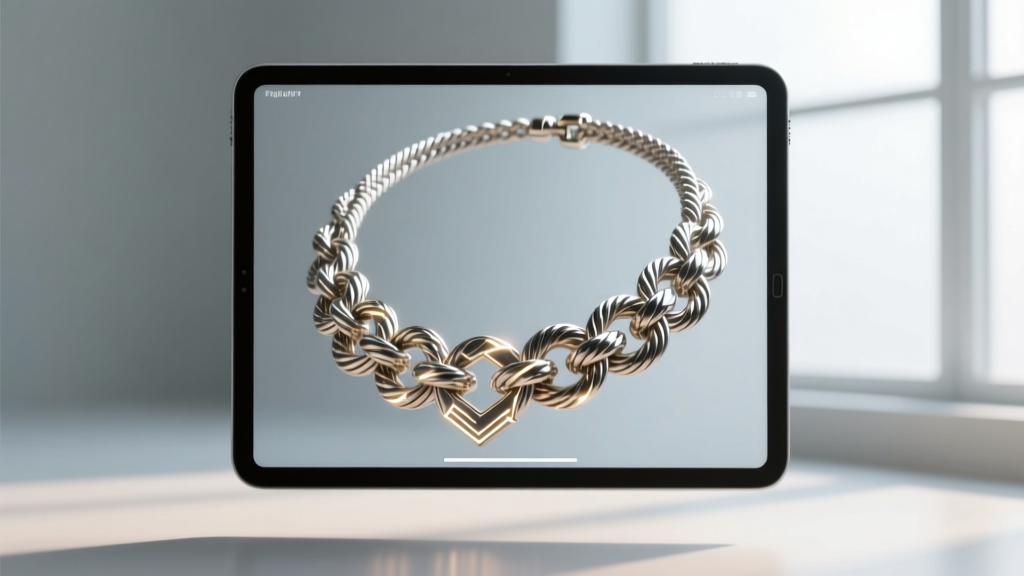
In the modern jewelry industry, digital illustration via Procreate or Adobe Fresco is standard for client-facing concept art. Utilizing custom chain-link brushes can save time, but experts always manually paint over the brush strokes to correct lighting inconsistencies and add environmental reflections. For manufacturing, designers bypass 2D drawing entirely, moving straight into 3D CAD software like Rhino 3D or MatrixGold. In CAD, chains are generated using flow-along-spline commands, mapping a single master link geometry along a catenary curve, automatically calculating the physical intersections and clearances required for 3D printing and casting.
Conclusion
Mastering how to draw a chain necklace is an exercise in technical discipline. It demands that the artist think like an engineer, respecting the physical limitations of metal, the mathematical realities of aspect ratios, and the optical physics of polished surfaces. By grounding your illustrations in structural geometry and accurate environmental shading, your jewelry designs will not only look breathtaking on the page but will serve as flawless blueprints for the manufacturing bench.