How to Draw a Necklace: Troubleshooting Chain Links & Pendants
Master how to draw a necklace with our troubleshooting guide. Fix stiff chains, flat pendants, and metallic shading errors in your jewelry sketches.

The Physics of Drape: Why Your Chains Look Stiff
When learning how to draw a necklace, the most common failure point is ignoring gravity and anatomy. Beginners often draw chains as perfect, rigid U-shapes or symmetrical arcs that hover unnaturally over the collarbone. In reality, a necklace is a flexible suspension system governed by catenary physics. The chain must interact with the three-dimensional topography of the neck, clavicle, and sternum.
To troubleshoot a stiff-looking chain, start by mapping the sternocleidomastoid muscles and the clavicular notch. A 16-inch choker will wrap tightly around the cylindrical base of the neck, requiring sharp, elliptical perspective curves. Conversely, a 24-inch opera-length chain will hang in a relaxed catenary curve, dipping below the collarbone and resting on the pectoral plane. The chain should compress slightly where it rests against the skin and hang freely in the negative space between the neck and the chest. If your sketch looks like a wire hanger, you are missing the micro-sags caused by the weight of individual links.
Troubleshooting Chain Link Geometry
Chains are not solid lines; they are complex, interlocking mechanical structures. Each chain type has a distinct geometric footprint that dictates how it catches light and casts shadows. According to the Gemological Institute of America (GIA), understanding the structural integrity and design of jewelry components is essential for accurate representation. If your chains look like flat ribbons or blurry smudges, you are likely failing to alternate the perspective planes of the links.
Take the classic cable chain, for example. It consists of uniform oval links that alternate at 90-degree angles. When drawing this, you must draw one link facing the viewer (a full ellipse) and the next link perpendicular to the viewer (a thin, foreshortened slit). Curb chains, on the other hand, are twisted so that all links lay flat against the skin, requiring a series of overlapping, flattened figure-eight shapes.
| Chain Style | Geometric Structure | Common Drawing Error | Technical Fix |
|---|---|---|---|
| Cable | Alternating 90° ovals | Drawing all links as flat circles | Alternate full ellipses with thin, perpendicular edge-profiles |
| Curb | Flattened, interlocking twists | Making links look like separate beads | Overlap the inner edges and add deep interstitial shadows |
| Figaro | Patterned curb (3 small, 1 long) | Ignoring the rhythmic scale shift | Establish a strict 1:3 ratio template before shading |
| Rope | Twisted helix of micro-links | Shading it like a smooth cylinder | Use diagonal, spiraling highlight strokes to imply the twist |
Metallic Shading: Capturing Specular Highlights
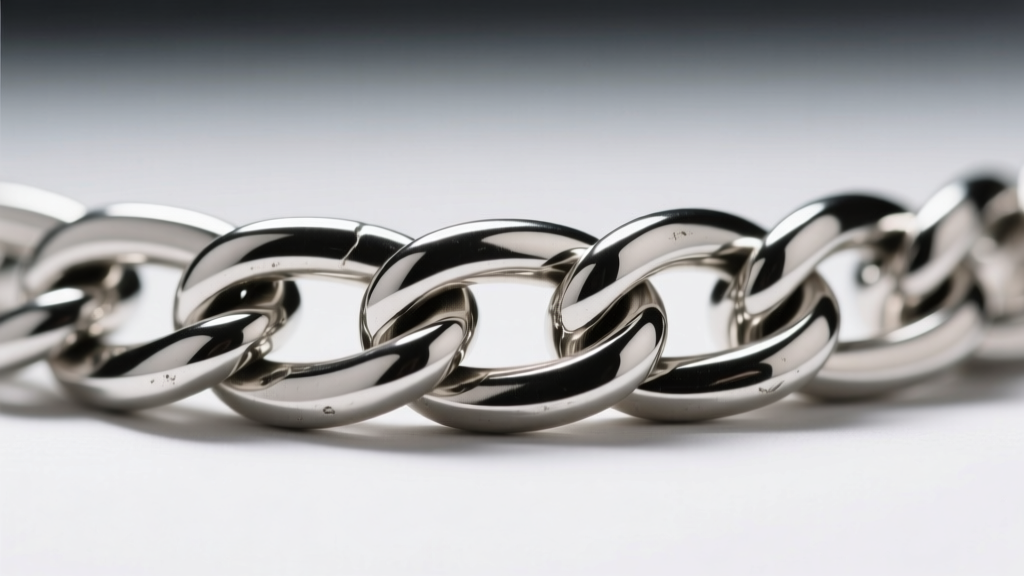
Metals do not possess a local color in the way that fabric or skin does; they are highly reflective surfaces that mirror their environment. A frequent troubleshooting issue in jewelry illustration is rendering gold or silver with a matte, plastic-like finish. This happens when the artist uses low-contrast shading and soft, blended edges.
To fix this, you must apply the 3-Tone Rule for high-polish metals. First, establish your specular highlight—this is the direct reflection of your light source and should be left pure white (or the brightest color of your medium). Second, map the core shadow, which is the area where the metal curves away from the light; this should be extremely dark, almost black, to create the illusion of high reflectivity. Finally, add the reflected light from the environment (like the wearer's skin or clothing) bouncing back onto the underside of the chain link. The transition between the dark core shadow and the bright specular highlight must be razor-sharp, not softly blended.
The Horizon Line Effect in Cylindrical Links
When drawing thick, polished chain links or metal tube beads, remember that curved metal acts like a convex mirror. As noted in professional rendering guides from Jewelry Making Daily, polished silver and gold will often reflect a distorted 'horizon line' of the room they are in. Incorporating a subtle, warped horizontal band of light and dark across a thick silver link will instantly elevate your sketch from amateur to professional.
Pendant Perspective and Focal Points
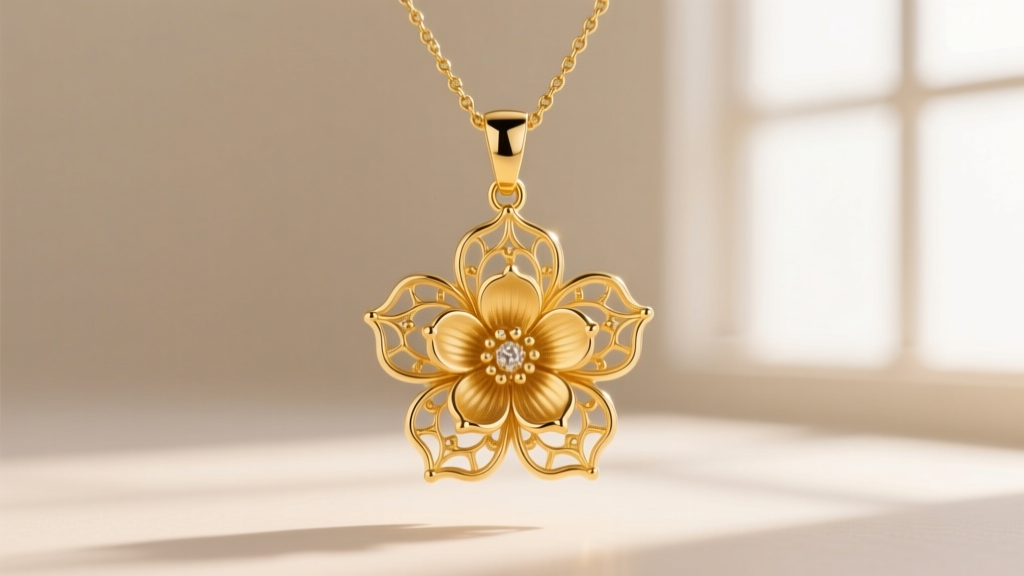
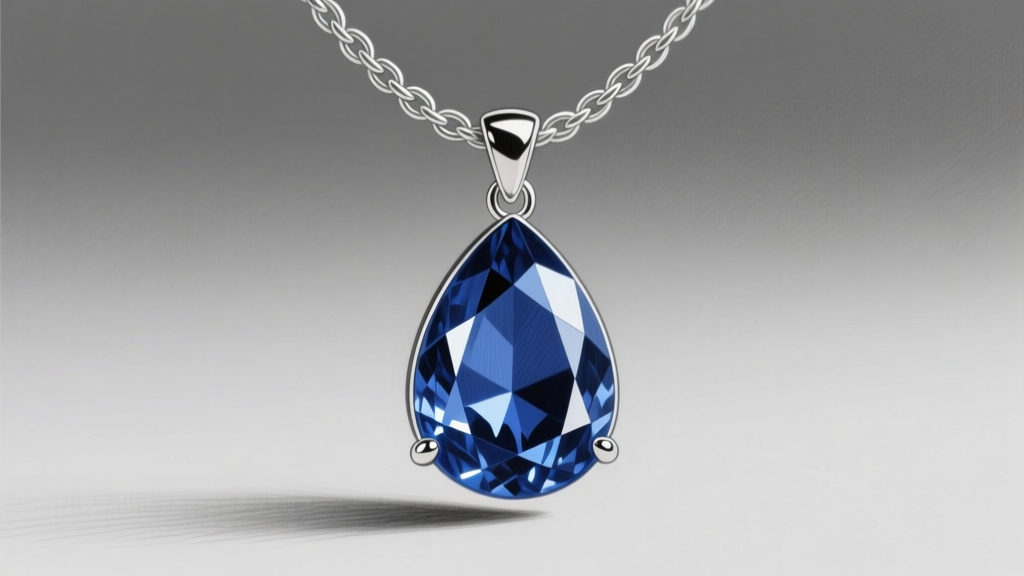
A pendant is the anchor of a necklace, but illustrators often draw it as if it is floating in front of the chain rather than suspended from it. The critical troubleshooting point here is the bail—the finding that connects the pendant to the chain. Beginners frequently draw the chain passing directly through a hole in the gemstone or metal drop, which is mechanically inaccurate for most fine jewelry.
You must draw the bail wrapping over the top of the chain, with the chain threading through the bail's horizontal loop. This creates a necessary 2mm to 4mm gap between the top of the pendant and the bottom curve of the chain. Furthermore, the weight of the pendant pulls the chain downward, creating a sharp 'V' tension point at the bail. If your chain forms a gentle, rounded 'U' right above a heavy pendant, the physics are incorrect.
Gemstone Faceting and Refraction Troubleshooting
If your pendant features a faceted gemstone, avoid the trap of drawing random, chaotic sparkles. A standard round brilliant-cut diamond has exactly 57 or 58 facets, arranged in a precise geometric map. The large, flat top surface is the table, surrounded by the angled crown facets, which lead down to the pointed pavilion. Light enters through the table, bounces off the pavilion facets, and returns to the viewer's eye as brilliance. Shade the table with a soft, even gradient, and use sharp, high-contrast geometric shapes on the crown to simulate refracted light. For colored stones like sapphires or emeralds, the core shadow should contain a highly saturated, dark version of the stone's hue, while the highlights remain mostly white.
Common Sketching Mistakes and Quick Fixes
- Mistake: The clasp at the back of the neck is drawn as a generic blob.
Fix: Study the mechanics of a lobster clasp or spring ring. Draw the tiny lever, the swivel base, and the connecting jump rings. These micro-details add immense credibility to fashion sketches. - Mistake: The chain looks like it is cutting into the skin.
Fix: Add a subtle, soft cast shadow directly beneath the chain to separate it from the skin tone, and ensure the line weight of the chain is lighter than the anatomical contour lines of the neck. - Mistake: Gold looks like yellow plastic.
Fix: Stop using pure yellow. Gold reflects warm browns, deep ochres, and cool environmental blues. Use a dark, warm umber for the shadows and a bright, pale yellow-white for the highlights.
"Jewelry illustration is less about drawing the object itself and more about drawing the light as it interacts with the object's geometry." — Master Jewelry Rendering Principle
Recommended Tools for Jewelry Illustration
To execute these troubleshooting fixes, your toolkit must support high-contrast rendering. Use a 2H graphite pencil for mapping the precise, light geometric construction lines of the chain links. Switch to a 4B or 6B pencil for laying down the deep, dark core shadows required for metallic reflectivity. A blending stump (tortillon) is essential for smoothing out the mid-tones on curved metal surfaces, while a kneaded eraser molded to a fine point is the ultimate tool for pulling out razor-sharp specular highlights on the edges of the links and the table of a gemstone. For digital artists, use a hard-edged brush for highlights and a soft airbrush for the environmental reflections on the metal.