How to Take the Perfect Necklace Selfie: Expert Guide
Master the perfect necklace selfie with our expert guide on lighting, focal lengths, and posing to showcase pendants flawlessly.
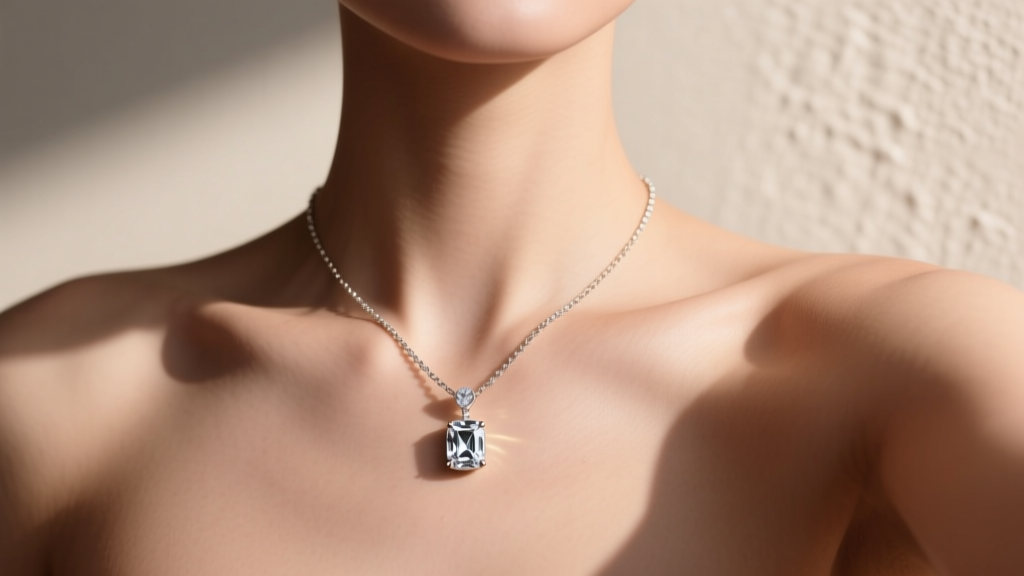
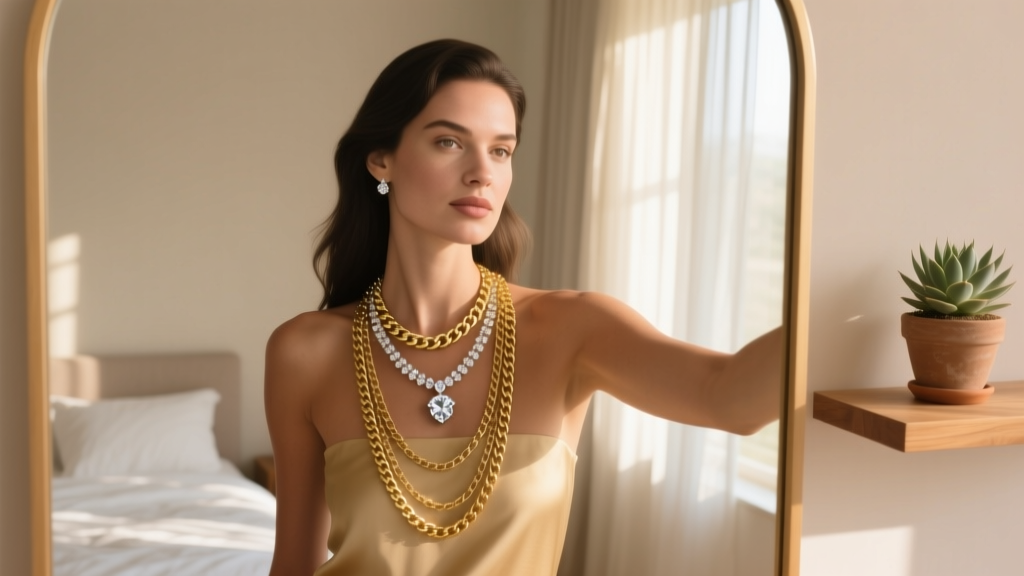
The 'necklace selfie' has evolved from a casual mirror snap into a curated staple of digital jewelry styling and personal branding. In 2026, with flagship smartphone sensors boasting massive megapixel counts and advanced computational photography, capturing the intricate details of a pendant or the precise drape of a chain requires more than just pointing your camera at your chest. It demands a deliberate understanding of optics, metal reflectivity, and spatial framing. Whether you are a jewelry influencer, a boutique owner, or simply documenting your personal collection, mastering the necklace selfie is essential for showcasing your pieces accurately and beautifully.
The Anatomy of a Flawless Necklace Selfie
A successful necklace selfie is not just about the jewelry; it is about the interplay between skin tone, metal color, garment texture, and background contrast. The human eye is naturally drawn to the highest point of contrast in an image. If your background is cluttered or your clothing features loud, competing patterns, the viewer's eye will bypass the delicate craftsmanship of your pendant. To achieve a professional-grade look, you must control the visual hierarchy. This means prepping your skin, selecting the right neckline, and understanding how different metals interact with ambient light. According to Shopify's Jewelry Photography Guide, managing reflections and contrast is the single most critical factor in jewelry imagery, and this rule applies doubly to first-person perspective shots.
Step 1: Selecting the Right Focal Length to Avoid Distortion
The most common mistake in amateur jewelry photography is using the default wide-angle lens (typically 24mm equivalent). Wide-angle lenses introduce barrel distortion, which exaggerates the size of objects closest to the camera. In a necklace selfie, this means your chin and nose may appear disproportionately large, while your neck and chest appear stretched, warping the true scale of your necklace.
The Telephoto Solution
To capture a true-to-life representation of your jewelry, switch to your smartphone's telephoto lens—usually the 3x (75mm) or 5x (120mm) option. As explained by B&H Photo Video, longer focal lengths compress the background and flatten facial features, providing a much more flattering and accurate perspective of the neck and collarbone area. Hold the phone at eye level or slightly above, extend your arm fully, or use a tripod with a remote shutter to maintain the necessary distance while keeping the pendant perfectly in focus.
Step 2: Mastering Lighting for High-Polish Metals
Metals like 14k and 18k yellow gold, white gold, and platinum possess high specular reflectivity. They act like mirrors. If you shoot in direct, harsh sunlight, the metal will create 'blown-out' specular highlights—pure white spots (RGB 255,255,255) where all engraving, facet details, and metal texture are completely lost.
Diffusion and the AE/AF Lock
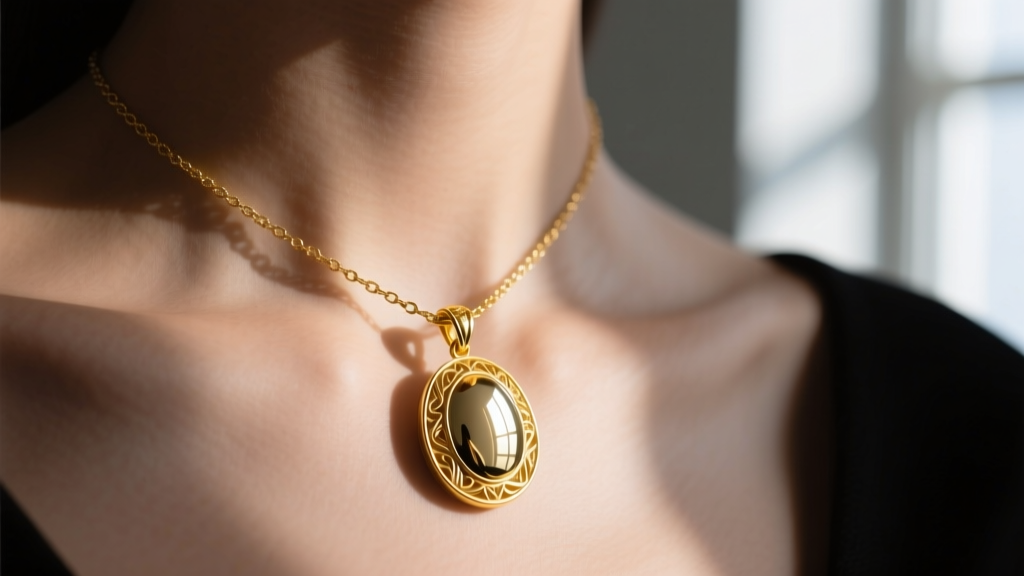
The secret to capturing the rich luster of gold or the icy brilliance of diamonds is diffused, directional light. Position yourself facing a large window, but ensure the direct sun is blocked by a sheer curtain or a professional scrim. This wraps the light softly around the curves of the chain. Once framed, tap and hold your phone screen to engage the AE/AF (Auto Exposure/Auto Focus) lock. Then, manually slide the exposure dial down by -0.5 to -1.0 EV. This slight underexposure preserves the highlights on the metal and deepens the shadows in the chain links, creating a three-dimensional effect.
Chain Styles and Light Behavior
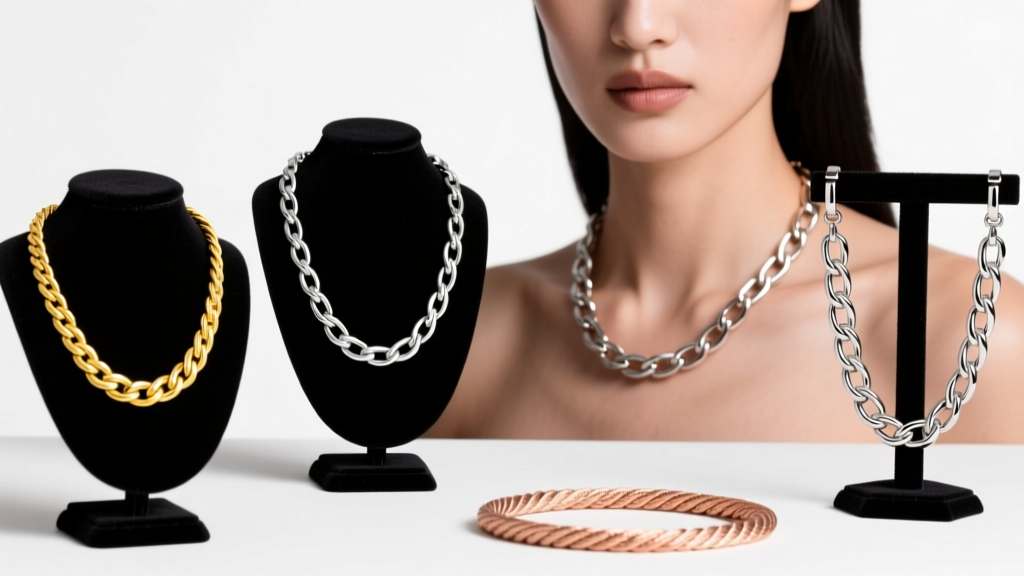
Different chain styles interact with light in vastly different ways. Cable and rope chains absorb light in their crevices, creating a rhythmic, glittering pattern of light and dark. Conversely, flat surfaces like a herringbone, box, or snake chain act as continuous mirrors, reflecting large, sweeping bands of light. When posing, angle your shoulders slightly so the light catches the flat links at a 45-degree gradient, rather than a flat, head-on glare.
Step 3: Posing and Framing for Different Necklace Lengths
The length of your necklace dictates your camera crop and your posing angle. A 14-inch choker requires a completely different framing strategy than a 24-inch opera-length chain. Furthermore, the 'bail' (the loop connecting the pendant to the chain) must be perfectly centered. A crooked bail distracts the eye and looks unprofessional. Use a mirror to check your alignment before capturing the shot.
| Necklace Length | Style Category | Best Framing Crop | Posing Strategy |
|---|---|---|---|
| 14' - 16' | Choker / Collar | Head & Shoulders | Chin slightly elevated, elongating the neck to prevent the choker from looking restrictive. |
| 18' | Princess | Chest-Up (Mid-Torso) | Shoulders relaxed and dropped back to showcase the collarbone and pendant resting on the sternum. |
| 20' - 24' | Matinee | Waist-Up | One hand gently touching the pendant to draw the viewer's eye down the length of the chain. |
| 28' + | Opera / Rope | Full Torso | Layered or doubled up; requires wider environmental context to show the drape and swing. |
Step 4: Background Contrast and Color Theory
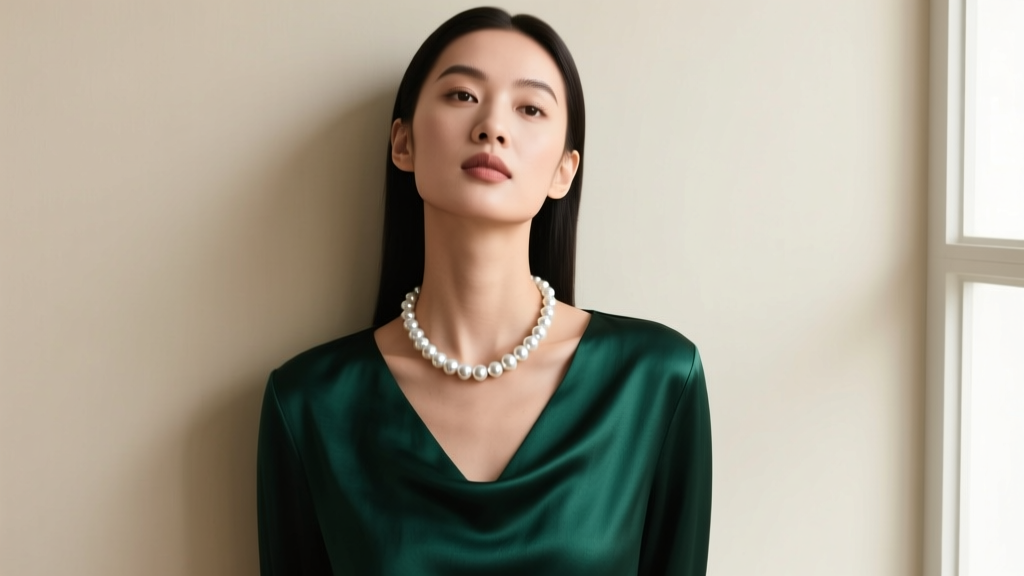
Your clothing and background serve as the canvas for your jewelry. To make yellow gold pop, utilize deep, cool-toned backgrounds like emerald green silk, navy blue velvet, or charcoal grey wool. These colors sit opposite yellow on the color wheel, creating natural vibrancy. For white gold, platinum, and diamonds, opt for warm, rich tones like burgundy, camel, or deep plum. Avoid wearing pure white or pure black tops, as these can confuse your smartphone's automatic white balance and exposure metering, leading to dull-looking metals. According to the Gemological Institute of America (GIA), maintaining the visual integrity of a metal's color is paramount in jewelry presentation, and environmental color casting can severely distort how a piece is perceived on screen.
Troubleshooting Common Necklace Selfie Mistakes
Even with the right lighting and focal length, small details can ruin an otherwise perfect shot. Run through this quick troubleshooting checklist before you post:
- Fingerprints and Smudges: A single fingerprint on a high-polish pendant will look like a smudge of mud in a high-resolution macro shot. Always wipe your jewelry with a lint-free microfiber cloth and a dash of isopropyl alcohol immediately before shooting.
- Oily Skin Glare: The collarbone and chest area naturally produce oils that can create distracting, greasy highlights that compete with the jewelry. Apply a light dusting of translucent setting powder to your skin to create a matte, even canvas.
- Tangled Layers: If you are layering multiple chains (e.g., a 16' paperclip chain with an 18' pearl pendant), ensure there is at least two inches of visual separation between the clasps and pendants. Use a tiny dot of clear jeweler's wax on the back of the pendant bail to hold it exactly in place against your skin.
- Wide-Angle Warping: If your pendant looks disproportionately small compared to your face, you are too close to the lens. Step back three feet and switch to the 3x telephoto lens to compress the image and restore the pendant's true scale.
By treating your necklace selfie with the same technical rigor as a professional studio shoot, you elevate your personal style content from casual snaps to high-end editorial imagery. Master your focal lengths, control your light, and let the craftsmanship of your jewelry take center stage.