How to Master the Viral Necklace Snapchat AR Try-On Trend
Learn how to use AR try-on filters to find your perfect fit. Our step-by-step necklace snapchat guide covers calibration, sizing, and metal rendering.
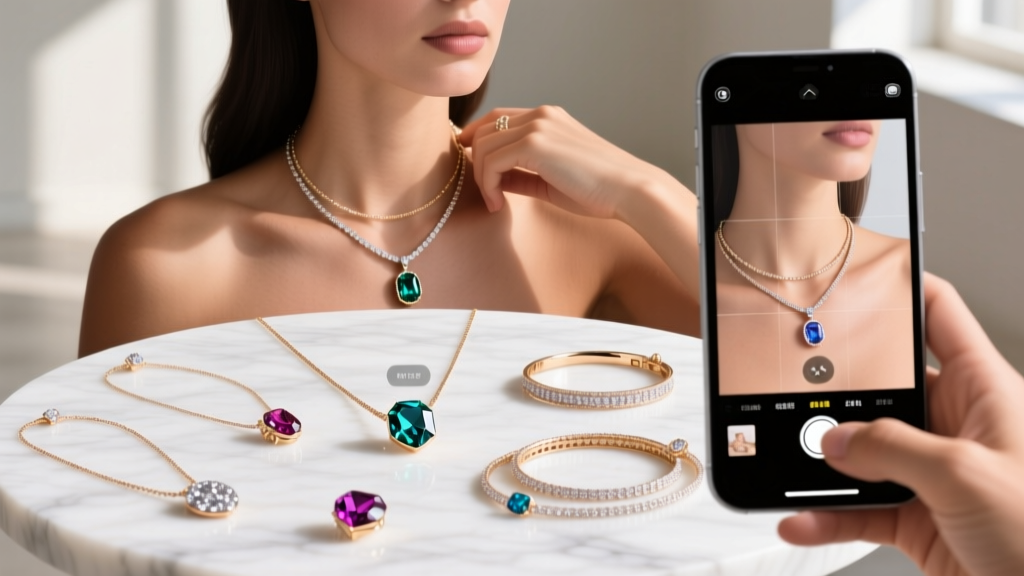

The intersection of social media and fine jewelry has evolved far beyond simple unboxing videos and static flat-lays. In 2026, the most sophisticated shoppers and style curators are leveraging augmented reality to test proportions, metal finishes, and gemstone refraction before committing to a luxury purchase. The viral necklace snapchat AR try-on trend is no longer just a fleeting social media gimmick; it is a highly calibrated styling tool powered by Physically Based Rendering (PBR) and LiDAR depth mapping. Whether you are trying to visualize a 22-inch matinee chain over a ribbed turtleneck or testing the specular highlights of a 14k white gold pendant against your skin tone, mastering these digital try-ons requires a methodical, technical approach.
This step-by-step guide will teach you how to calibrate your device, interpret AR scaling, and avoid common lighting pitfalls to ensure your virtual try-on perfectly mirrors reality. By understanding the mechanics behind the lens, you can confidently curate your neckline aesthetics with zero guesswork.
The Technology Behind the Necklace Snapchat AR Experience
To truly utilize these filters, you must first understand the rendering engine at play. Premium jewelry lenses on Snapchat are built using Lens Studio's Physically Based Rendering (PBR) framework. Unlike early 2D overlays that simply pasted a flat image onto your chest, PBR calculates how light interacts with 3D meshes in real-time. This means the virtual jewelry responds to the actual light sources in your room.
When you test a virtual 18k yellow gold Cuban link chain, the PBR engine utilizes specific metallic and roughness maps to simulate the warm, diffuse reflection characteristic of high-karat gold. Conversely, a rhodium-plated sterling silver chain will feature a low-roughness map, creating sharp, mirror-like specular highlights. According to Snap AR Enterprise, modern lenses also integrate device-specific LiDAR sensors to map the topography of your clavicle and sternum, ensuring the virtual chain drapes naturally over your unique anatomy rather than floating awkwardly in 3D space.
Step 1: Sourcing High-Fidelity Brand Lenses
Not all AR filters are created equal. The marketplace is flooded with low-poly, generic jewelry overlays that distort proportions and misrepresent gemstone clarity. To get an accurate representation of a necklace, snapchat users should prioritize verified brand lenses or those developed by established 3D jewelry studios.
Open the Snapchat camera and tap the smiley face icon to access the Lens Explorer. Search for specific terminology like 'PBR diamond necklace,' '18k gold chain try-on,' or the names of luxury houses that have invested in high-fidelity AR commerce. High-quality lenses will feature dynamic environment mapping, meaning the virtual diamonds will exhibit realistic scintillation and fire as you move your phone, rather than looking like flat, white plastic.
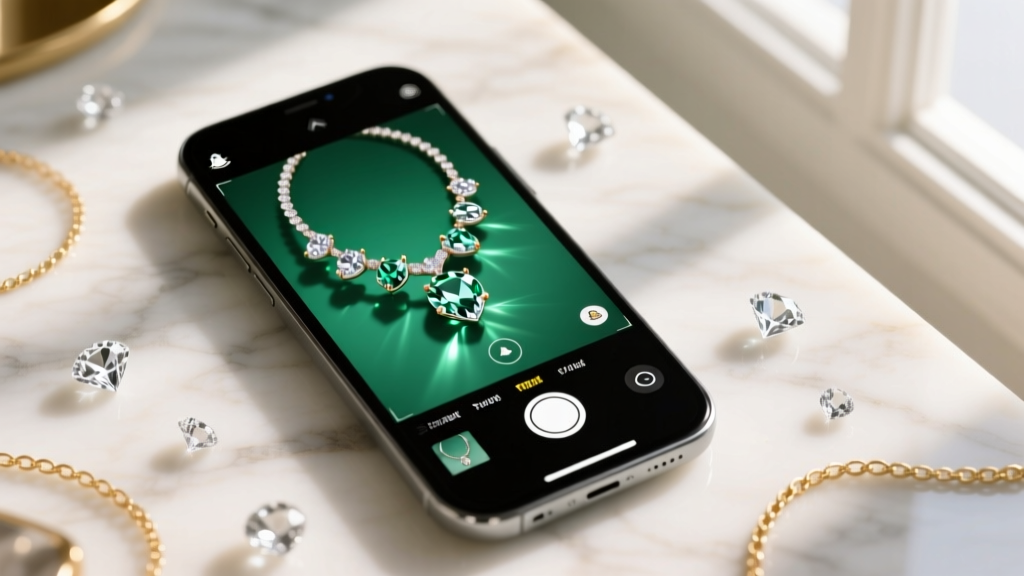
Step 2: Calibrating Your Environment for Accurate Scale
The most common mistake users make when utilizing AR for jewelry sizing is ignoring ambient lighting and camera distance. Your smartphone's auto-exposure algorithm heavily influences how the AR engine renders metallic reflections. If you are in a dimly lit room, the camera will artificially boost the ISO, introducing digital noise that confuses the PBR engine's environment mapping, resulting in a dull, lifeless virtual chain.
For optimal rendering, position yourself facing a large window with diffused natural daylight, aiming for an ambient light level between 300 and 500 lux. This provides the camera sensor with enough clean data to accurately track your neck's micro-movements while allowing the virtual metal to catch realistic specular highlights. Furthermore, maintain a distance of exactly 18 to 24 inches from the camera. Standing too close will trigger the phone's wide-angle lens distortion, making the center of the necklace appear disproportionately larger than the links resting on your outer shoulders.
Step 3: Mapping Chain Lengths to Your Anatomy
Once your environment is calibrated, you can begin testing specific chain lengths. The virtual try-on is an invaluable tool for understanding how different measurements interact with your specific neck circumference and torso proportions. According to Blue Nile's comprehensive necklace sizing guide, a standard 18-inch princess chain will fall entirely differently on a 5'2" frame compared to a 5'9" frame. AR allows you to bypass standard sizing charts and see the exact drop in real-time.
| Chain Length | AR Visual Placement Cue | Ideal Neckline Pairing | Pendant Scale Recommendation |
|---|---|---|---|
| 14-16" (Choker/Collar) | Rests tightly on the lower clavicle hollow | Scoop neck, off-shoulder, V-neck | 5mm - 10mm (Minimalist) |
| 18" (Princess) | Drops exactly to the collarbone point | Crew neck, boat neck, open blouses | 12mm - 18mm (Standard) |
| 20-24" (Matinee) | Rests on the upper sternum/cleavage line | Turtlenecks, high-neck dresses, blazers | 20mm - 30mm (Statement) |
| 28-36" (Opera/Rope) | Falls below the bust line | Evening gowns, deep plunging necklines | Layered or lariat styles |
When testing these lengths in the filter, pay close attention to the virtual bail (the loop connecting the pendant to the chain). A high-quality AR lens will accurately simulate the weight of the pendant, showing how it pulls the chain into a natural teardrop shape rather than an unnatural, rigid geometric curve.
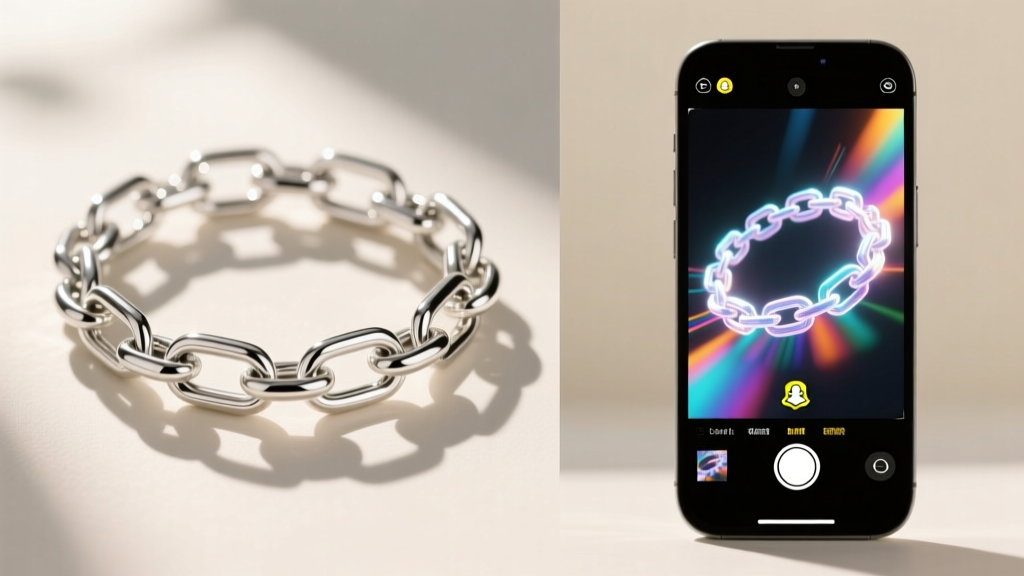
Step 4: Evaluating Gemstone Refraction and Metal Finishes
Beyond chain length, the necklace snapchat AR trend is exceptionally useful for evaluating gemstone optics. Premium lenses simulate the refractive index (RI) of different stones. For example, a virtual diamond (RI of 2.42) will display sharp, high-contrast scintillation with distinct flashes of spectral color (fire). In contrast, a virtual moissanite overlay (RI of 2.65) will exhibit double refraction, creating a slightly more chaotic, rainbow-heavy dispersion pattern.
Use the AR filter to test how different metal finishes complement your skin's undertones. Toggle between 14k rose gold and platinum within the lens settings. Rose gold relies on copper alloys, which render with a warm, reddish specular bounce that flatters olive and warm skin tones. Platinum, rendered with high-reflectivity cool grey maps, provides a stark, icy contrast that pops against cool, pinkish undertones. Taking a 10-second video in the AR lens and reviewing it frame-by-frame allows you to see how the metal behaves during natural movement, revealing whether a high-polish finish will catch too much glare or if a brushed matte finish provides the subtle elegance you desire.
Troubleshooting Common AR Rendering Glitches
Even with perfect lighting, you may encounter technical artifacts that compromise the styling experience. 'Z-fighting' occurs when the virtual mesh intersects with your physical clothing, causing a flickering effect where the AR engine struggles to determine which surface is in front. To fix this, wear a tight-fitting, solid-colored top (preferably black or navy) that provides a high-contrast canvas for the camera's depth sensor.
Another common issue is 'tracking loss,' where the virtual necklace suddenly snaps to your chin or floats away from your neck. This happens when the camera loses the geometric anchor points of your jawline and shoulders. Ensure your hair is tied back and your jawline is clearly visible to the lens. If the pendant appears to clip through your collarbone, it means the LiDAR mesh has miscalculated your chest depth; simply tilt your phone slightly downward to force the sensor to re-map the sternum topography.
By treating the AR try-on process as a precise digital fitting rather than a casual social media game, you can eliminate the guesswork from online jewelry shopping. Mastering these virtual styling tools ensures that every pendant, choker, and layering chain you add to your collection in 2026 fits your anatomy and aesthetic flawlessly.