The Ultimate Sims 4 Necklace CC Guide: Styling & Fixes 2026
Master your Sims 4 necklace CC in 2026. Learn to fix clipping, choose alpha vs maxis match, and match virtual necklines with our expert digital styling guide.

The Intersection of Real Jewelry and Virtual Styling
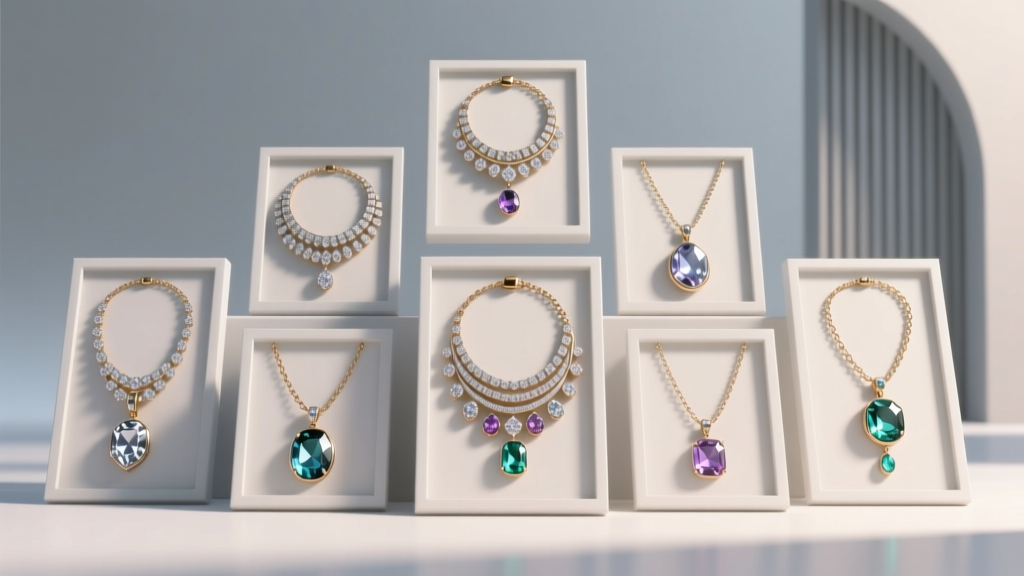
As digital fashion continues to evolve in 2026, the demand for high-quality sims 4 necklace cc (Custom Content) has never been higher. For virtual stylists and avid players, accessorizing a Sim is no longer just about picking a base-game item; it is about curating a digital wardrobe that mirrors real-world jewelry trends, material rendering, and precise neckline matching. Whether you are styling a Sim for a high-fashion editorial photoshoot or building a realistic everyday wardrobe, understanding the technical and aesthetic nuances of virtual pendants, chokers, and chain necklaces is essential.
This comprehensive buying and styling guide bridges the gap between real-world jewelry expertise and the technical constraints of the Sims 4 game engine. We will explore mesh topology, rendering styles, clipping fixes, and how to properly match virtual necklaces with your Sim's digital garments.
Alpha vs. Maxis Match: Understanding Rendering Styles
The first decision any digital stylist must make when downloading sims 4 necklace cc is choosing between Alpha and Maxis Match (MM) styles. This choice fundamentally alters how the jewelry interacts with the game's lighting engine.
Alpha Custom Content
Alpha CC utilizes transparency maps and high-resolution textures (often 2K or 4K) imported via Sims 4 Studio. This style is ideal for intricate jewelry pieces like diamond-encrusted pendants, delicate lace chokers, or pearls that require realistic light refraction. However, alpha meshes are prone to 'z-fighting' (flickering textures) when layered over certain clothing items.
Maxis Match Custom Content
Maxis Match jewelry mimics the stylized, hand-painted aesthetic of the base game. While it lacks the hyper-realism of alpha gems, MM necklaces offer superior compatibility with the game's native CAS (Create-A-Sim) lighting and rarely suffer from transparency bugs. For players prioritizing performance and seamless integration, MM is the gold standard.
Technical Anatomy: Poly Counts and UV Mapping
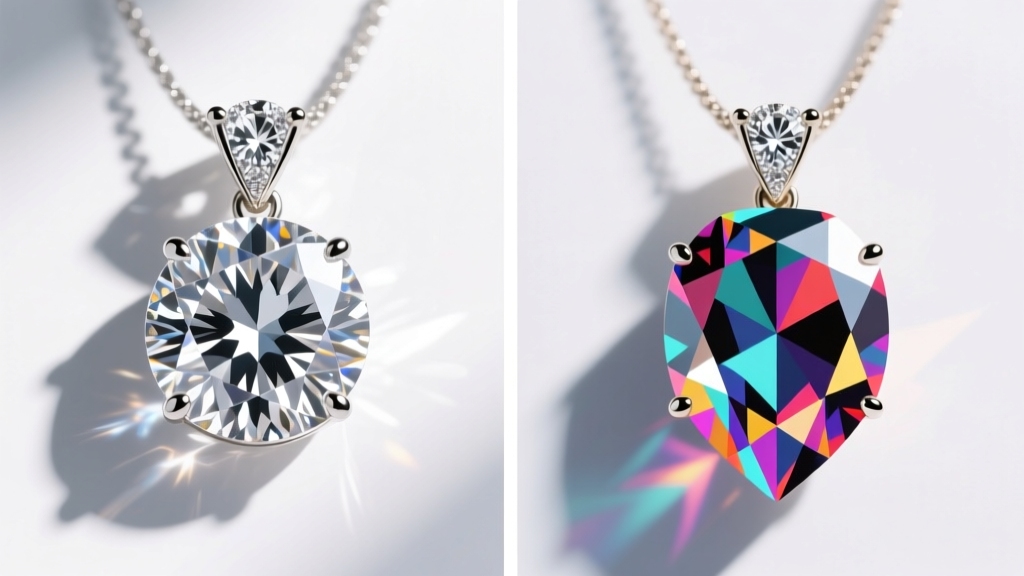
Not all sims 4 necklace cc is created equal. As a domain expert, I always advise checking the polygon count and UV mapping quality before adding a piece to your Mods folder. High-poly accessories can severely impact CAS loading times, especially on mid-range hardware.
- Low Poly (Under 2,000 polygons): Ideal for simple chains, minimalistic bands, and everyday wear. These load instantly and rarely conflict with hair meshes.
- Mid Poly (2,000 - 5,000 polygons): The sweet spot for detailed pendants, lockets, and layered chains. Most high-quality creators target this range.
- High Poly (5,000+ polygons): Reserved for complex, multi-layered statement pieces or intricate gothic chokers. Use sparingly to avoid game lag.
Furthermore, pay attention to the creator's UV mapping. Poorly mapped metallic textures will appear pixelated or stretched around the curvature of the Sim's neck. Look for creators who utilize proper roughness and metallic maps in Blender before exporting to .package files.
Digital Styling: Matching Virtual Necklines
Just as in real-world jewelry styling, the neckline of your Sim's clothing dictates the ideal necklace length. The Sims 4 categorizes necklaces in the 'Necklace' accessory slot, but visual harmony requires adhering to traditional styling proportions. Below is a decision framework for matching virtual necklines with the appropriate CC lengths.
| Virtual Neckline | Ideal Necklace Length | Recommended CC Style | Clipping Risk Level |
|---|---|---|---|
| Scoop / Crew Neck | Princess (18-20 inches) | Pendant on a delicate chain | Low |
| V-Neck | Matinee (22-24 inches) | Y-drop or lariat necklace | Medium |
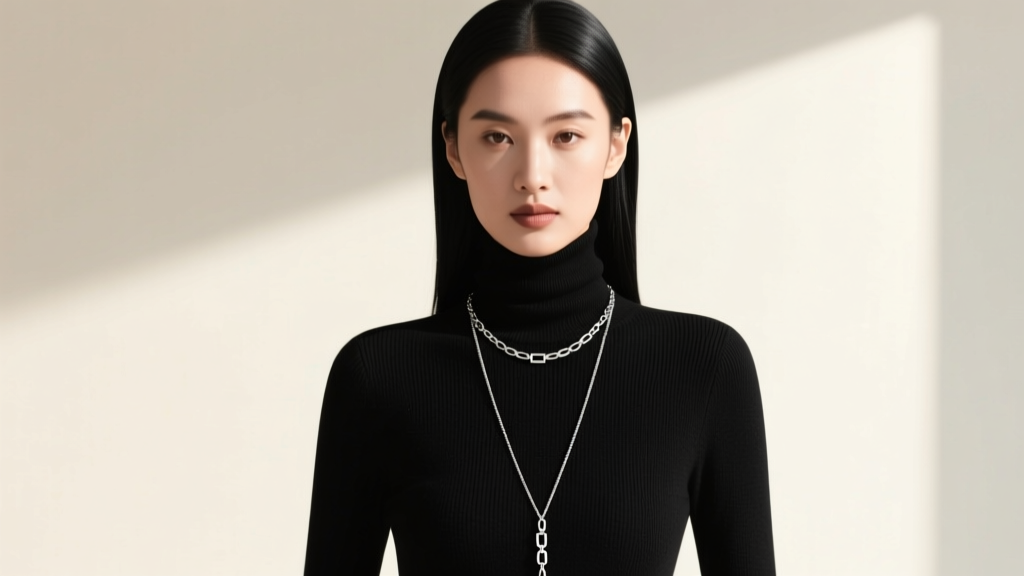
| Turtleneck / High Collar | Opera (28-34 inches) | Long layered chains, bold pendants | High (Requires slider adjustment) |
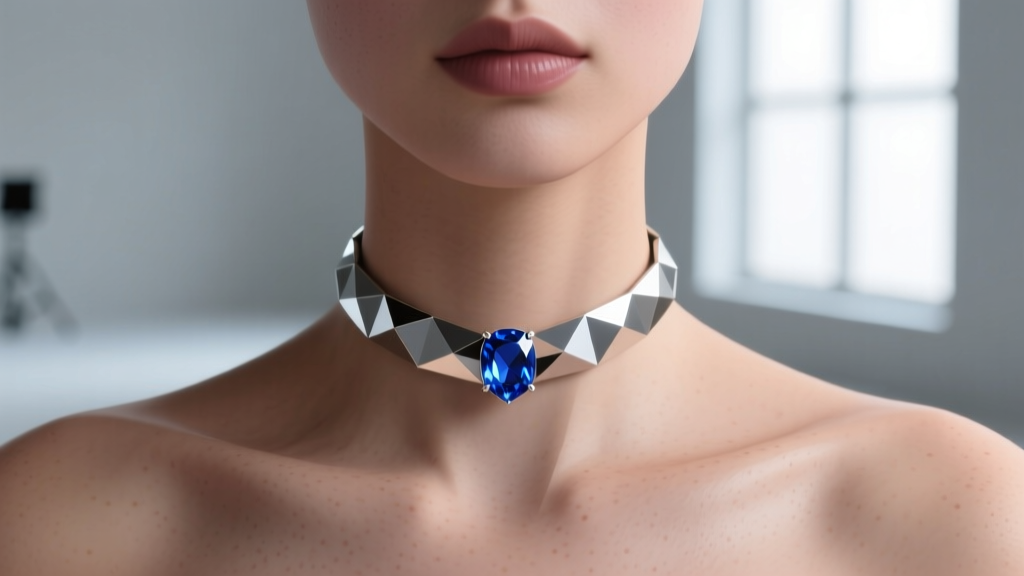
| Halter / Strapless | Choker / Collar (14-16 inches) | Thick metallic bands, gemstone collars | Low |
Layering Techniques and Z-Fighting Fixes
Layering necklaces is a massive trend in 2026, both in physical fashion and within the Sims community. However, layering in CAS often results in z-fighting—a graphical glitch where the game engine cannot determine which mesh should render in front, causing the necklaces to flicker violently.
How to Fix Layering Clipping
- Avoid Slot Conflicts: Ensure you are not trying to equip two items that occupy the exact same 'Necklace' accessory slot. Use the 'Gloves' or 'Bracelet' slots for secondary chains if the creator has enabled multi-slot compatibility.
- Utilize Accessory Sliders: Thanks to the ModTheSims community, accessory sliders are a mandatory download for serious stylists. These sliders allow you to move the Y-axis (vertical) and Z-axis (depth) of a necklace, physically pulling one chain slightly away from the skin to prevent mesh intersection.
- Mix Mesh Types: Pair a high-collar alpha choker with a low-poly Maxis Match long chain. The differing rendering pipelines often bypass standard z-buffer conflicts.
Pro Stylist Tip: When shooting digital editorials in Build/Buy mode using the
bb.moveobjectscheat, you can sometimes bypass CAS clipping entirely by removing the necklace in CAS and placing a high-quality 3D object version of the jewelry directly onto your Sim's chest using the Carl's Sims 4 Guide camera positioning tricks.
Top Trusted Creators for 2026
When sourcing the best sims 4 necklace cc, reliability and mesh quality are paramount. Here are three hallmark creators whose technical execution consistently meets professional standards:
- Pralinesims: The undisputed queen of Alpha jewelry. Her diamond refraction maps and gold metallic textures are unmatched, though her pieces often push the 4,000 polygon mark.
- Soley: A master of Maxis Match layering. Soley's pieces are designed specifically to stack without clipping, utilizing brilliant UV tricks to simulate depth without adding excess geometry.
- Magicbot: Specializes in alternative, gothic, and punk hardware. If you need heavy silver chains, padlock pendants, or spiked chokers with accurate roughness maps, this is your go-to source.
Troubleshooting Invisible or Broken Meshes
Nothing ruins a styling session faster than a broken mesh. If your newly downloaded necklace appears invisible, distorted, or stretches across the Sim's torso, follow this troubleshooting protocol:
1. Enable Custom Content in Game Options
It sounds basic, but after every major EA patch, the 'Enable Custom Content and Mods' and 'Script Mods Allowed' checkboxes can reset. Verify these are ticked and restart the game.
2. Check for Outdated Mesh Presets
If a necklace requires a specific body preset or skin overlay to function correctly, it will appear invisible if that dependency is missing. Always read the creator's notes on Patreon or Tumblr for required mesh files.
3. Resolve Mod Conflicts
Necklaces often conflict with high-collared jackets, specific hair meshes (especially long front-fringe hairs), or outdated tattoo overlays. Use a 50/50 conflict detection method or a Mod Conflict Detector tool to isolate the offending .package file. Removing the conflicting hair or sliding the hair's front mesh backward using CAS sliders usually resolves the occlusion issue.
Final Thoughts on Virtual Curation
Curating the perfect collection of sims 4 necklace cc is an exercise in both aesthetic judgment and technical problem-solving. By understanding the boundaries of the game engine, respecting polygon limits, and applying real-world jewelry styling rules to virtual necklines, you can elevate your Sims' fashion from basic to breathtaking. Treat your Mods folder like a high-end jewelry vault: audit it regularly, prioritize quality over quantity, and never settle for a poorly mapped UV texture.