Troubleshooting Clipart of Earrings for Real Jewelry
Learn how to translate 2D clipart of earrings into wearable 3D jewelry. Troubleshoot weight, gauge sizes, and structural weak points.
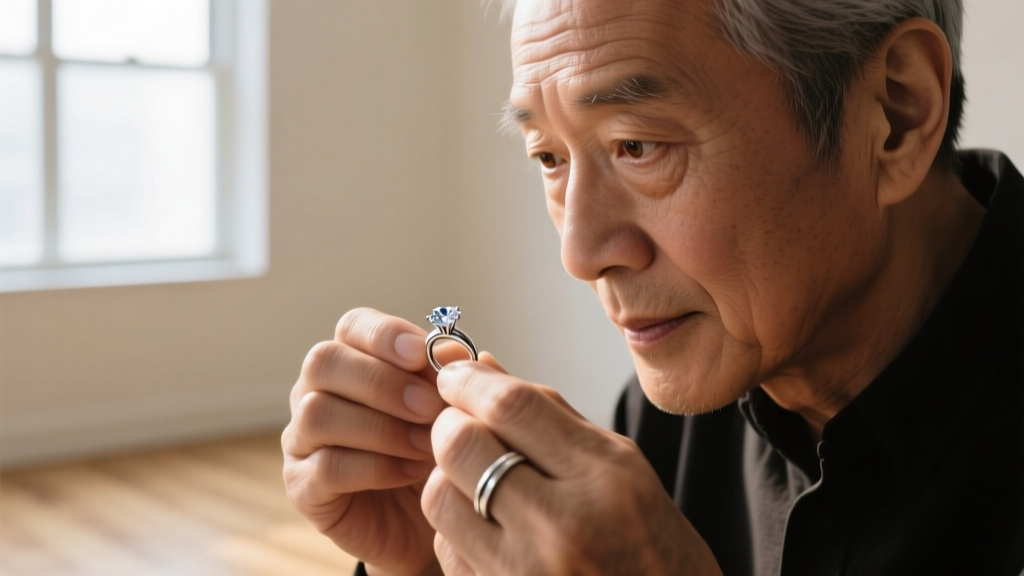
For independent jewelry makers, Etsy designers, and digital marketers, sourcing a clipart of earrings is often the first step in visualizing a new collection. Vector files, SVG templates, and 2D digital mockups offer clean lines, perfect symmetry, and limitless color palettes. However, translating these flat, pixel-perfect designs into physical, wearable jewelry introduces a harsh reality: gravity, material density, and structural stress. What looks elegant as a clipart of earrings on a screen can easily become a heavy, lobe-tearing liability in real life.
In 2026, with the rise of AI-generated jewelry mockups and widely available digital vector packs, the gap between 2D visualization and 3D metallurgy has never been wider. This guide serves as a comprehensive troubleshooting manual for jewelry designers and makers, breaking down the exact engineering failures that occur when blindly following digital templates, and providing actionable, metallurgical solutions to fix them.
The Weight Distribution Trap in 2D Vectors
Digital clipart lacks a Z-axis. A vector graphic of a 75mm diameter solid brass disc earring appears weightless and floating. In reality, a 75mm disc cut from 2mm thick brass sheet weighs approximately 72 grams. The average human earlobe can comfortably support between 10 to 15 grams before experiencing tissue fatigue, migration, or catastrophic tearing.
Troubleshooting Top-Heavy Dangles
When your clipart of earrings features large, solid geometric shapes or oversized teardrops, you must engineer weight reduction into the physical prototype. According to metallurgical guidelines from Rio Grande, material selection is your primary lever for weight management.
- Brass (Density: ~8.4 g/cm³): Beautiful for prototypes, but disastrous for large statement pieces. If your design exceeds 40mm in diameter, switch materials.
- Sterling Silver (Density: ~10.4 g/cm³): Heavier than brass. Large solid silver hoops will inevitably stretch the piercing.
- Grade 5 Titanium - Ti-6Al-4V (Density: ~4.43 g/cm³): The ultimate problem-solver. Titanium is nearly half the weight of brass and silver, hypoallergenic, and possesses immense tensile strength, allowing for larger, 2D-inspired silhouettes that remain under the 15-gram comfort threshold.
The Fix: If you must use heavier metals like brass or silver to match a specific color palette, introduce negative space. Use a jeweler's saw or laser cutter to remove 40-50% of the interior mass, or transition from solid sheet metal to hollow tubing for hoop designs.
Structural Weak Points: Joints and Soldering
Vector graphics and digital clipart depict seamless, continuous lines. In physical jewelry making, every connection point is a potential failure node. A common issue when translating a clipart of earrings design is the depiction of heavy pendants hanging from impossibly thin, unsoldered loops.
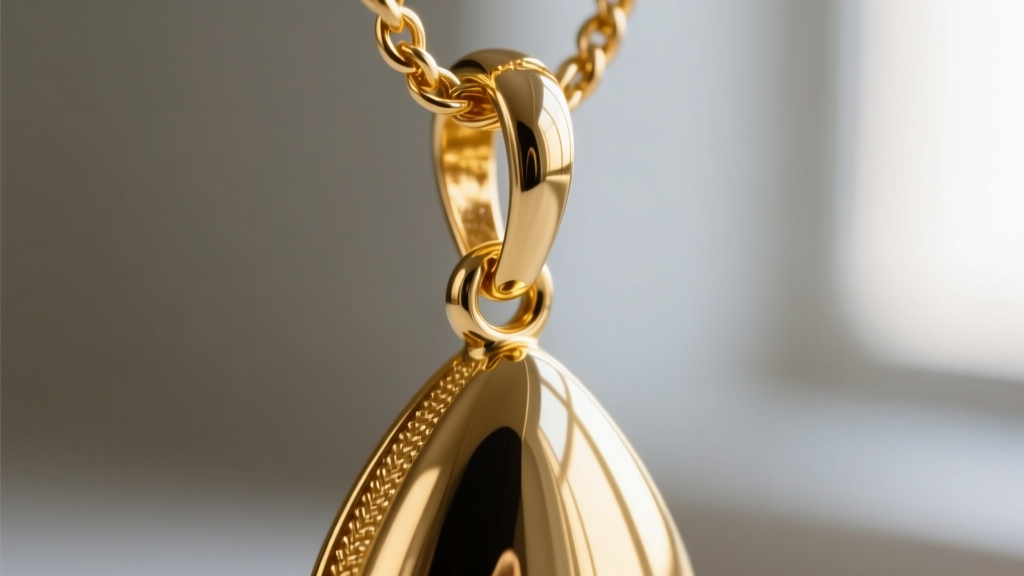
When a heavy element swings, it creates dynamic torque on the jump ring. An unsoldered jump ring will eventually pull apart, losing the pendant. The Gemological Institute of America (GIA) frequently notes that improper setting and joint mechanics are the leading causes of gemstone loss in commercial jewelry.
Jump Ring Engineering Chart
Use the following data table to map your digital pendant weights to the correct physical jump ring specifications. Never rely on the visual thickness of a line in a vector file.
| Pendant Weight | Minimum Wire Gauge | Inner Diameter (ID) | Required Closure Type |
|---|---|---|---|
| Under 5g | 20-Gauge (0.81mm) | 3.0mm - 4.0mm | Butted (Unsoldered) |
| 5g - 15g | 18-Gauge (1.02mm) | 4.0mm - 5.0mm | Soldered or Split Ring |
| 15g - 30g | 16-Gauge (1.29mm) | 5.0mm - 6.0mm | Silver-Soldered |
| Over 30g | 14-Gauge (1.63mm) | 6.0mm+ | Welded / Cast-in-Place |
Gauge Size Discrepancies in Digital Templates
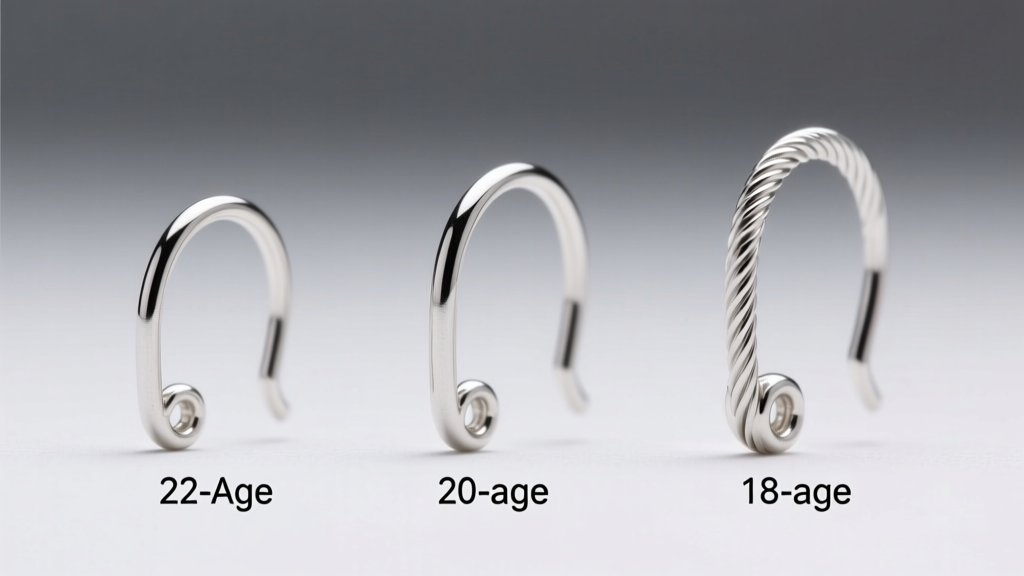
One of the most glaring flaws in any clipart of earrings is the depiction of ear wires and posts. Digital artists routinely draw ear wires as hair-thin lines to maintain visual elegance. If a maker replicates this using 24-gauge or 22-gauge dead-soft wire, the earring will deform the moment it is inserted into the ear or subjected to the weight of a dangle.
The Work-Hardening Reality
Wire hardness is just as critical as gauge thickness. When you bend a wire to form a French hook or a wrapped loop, the metal undergoes work hardening—the crystal lattice deforms, making the metal stiffer and more brittle.
- Ear Wires (French Hooks): Must be crafted from 20-gauge (0.81mm) half-hard wire. Half-hard wire provides the perfect balance of malleability for bending and spring-back tension to stay securely in the earlobe.
- Stud Posts: Digital templates often show needle-thin posts. Physical stud posts must be 18-gauge (1.02mm) or 16-gauge (1.29mm). Anything thinner will bend under the pressure of a friction back or butterfly clutch, eventually snapping due to metal fatigue.
- Headpins for Dangles: Use 22-gauge half-hard for lightweight pearls, but upgrade to 20-gauge if your clipart design features heavy gemstone briolettes.
Material Translation: From Hex Codes to Alloys
A clipart of earrings is often colored using specific digital hex codes (e.g., a vibrant cyan #00FFFF or a deep rose gold #B76E79). Translating these exact colors into physical metals requires an understanding of surface treatments, anodizing, and patinas.
You cannot simply paint jewelry to match a digital mockup; the paint will chip against the skin's natural oils and friction. Instead, use electrochemical processes:
- Matching Bright Colors (Cyan, Purple, Gold): Use Niobium or Grade 5 Titanium. By submerging the metal in an electrolyte bath and applying specific voltages, you can achieve exact colors. For example, exactly 45 volts yields a brilliant cyan, while 90 volts produces a deep green. This anodized layer is integral to the metal and will not flake.
- Matching Rose Gold: True rose gold is an alloy of gold and copper (typically 75% gold, 22.25% copper, 2.75% silver for 18k). If your budget requires base metals, you can achieve a similar visual warmth by using a copper-brass alloy and applying a light liver of sulfur patina, followed by a high-polish on the raised surfaces to create contrast.
For advanced manufacturing and casting alloys, Stuller provides extensive metallurgical data sheets that help designers match digital color concepts to precise karat gold and platinum alloys.
The Maker's Troubleshooting Checklist
Before you send your clipart of earrings design to the laser cutter, casting house, or your own workbench, run it through this physical stress-test checklist:
- The 15-Gram Rule: Have you calculated the volume x density of the final material? If a single earring exceeds 15 grams, redesign with negative space or switch to Titanium.
- The Snag Test: Does the 2D design feature sharp, outward-pointing geometric angles? File all physical edges to a minimum 0.5mm chamfer to prevent tearing clothing or scratching the neck.
- The Swing Test: If the design is a dangle, hold the physical prototype by the ear wire and swing it. Do the jump rings torque open? If yes, solder them or switch to split rings.
- The Post Alignment: In digital clipart, stud posts are often placed perfectly in the center. In reality, top-heavy designs require the post to be soldered slightly higher (off-center) to counteract gravity and keep the earring sitting upright on the lobe.
Conclusion
A clipart of earrings is a blueprint of imagination, not a blueprint of physics. By understanding the metallurgical realities of density, the mechanical necessities of wire hardness, and the structural demands of soldered joints, you can bridge the gap between digital aesthetics and heirloom-quality craftsmanship. Stop letting 2D vectors dictate your 3D failures; engineer your jewelry for the real world, and your designs will be as durable as they are beautiful.