Cross Necklace PNG to CAD: Custom Pendant Fabrication
Learn how to convert a high-res cross necklace PNG into a 3D CAD model for custom casting, laser engraving, and bespoke jewelry fabrication.
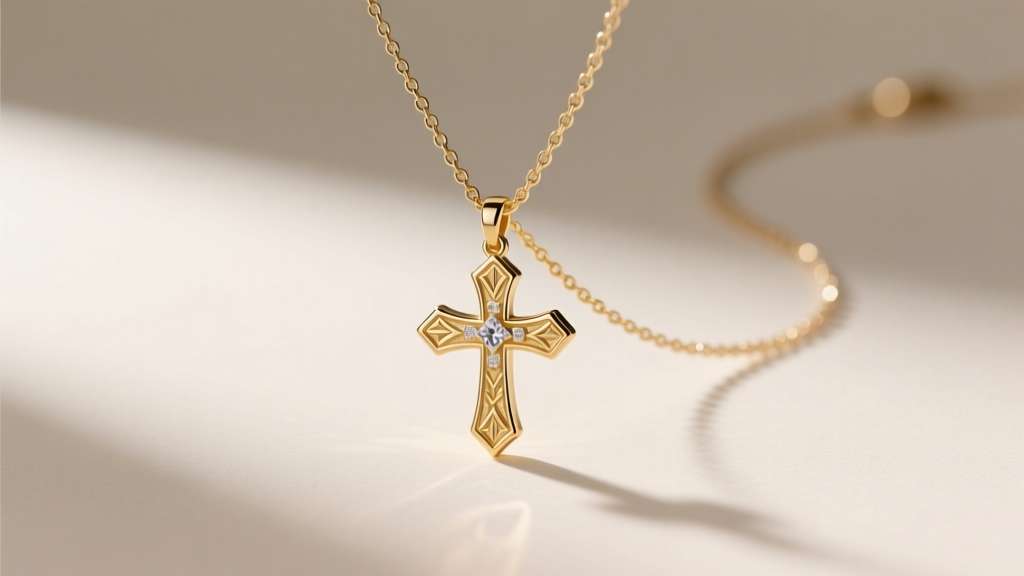
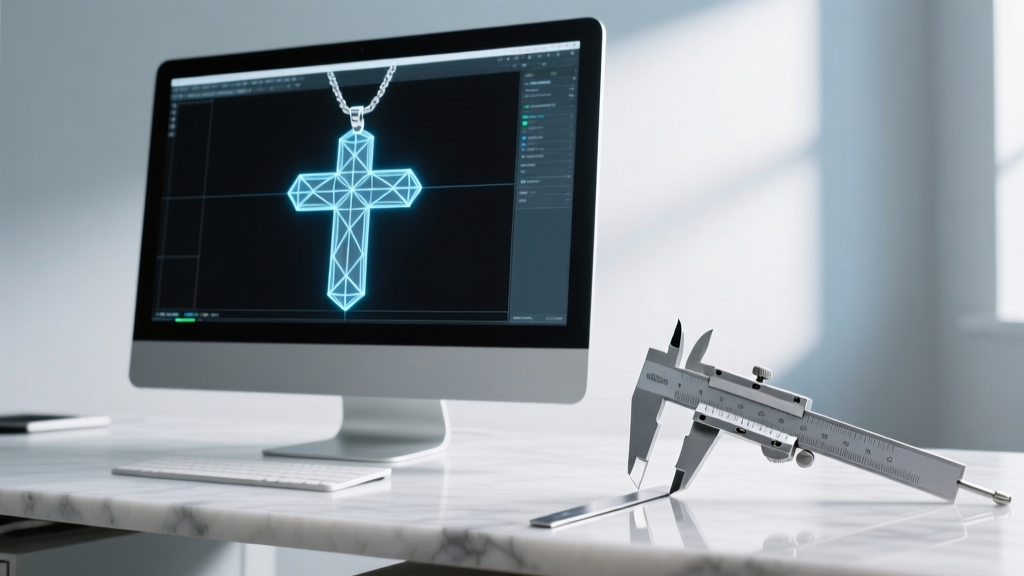
The intersection of digital design and physical metallurgy has completely transformed bespoke jewelry manufacturing in 2026. When a client requests a custom religious or geometric piece, they rarely provide a hand-drawn sketch. Instead, the design process almost always begins with a digital asset—most commonly, a high-resolution cross necklace png sourced from a vector repository, scanned from a vintage catalog, or generated via AI image tools. However, a 2D raster image cannot be sent directly to a CNC mill, a 3D wax printer, or a fiber laser. Bridging the gap between a flat pixel-based file and a tactile, durable metal pendant requires a rigorous technical workflow.
This expert guide details the exact methodology professional jewelers and CAD technicians use to transform a standard cross necklace png into a manufacturable 3D model, complete with precise extrusion metrics, casting shrinkage compensations, and direct-to-metal laser engraving parameters.
Sourcing and Prepping the Raster Asset
The foundation of any successful CAD conversion is the quality of the source raster file. A standard web-optimized cross necklace png typically sits at 72 DPI (dots per inch), which is entirely insufficient for jewelry fabrication. At 72 DPI, the pixelation will translate into jagged, stepped edges when extruded into a 3D environment, resulting in a cast piece that requires hours of manual filing and sanding to clean up.
For professional jewelry CAD, you must upscale or source the image at a minimum of 600 DPI. If you are working with a low-resolution png, utilize AI-driven upscaling software like Topaz Gigapixel or Adobe Lightroom's Super Resolution to reconstruct the edge data without introducing Gaussian blur. Once the resolution is secured, the image must undergo thresholding. Using Photoshop or GIMP, convert the image to pure black and white (bitmap mode). This eliminates anti-aliased gray pixels on the edges, ensuring that the vectorization software has a mathematically definitive boundary to trace.
Vectorization: From Pixels to Mathematical Curves
CAD software such as MatrixGold, Rhino 3D, or Fusion 360 cannot natively extrude a raster png. The image must be converted into a vector format (DXF, SVG, or AI) composed of mathematical Bézier curves. While automated tools like Adobe Illustrator's Image Trace or the open-source Potrace engine can achieve a 90% accurate conversion, the remaining 10% requires manual node editing.
Tolerance and Node Optimization
In jewelry manufacturing, a tolerance of 0.05mm is standard. When importing the vectorized cross into your CAD environment, inspect the curves for 'node bloat'—a common issue where auto-tracers place hundreds of unnecessary anchor points along a straight line. This not only crashes the CAM (Computer-Aided Manufacturing) software but also causes CNC wax mills to stutter, leaving visible chatter marks on the wax model. Use the 'Simplify Curve' or 'Fit Curve' command in Rhino to reduce the node count while maintaining a deviation tolerance of no more than 0.02mm.
Extrusion and 3D Modeling for Lost-Wax Casting
Once the 2D vector profile of the cross is cleaned, it is ready for 3D extrusion. The structural integrity of a pendant relies heavily on its Z-axis thickness. A common mistake among novice designers is extruding the cross to a uniform 0.8mm to save on precious metal weight. In reality, a 0.8mm sterling silver or 14k gold cross pendant is highly susceptible to warping during the quenching phase of casting and will easily bend when subjected to the tension of a heavy chain.
For a standard 25mm x 18mm cross pendant, the ideal base extrusion is 1.4mm, with a domed or beveled front face that adds an additional 0.6mm of depth at the center intersection. This creates a structural 'spine' that resists torsion. Furthermore, the bail (the loop that holds the chain) must be integrated into the CAD model with specific interior dimensions. For a standard 2.5mm rope or box chain, the bail interior should measure exactly 3.5mm x 5.0mm to allow for fluid articulation without excessive friction.
Casting Shrinkage Compensation
Metals shrink as they cool from a liquid state to a solid state. If you design your cross necklace png conversion at a 1:1 scale, the final cast piece will be too small. Professional CAD technicians apply a global scaling factor to the 3D model based on the specific alloy being used. Below is the standard shrinkage compensation table utilized in high-precision jewelry casting facilities.
| Metal Alloy | Average Shrinkage Rate | CAD Scaling Factor | Recommended Investment |
|---|---|---|---|
| Sterling Silver (925) | 1.50% - 2.00% | 1.018 | Gypsum-Bonded |
| 14k Yellow Gold | 1.25% - 1.50% | 1.014 | Gypsum-Bonded |
| 18k White Gold | 1.30% - 1.60% | 1.015 | Phosphate-Bonded |
| Platinum (950/50 Ru) | 1.50% - 2.00% | 1.018 | Phosphate-Bonded |
For a comprehensive breakdown of advanced burnout cycles and flask temperatures, the educational archives at Ganoksin remain the industry gold standard for metallurgical troubleshooting.
Direct Manufacturing: Fiber Laser Engraving
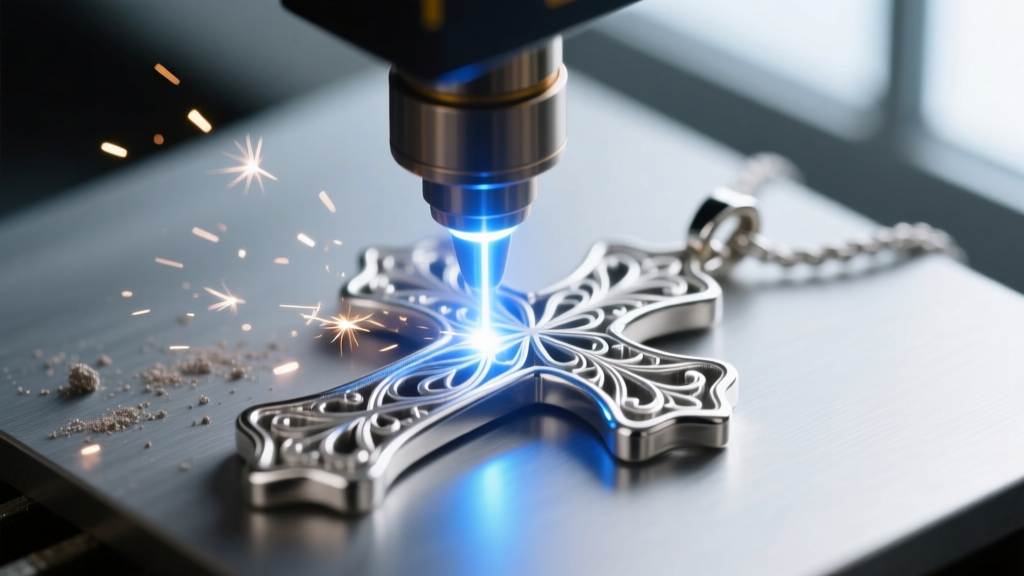
Not all cross pendants are cast. In 2026, direct-to-metal manufacturing via fiber lasers is a highly efficient alternative for flat, geometric cross designs. If your cross necklace png features intricate internal filigree or typography that is too fragile to cast in metal, laser cutting and engraving from a flat sheet of metal is the superior choice.
Using a 20W or 30W MOPA (Master Oscillator Power Amplifier) fiber laser, you can import the vectorized DXF file directly into the laser's CAM software (such as LightBurn). When cutting a 1.2mm sheet of sterling silver, the laser must be set to a high-power, low-speed pass (e.g., 90% power, 4mm/s) to achieve a clean pierce, followed by multiple lower-power passes to widen the kerf and allow the cut piece to drop out. For surface engraving details on a titanium cross blank, adjusting the MOPA laser's pulse width to 100ns at 40% power will yield a deep, high-contrast black mark without compromising the structural integrity of the titanium oxide layer.
Sprue Placement and 3D Printing Resins
If utilizing a resin 3D printer (like the Formlabs or Phrozen Sonic series) to create the master model from your CAD file, sprue placement is critical. The sprue is the channel through which molten metal flows into the mold cavity. For a cross pendant, the sprue should be attached at the thickest intersection—the exact center where the vertical and horizontal beams meet. Attaching the sprue to a thin arm of the cross will result in a 'cold shut,' where the metal freezes before completely filling the mold. Use a 1.5mm round sprue former for silver, and ensure the resin model is fully cured and cleaned in an isopropyl alcohol bath to prevent ash residue during the burnout cycle. For premium casting resins and gypsum investments, Rio Grande offers extensively tested materials tailored for high-resolution jewelry printing.
Finishing and Patina Application
The final step in bringing the digital cross necklace png to life is surface finishing. Cast silver and gold emerge from the investment with a matte, oxidized surface. To highlight the deep recesses and intricate corners of the cross design, a chemical patina is applied. Liver of Sulfur (potassium sulfide) dissolved in warm distilled water will rapidly oxidize the sterling silver, turning the recessed areas pitch black. The raised, polished surfaces are then carefully buffed using a magnetic tumbler with stainless steel shot, which burnishes the metal to a high shine without removing the dark patina from the crevices. This contrast gives the custom cross pendant a rich, antique aesthetic that honors the original 2D design while delivering a premium, heirloom-quality physical product.