How to Draw a Necklace Chain: Step-by-Step Designer Guide
Learn how to draw a necklace chain with our step-by-step guide for jewelry designers. Master link perspective, metallic shading, and drape techniques.
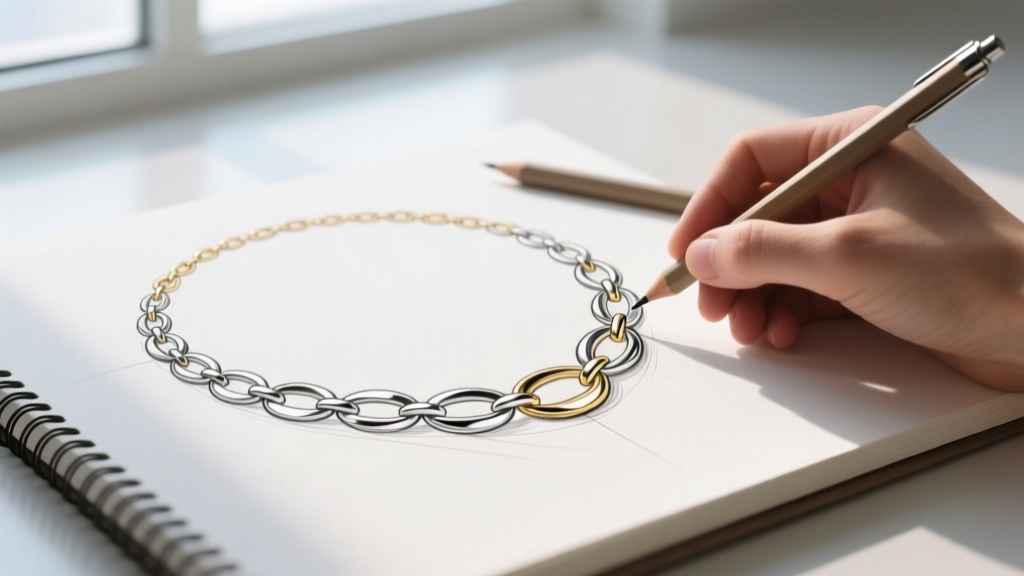
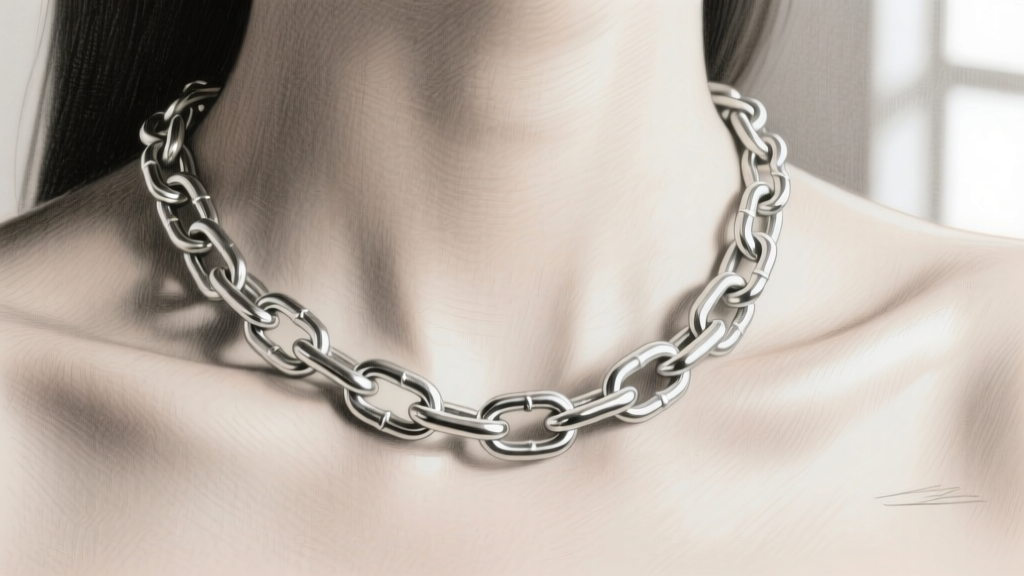
When learning how to draw a necklace chain, the most common pitfall is treating the jewelry as a flat, two-dimensional line rather than a series of interlocking, three-dimensional metallic volumes. Whether you are a fashion illustrator sketching a new collection, a CAD modeler drafting concepts, or a traditional jewelry designer presenting bespoke pieces to clients, accurately rendering chain links requires a deep understanding of geometry, gravity, and light reflection. This comprehensive guide breaks down the exact techniques used by professional jewelry illustrators to draw realistic, dynamic necklace chains.
Understanding Chain Anatomy and Proportions
Before putting pencil to paper or stylus to screen, you must understand the physical proportions of real jewelry chains. According to manufacturing specifications from industry leaders like Rio Grande, chain dimensions are dictated by wire gauge and link aspect ratios. A 2mm cable chain behaves and drapes entirely differently than a 6mm Cuban link chain. Getting the ratio of the wire thickness to the empty space inside the link is crucial for realism.
| Chain Style | Average Width | Typical Wire Gauge | Rendering Difficulty | Key Visual Feature |
|---|---|---|---|---|
| Cable | 1.0mm - 3.0mm | 22g - 18g | Low | Uniform, round interlocking ovals |
| Curb / Cuban | 4.0mm - 12.0mm | 16g - 10g | Medium | Flattened, twisted links that lay flush |
| Figaro | 3.0mm - 6.0mm | 18g - 14g | High | Alternating pattern of long and short links |
| Rope | 2.0mm - 5.0mm | N/A (Twisted) | High | Helical, spiral illusion requiring complex shading |
| Box | 1.5mm - 4.0mm | N/A (Geometric) | Medium | Square, rigid links with sharp specular edges |
Step 1: Mapping the Neckline and Catenary Drape
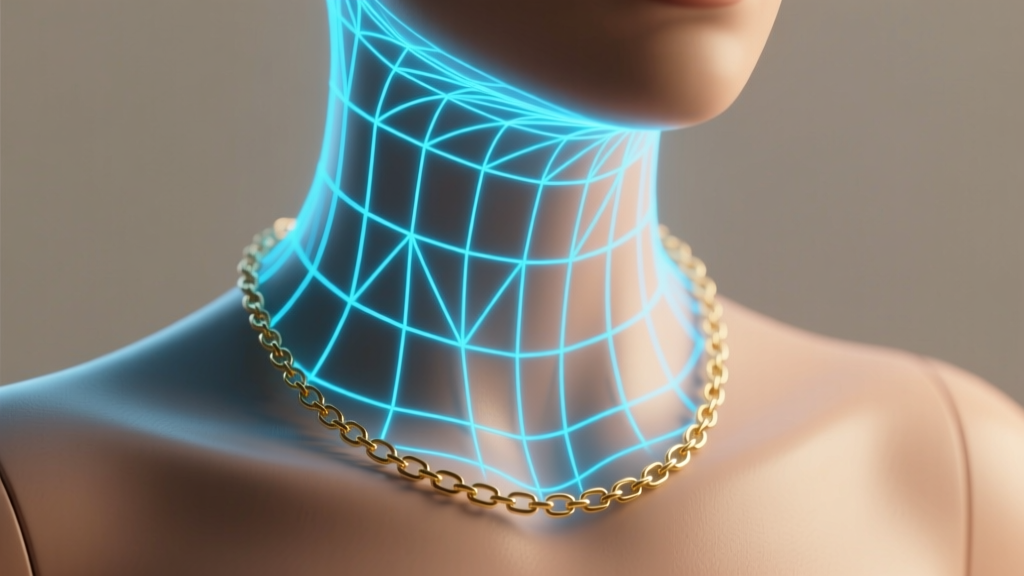
Chains do not form perfect V-shapes or U-shapes when worn. Due to gravity and the flexible nature of interlocking links, a draped chain forms a catenary curve. To map this accurately on a figure:
- Establish the Anchor Points: Mark the base of the neck (cervical vertebrae) and the clavicle notches. These are your primary tension points.
- Draw the Catenary: Sketch a light, sweeping curve that drops deeper in the center and rises sharply toward the anchor points. The heavier the chain (e.g., a 150-gram solid gold Cuban link), the deeper and more pronounced the catenary drop will be due to gravitational pull.
- Account for Anatomy: The chain must wrap around the cylindrical volume of the neck. Use cross-contour lines lightly in your sketch phase to ensure the links follow the 3D curvature of the collarbone and sternum.
Step 2: Drafting Specific Link Styles (The Curb Chain Method)
The curb chain is a staple in jewelry design and an excellent exercise in perspective. Here is the step-by-step method to draw a classic 5mm curb chain:
1. The Centerline and Bounding Boxes
Draw a faint centerline along your catenary curve. Along this line, draw alternating, slightly flattened rectangular bounding boxes. Because a curb chain lays flat against the skin, the links will appear wider than they are tall when viewed from the front.
2. Interlocking Ellipses
Inside each bounding box, draw an elongated ellipse with rounded corners (a stadium shape). The critical rule of interlocking links is that Link B must pass through Link A. To achieve this, erase the inner intersecting lines where Link B overlaps Link A, creating the illusion that one link is threaded through the other.
3. Adding Wire Volume and Bevels
Curb chains are manufactured by twisting and flattening round wire. Therefore, the edges of your links should not be razor-sharp. Add a secondary inner line to represent the beveled edge of the flattened wire. This inner line will catch the light differently than the flat top surface of the link.
Step 3: Shading Metallic Textures and Highlights
Drawing metal is fundamentally different from drawing matte surfaces like skin or fabric. Metals are highly reflective; they do not possess a strong 'local color' but instead reflect the environment around them. The Gemological Institute of America (GIA) notes that the alloy composition of gold (e.g., 14k vs. 18k) subtly shifts its reflective hue, but the shading principles remain constant.
The Golden Rule of Metal Shading: High contrast is mandatory. A realistic metallic rendering requires deep, dark ambient occlusion shadows right next to blindingly bright specular highlights. If your chain drawing looks 'muddy' or flat, you are lacking pure white highlights and pure black shadows.
Shading Silver vs. Gold
- Sterling Silver & Platinum: Use cool grays, blues, and stark whites. The shadows should lean toward slate blue, while the specular highlights must remain pure white to simulate a mirror-like finish.
- Yellow Gold (14k & 18k): Use warm mid-tones (ochre, raw sienna) for the base. The shadows should be rich browns and deep umbers. The highlights on gold are slightly warmer than silver but should still approach pure white at the peak of the reflection.
- Rose Gold: Introduce subtle copper and salmon tones into the mid-tones, keeping the shadows in the warm burgundy spectrum.
Digital Workflow: Procreate and Photoshop Brush Settings
For digital jewelry illustrators, rendering hundreds of individual links can be tedious. Utilizing the right software settings can drastically improve your workflow when figuring out how to draw a necklace chain efficiently.
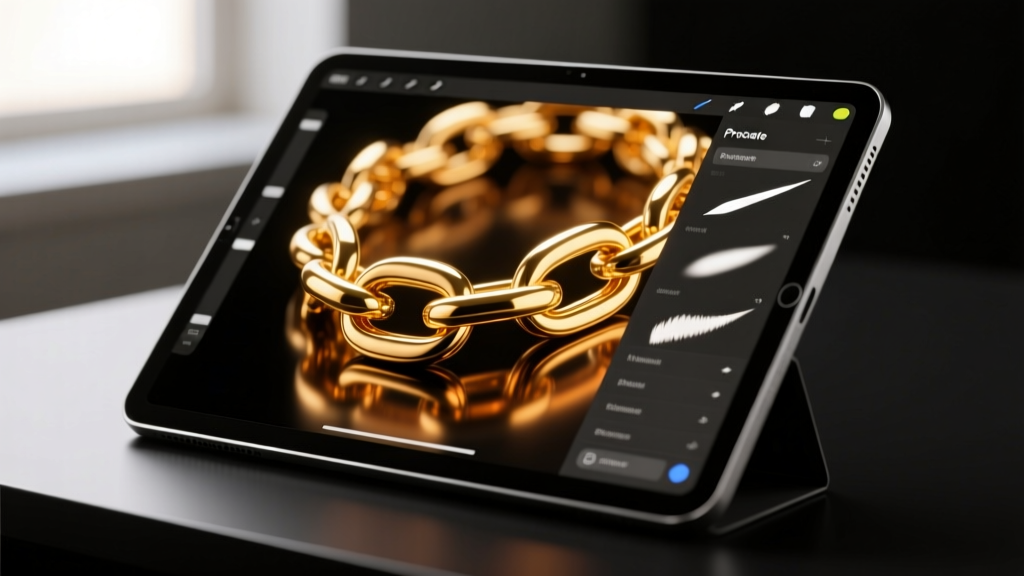
- StreamLine / Stabilization: Set your brush StreamLine to 15-20%. This smooths out micro-jitters in your hand, ensuring your elliptical chain links remain perfectly symmetrical and crisp.
- Spacing and Scatter: For delicate cable chains, you can create a custom brush. Set the shape source to a single oval, adjust the spacing to roughly 110%, and enable a slight 5-degree rotation jitter. This allows you to 'stamp' a continuous chain along a curved path in seconds.
- Clipping Masks for Highlights: Once your base chain silhouette is drawn, use a clipping mask on a new layer. Select a hard, opaque airbrush and drag pure white across the top edges of the links to instantly create uniform specular highlights that conform to the chain's curve.
Common Mistakes to Avoid in Chain Illustration
Even experienced fashion illustrators often stumble when rendering fine jewelry. Avoid these critical errors to elevate your portfolio:
- Ignoring the Clasp: A chain without a clasp looks like a floating loop. Always render the jump ring and lobster clasp or spring-ring clasp at the nape of the neck or the side of the collarbone. The clasp is usually thicker and less reflective than the chain links.
- Uniform Flatness: Chains twist as they drape. Not every link will be perfectly face-on. Incorporate foreshortening by drawing some links from a side profile (appearing as thin, dark lines) to show the chain naturally twisting along the catenary curve.
- Over-blending: Never use a smudge tool on metal. Metal reflections have hard, crisp edges. Blending your highlights will turn your shiny gold chain into dull, matte plastic.
Mastering how to draw a necklace chain requires patience, observation, and a solid grasp of metallic optics. By breaking the chain down into its geometric components, respecting the physics of the catenary drape, and applying high-contrast shading, you can render jewelry that looks heavy, luxurious, and undeniably real.