Mastering Necklace Product Photography: Troubleshooting Guide
Solve common necklace product photography issues. Learn expert troubleshooting for chain glare, macro focus stacking, and gemstone color accuracy.
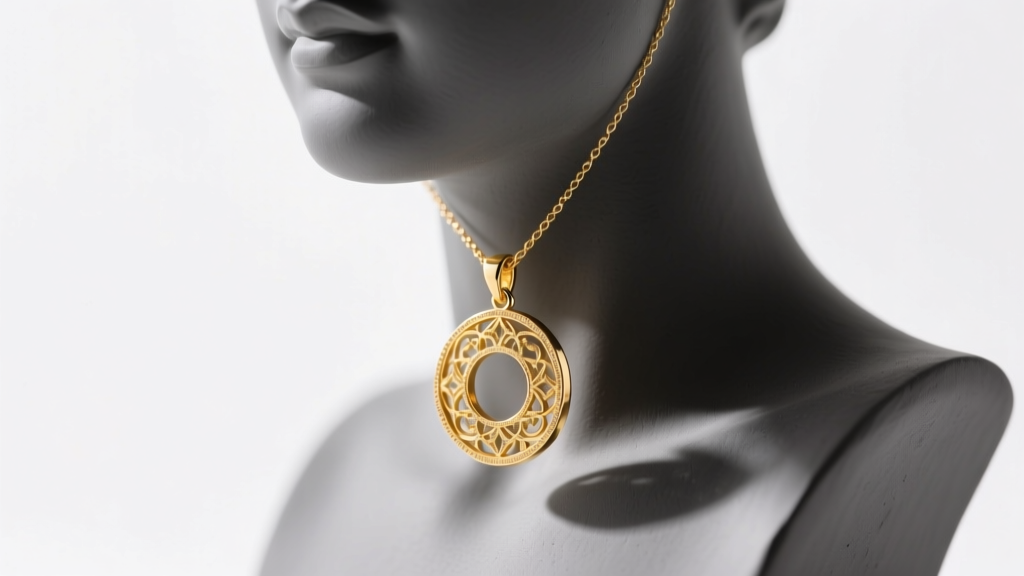
Necklace product photography presents a unique matrix of optical challenges that separate amateur e-commerce listings from high-end editorial campaigns. Unlike rings or earrings, necklaces span a large vertical plane, feature highly reflective cylindrical chain links, and often suspend heavy gemstone pendants that demand precise focal depth. When troubleshooting a failed shoot, the issues almost always trace back to three core variables: uncontrolled specular highlights, inadequate depth of field, and inaccurate color rendering. This guide provides actionable, technical solutions to the most persistent problems encountered in modern jewelry studios.
Troubleshooting Chain Reflections and Glare
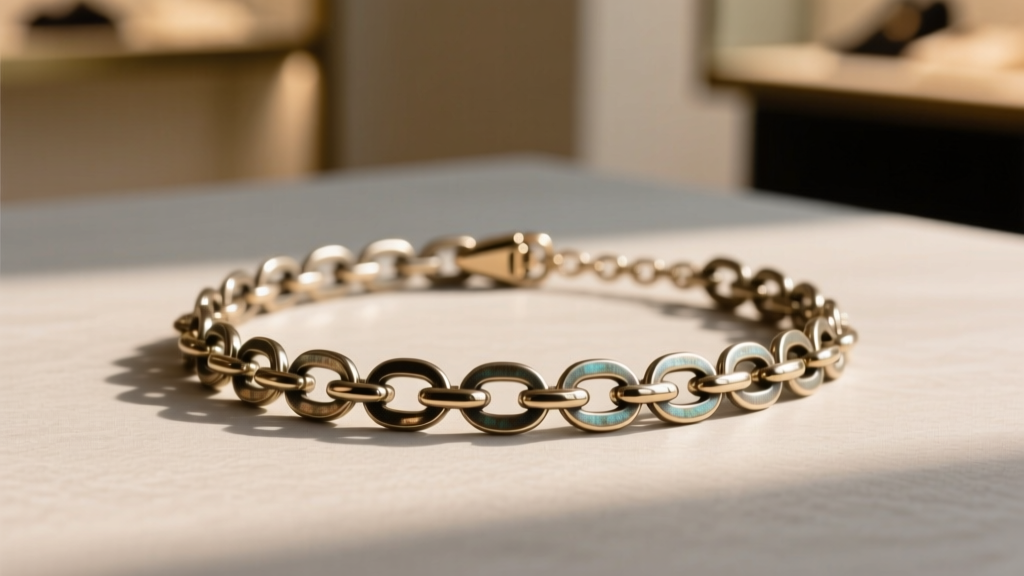
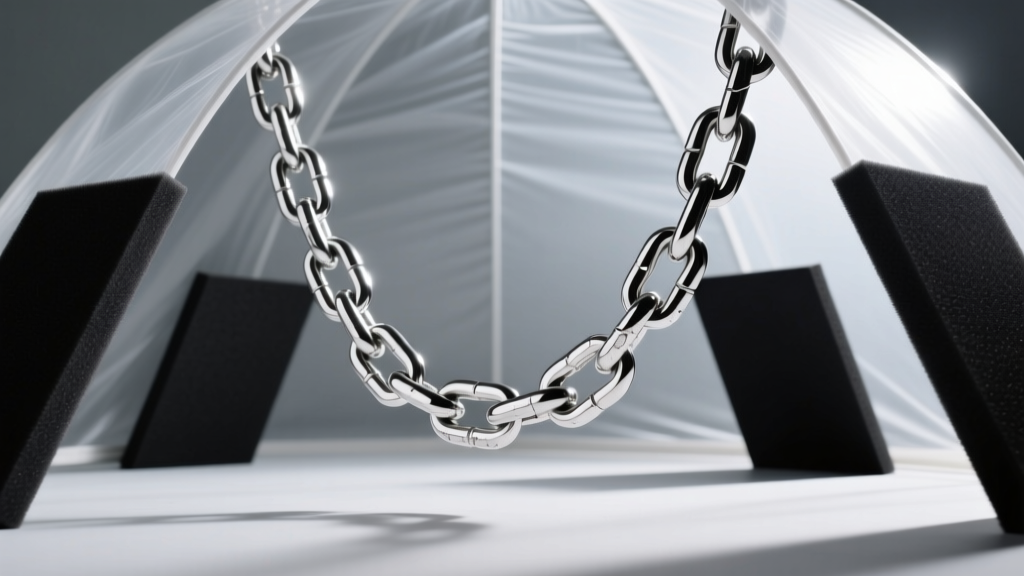
The most frequent complaint in necklace photography is that silver, platinum, and white gold chains act like cylindrical mirrors, reflecting the entire studio environment—including the photographer, light stands, and camera lenses. Because a snake chain or cable link consists of continuous curved surfaces, a standard softbox will create a blown-out white streak across the entire length of the metal.
The Diffusion and Negative Fill Solution
To solve this, you must abandon direct lighting and embrace complete diffusion combined with negative fill. Enclose the necklace in a specialized jewelry diffusion tent or construct a custom sweep using translucent rip-stop nylon. However, diffusion alone turns white gold into flat, lifeless grey metal. You must introduce black negative fill to create contrast.
- Step 1: Position two large diffusion panels at 45-degree angles to the necklace.
- Step 2: Place black foam core boards just outside the diffusion panels. The metal will reflect the black boards, creating sharp, dark graduation lines that define the cylindrical shape of the chain links.
- Step 3: Use a narrow snoot or strip box from behind to create a subtle rim light, separating the chain from the background without causing frontal glare.
Solving the "Floating Pendant" and Scale Issues
A pendant suspended on an invisible line often looks disconnected and lacks a sense of scale, while laying it flat on a glass table destroys the natural drape of the chain. The troubleshooting fix lies in advanced styling materials and strategic bust selection.
Styling with Fluorocarbon and Museum Wax
Never use standard nylon fishing line, as it catches light and creates a milky glare. Instead, use 20lb fluorocarbon fishing line, which has a refractive index nearly identical to water, rendering it virtually invisible under studio strobes. For maintaining the drape of the chain on a flat surface, use micro-dots of conservation-grade museum wax (such as Quakehold) to tack the links down in a natural parabolic curve.
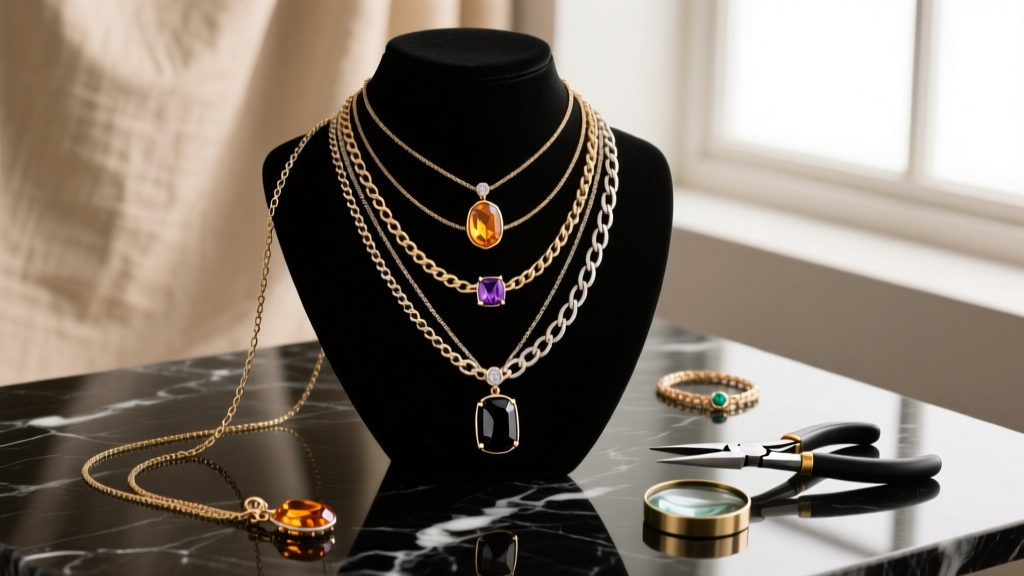
When using display busts, avoid glossy white polyurethane, which causes bounce-light contamination on the lower half of the pendant. Opt for matte charcoal grey or deep slate silicone busts. These mid-tone, non-reflective surfaces absorb stray light and provide the ideal neutral baseline for custom white balancing in post-production.
Overcoming Depth of Field Limitations in Macro
When shooting a 25mm pendant at a 1:1 macro ratio, the depth of field (DOF) at a standard f/2.8 aperture is less than a millimeter. The bail will be sharp, but the gemstone table and the clasp will blur into oblivion. The instinctive reaction is to stop the lens down to f/22. This introduces a severe optical penalty: diffraction. At f/22, light waves bend around the aperture blades, causing Airy disks to overlap and softening the entire image.
Implementing Focus Stacking Workflows
The professional troubleshooting standard is focus stacking. By shooting a sequence of images at the lens's sharpest aperture (usually f/5.6 or f/8) and incrementally shifting the focal plane, you bypass diffraction entirely. According to technical guides from B&H Photo Video Explora, focus stacking is mandatory for high-resolution e-commerce jewelry catalogs.
| Technique | Aperture Range | Pros | Cons |
|---|---|---|---|
| Single Shot (Stopped Down) | f/16 - f/22 | Fast workflow, single capture | Severe diffraction, loss of micro-contrast |
| Focus Stacking | f/5.6 - f/8 | Maximum optical sharpness, infinite DOF | Requires rail, software (e.g., Helicon Focus), static subject |
| Tilt-Shift Lens | f/8 - f/11 | Optical DOF manipulation in-camera | Expensive gear, steep learning curve, limited to flat planes |
Fixing Color Casts on Gemstone Pendants
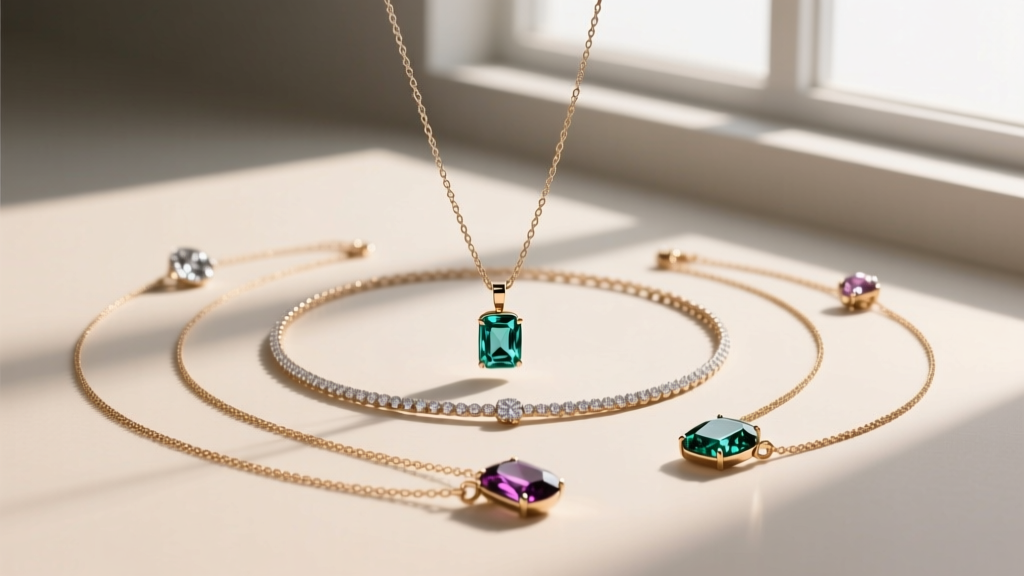
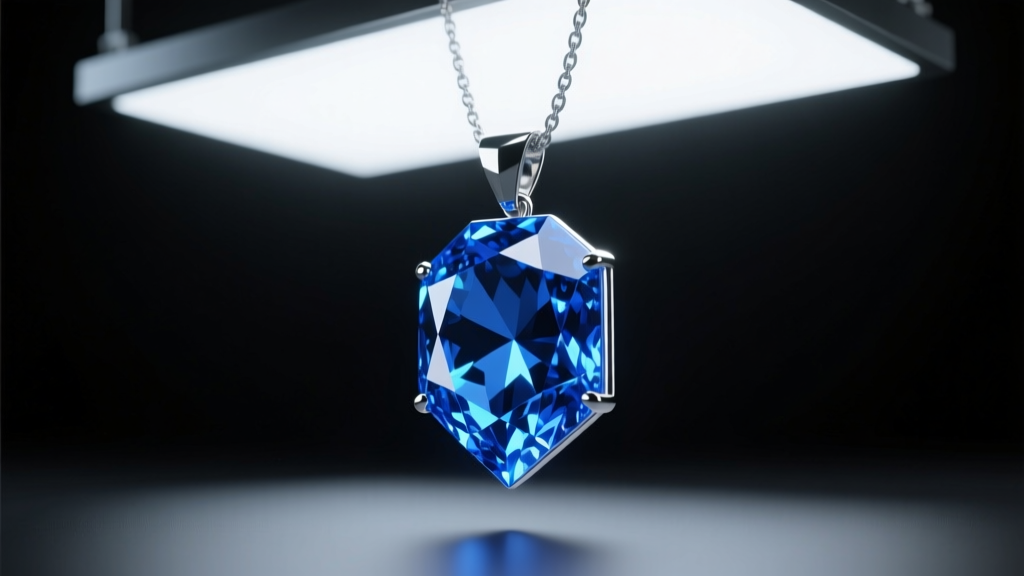
Gemstones like emeralds, sapphires, and tanzanites are notoriously difficult to expose correctly. A common troubleshooting scenario involves a sapphire pendant that looks black and lifeless in photos, or an emerald that appears muddy and brown. This is rarely a camera sensor issue; it is almost always a lighting spectrum failure.
CRI Ratings and Metamerism
Standard office or cheap studio LEDs often have a Color Rendering Index (CRI) of 80, meaning they lack the full light spectrum required to excite the specific trace elements (like vanadium or chromium) inside a gemstone. You must upgrade to continuous LED panels with a CRI of 95+ and a TLCI (Television Lighting Consistency Index) of 95+.
Furthermore, beware of metamerism—where a gemstone looks vibrant under 5500K daylight but shifts color under warmer tungsten tones. The GIA Gem Encyclopedia emphasizes that standardized D65 daylight (approximately 6500K) is the global benchmark for accurate gemstone color grading and photography. Always set a custom white balance using an 18% grey card placed exactly where the pendant sits, rather than relying on Auto White Balance (AWB), which will attempt to neutralize the vibrant colors of the stone itself.
Post-Processing Fixes for Common Necklace Flaws
Even with a flawless lighting setup, environmental dust and microscopic metal imperfections will plague your raw files. Necklaces, particularly those with intricate filigree or milgrain edges, act as magnets for static-charged dust particles.
Frequency Separation and Dust Mapping
Do not use the standard clone stamp tool to remove dust from a textured gold chain, as it will blur the intricate link patterns. Instead, utilize Frequency Separation in Photoshop. By separating the image into a high-frequency layer (texture and dust) and a low-frequency layer (color and tone), you can heal the dust particles on the high layer without destroying the underlying metal grain or the gradient reflections you worked so hard to light.
Additionally, inspect the clasp and jump rings. A frequent manufacturing flaw is a slightly open jump ring or a lobster clasp that doesn't sit perfectly flush. Use the Liquify tool with a very small, feathered brush to gently nudge metal components into perfect alignment, ensuring the hardware looks secure and premium to the end consumer.
Summary
Troubleshooting necklace product photography requires moving beyond basic exposure settings and treating the shoot as an exercise in optical physics. By controlling cylindrical reflections with negative fill, utilizing fluorocarbon for invisible styling, adopting focus stacking to eliminate diffraction, and demanding high-CRI lighting for gemstone accuracy, you can consistently produce flawless, high-converting jewelry imagery.