How to Clean and Maintain Your Rotating Jewelry Display
Learn expert cleaning and maintenance tips for your rotating jewelry display. Protect acrylic, wood, and motors while keeping jewelry tarnish-free.
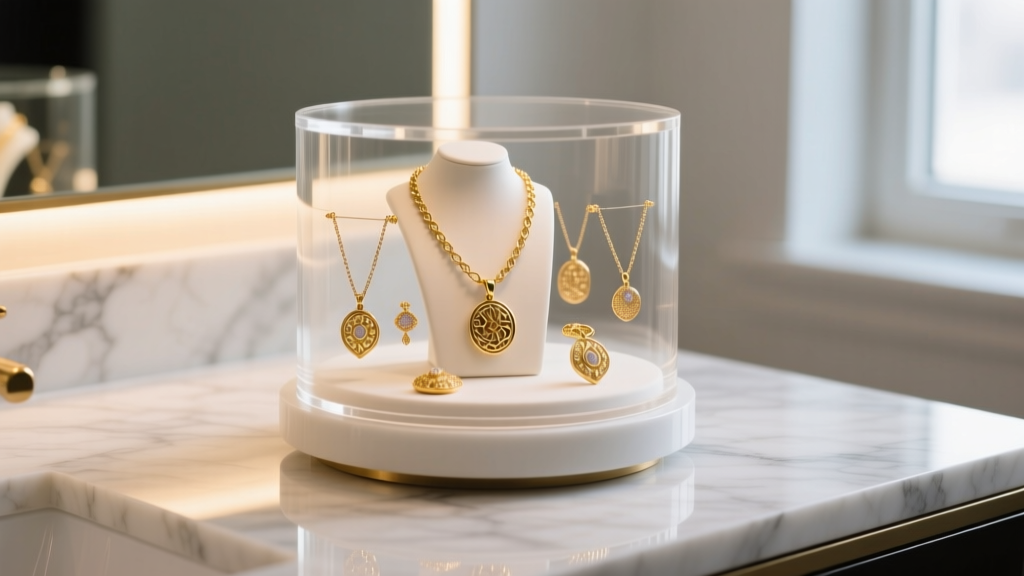
The Hidden Maintenance Needs of Dynamic Storage
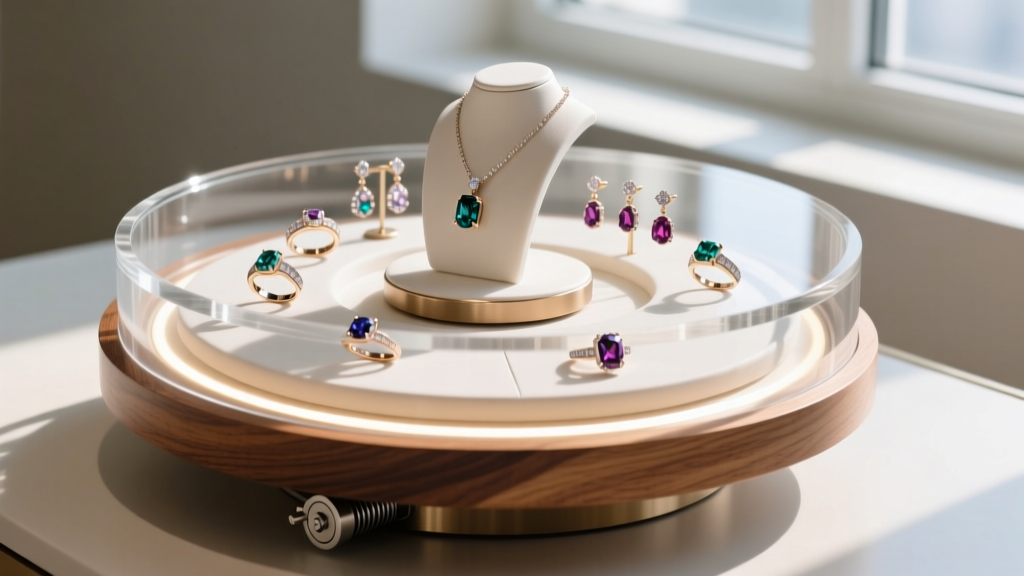
A rotating jewelry display is more than just a storage solution; it is a dynamic, mechanical showcase that keeps your collection accessible and tangle-free. However, the combination of moving parts, mixed materials (like acrylic, wood, and glass), and constant exposure to ambient dust and skin oils creates a unique maintenance challenge. Neglecting your display doesn't just make it look dull—it can actively damage your jewelry through tarnish transfer, micro-scratches, and chemical off-gassing.
As a core component of modern jewelry organization, a motorized or manual carousel requires a specific care regimen. In this comprehensive guide, we break down the exact cleaning protocols, mechanical maintenance routines, and preventative measures you need to keep your rotating jewelry display functioning flawlessly and your collection in pristine condition.
Material-Specific Cleaning Protocols
The most common mistake collectors make is using a universal glass cleaner on every surface of their display. This is a critical error. Different display materials react differently to the ammonia, alcohols, and silicones found in standard household cleaners. Using the wrong chemical can cause irreversible micro-crazing (tiny internal cracks) in plastics or leave a silicone residue on wood that transfers directly to your porous gemstones.
Acrylic (PMMA) vs. Polystyrene
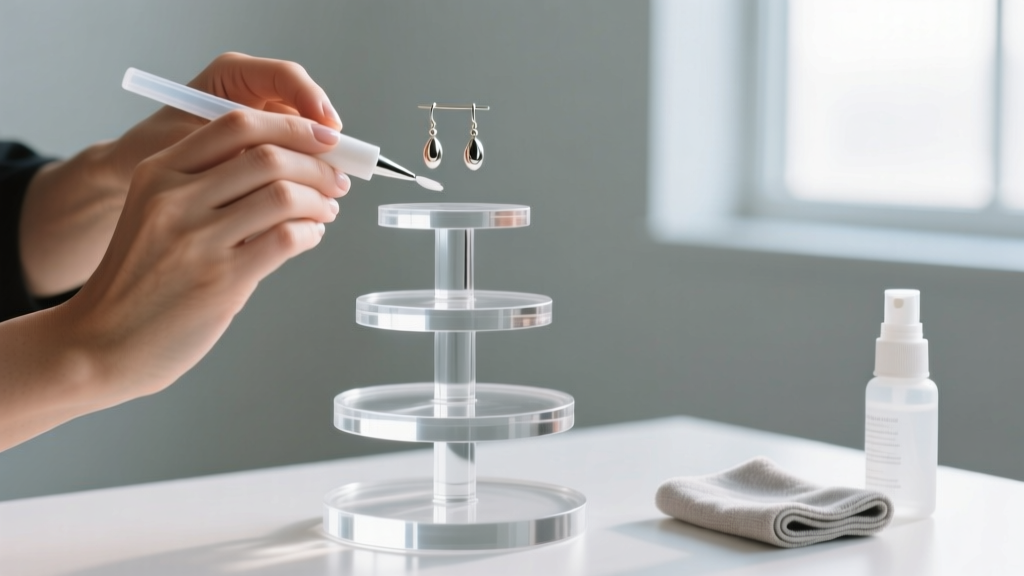
High-end rotating displays are typically made from cast acrylic (Polymethyl methacrylate, or PMMA). Acrylic is highly optically clear but extremely sensitive to ammonia and harsh alcohols. Never use Windex or standard glass cleaners on an acrylic rotating jewelry display. Instead, use a dedicated plastic polish system, such as the Novus Plastic Cleaners line. Novus #1 cleans safely, while Novus #2 removes fine scratches that accumulate from sliding jewelry in and out of the tiers.
Cheaper displays may use polystyrene, which is even more brittle and prone to clouding. Stick to mild, non-ionic surfactants (like a drop of Dawn dish soap in distilled water) and a clean, lint-free microfiber cloth. Never use paper towels, as the wood pulp fibers will permanently scratch the plastic.
Wood and Veneer Bases
Wooden bases and tiers require hydration but despise silicone. Avoid aerosol furniture polishes (like Pledge), which leave a slick, waxy buildup. Over time, this silicone layer traps dust and can transfer to silver jewelry, accelerating tarnish. Instead, use a light application of pure carnauba wax or a specialized wood cleaner like Murphy's Oil Soap, applied with a soft cotton cloth. Buff it completely dry to prevent any moisture from warping the wood near the motor housing.
| Material | Recommended Cleaner | Best Tool | Strictly Avoid |
|---|---|---|---|
| Cast Acrylic (PMMA) | Novus #1 or mild soapy distilled water | Optic-grade microfiber | Ammonia, Windex, Paper Towels |
| Wood / Veneer | Murphy's Oil Soap, Carnauba Wax | Soft cotton lint-free cloth | Silicone aerosols, excess water |
| Tempered Glass | Isopropyl alcohol (70%) or glass cleaner | Squeegee or microfiber | Abrasive sponges |
| Velvet Linings | Distilled white vinegar (spot clean) | Soft bristle brush, vacuum | Soaking, harsh detergents |
Motor and Mechanical Maintenance
If your rotating jewelry display is motorized, the base houses a small synchronous AC motor (commonly the TYD-50 series) or a brushless DC motor. While these motors are generally sealed and require no internal lubrication, the external turntable track and gear housing are highly susceptible to environmental debris.
Track Cleaning and Lubrication
Dust, pet hair, and skin cells inevitably fall into the seam where the rotating platform meets the stationary base. Over time, this debris mixes with ambient humidity to form a gritty paste that strains the motor and causes stuttering. Every three months, use a can of compressed air to blow out the turntable seam. Follow this by applying a microscopic amount of PTFE (Teflon) dry lubricant to the track.
Critical Warning: Never use standard WD-40 or wet oils on your display's moving parts. Wet lubricants attract dust, creating a thick sludge that will eventually seize the nylon gears. PTFE dry lube evaporates its carrier solvent quickly, leaving behind a frictionless, dust-repellent film.
Load Balancing to Prevent Gear Stripping
Most desktop rotating displays have a maximum weight capacity between 2 and 5 pounds. However, how you distribute that weight matters more than the total mass. Placing heavy items (like chunky gold chains or large beaded necklaces) entirely on one side of the carousel creates eccentric loading. This uneven lateral force puts immense stress on the internal plastic spur gears, leading to stripped teeth and a permanently broken display. Always distribute heavy jewelry evenly across the tiers to maintain a centered center of gravity.
Preserving Linings and Preventing Tarnish Transfer
The interior linings of your display—usually velvet, microfiber, or faux suede—are in direct contact with your jewelry. These fabrics trap dead skin cells, cosmetic residues, and moisture, which can lead to localized tarnishing of silver and copper alloys.
Deep Cleaning Velvet and Microfiber
According to the Gemological Institute of America (GIA), jewelry should be stored in a dry, chemically neutral environment to prevent degradation. To maintain this environment inside your display, vacuum the velvet tiers monthly using a brush attachment wrapped in a sheer nylon stocking (to prevent snagging or sucking up small earring posts). For stubborn cosmetic stains on the fabric, lightly mist the area with distilled white vinegar and blot—never rub—with a clean microfiber towel. Allow it to air dry completely before placing jewelry back inside.
Integrating Anti-Tarnish Solutions
Because a rotating display is constantly moving air across your jewelry (which can accelerate oxidation compared to a sealed, static box), you must proactively combat tarnish. Tuck 3M Anti-Tarnish strips into the hidden cavities or beneath the bottom tier of the display. These strips absorb airborne sulfides and chlorides for up to six months. For high-value sterling silver pieces, consider lining the bottom tier with Pacific Silvercloth, a specialized fabric embedded with microscopic silver particles that intercept and neutralize tarnish-causing gases before they reach your jewelry.
Troubleshooting Common Rotating Display Issues
Even with meticulous care, mechanical displays can develop quirks over time. Use this diagnostic guide to identify and resolve common operational issues without needing to replace the entire unit.
- Symptom: The display stutters or stops every few inches.
Diagnosis: This is usually caused by debris in the turntable track or an overloaded motor capacitor. Fix: Remove all jewelry, clean the track with compressed air, and ensure you haven't exceeded the manufacturer's weight limit. If the issue persists, the internal capacitor may be failing, requiring a base replacement. - Symptom: A high-pitched squeaking or grinding noise.
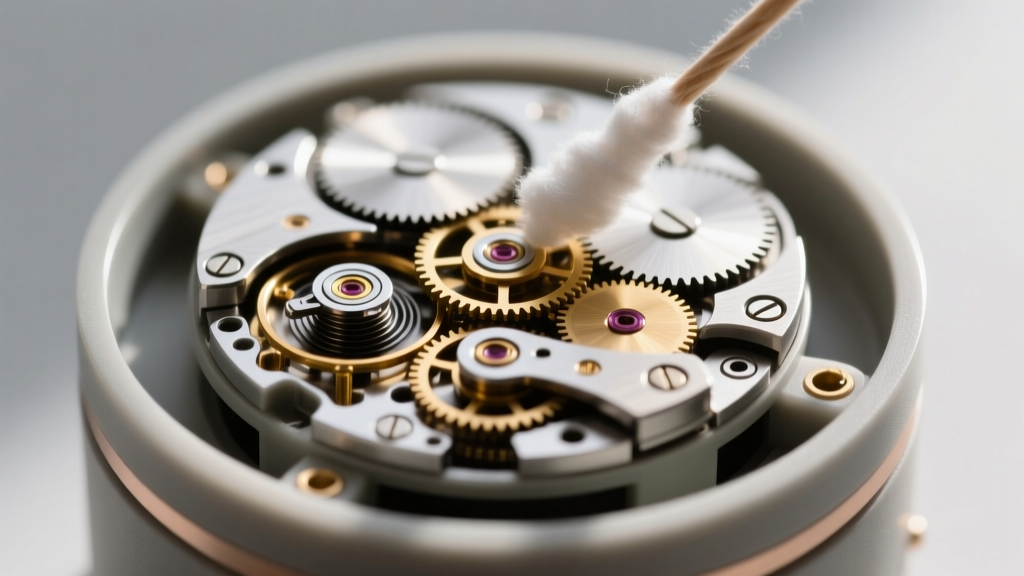
Diagnosis: The nylon gears or the central spindle are running dry, or dust has formed an abrasive paste. Fix: Clean the spindle area with a cotton swab dipped in isopropyl alcohol to remove old grime, let it dry, and apply a single drop of PTFE dry lubricant to the central axis. - Symptom: The platform wobbles or tilts during rotation.
Diagnosis: Eccentric loading (uneven weight distribution) or a warped base. Fix: Redistribute your heavier necklaces and bracelets evenly around the carousel. If the display is empty and still wobbles, check the rubber leveling feet on the bottom of the base; one may have degraded or fallen off, requiring a simple adhesive replacement. - Symptom: The LED lights flicker but the motor runs fine.
Diagnosis: A loose slip-ring connection (the mechanism that transfers power from the stationary base to the rotating top). Fix: Gently clean the metal contact points on the underside of the rotating platform with a fiberglass scratch pen or a cotton swab and electronics cleaner to restore a solid electrical connection.
Final Thoughts on Display Longevity
Treating your rotating jewelry display as a precision instrument rather than a simple piece of furniture will drastically extend its lifespan. By respecting material-specific cleaning boundaries, maintaining the mechanical track with dry lubricants, and actively managing tarnish-causing environments, you ensure that your storage solution remains as brilliant as the collection it holds. Regular, mindful maintenance takes only minutes a month but guarantees your jewelry is always presented beautifully, safely, and ready to wear.